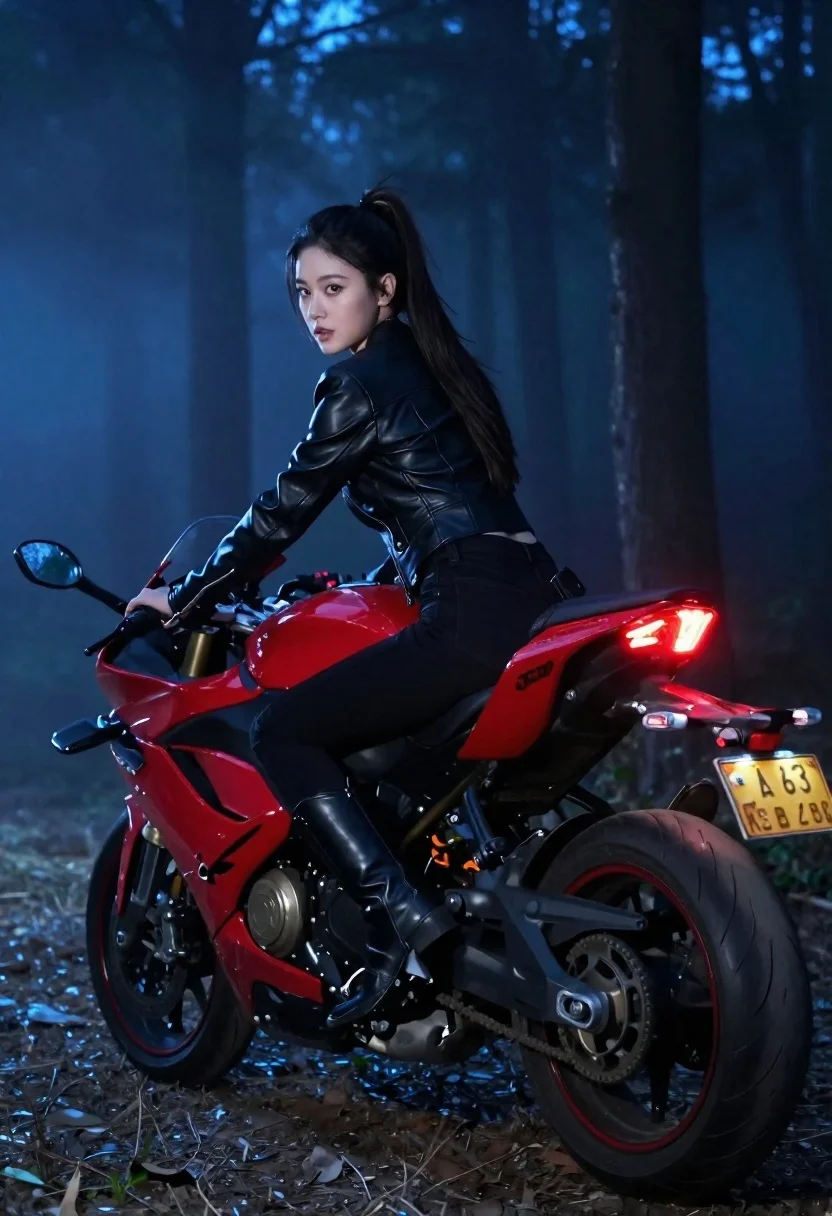
Young asian woman on red motorcycle in misty forest at night
Prompt
A young woman with dark hair tied in a ponytail sits on a red sport motorcycle in a forest at night.

Subject: A young Asian woman with long dark hair pulled back into a high ponytail, looking over her shoulder at the camera with an intense expression.

Clothing: She wears a black leather jacket and matching black pants, along with black riding boots.

Action: The woman is seated on the bike in profile, leaning slightly forward while looking back, as if she has just stopped or paused during a ride.

Environment: A dark, misty forest at night with tall tree trunks visible in the background, illuminated by cool blue ambient light.

Lighting: Dramatic cinematic lighting with a strong contrast between the warm glow of the motorcycle's red taillight and the cool blue tones of the surrounding fog and shadows.

Camera: Shot from a low angle to emphasize the bike and rider, capturing the motion blur of the rear tire kicking up dirt and dust into the air.

Style Details: High-contrast cinematic photography with a moody atmosphere, sharp focus on the subject against a slightly blurred background, emphasizing speed and intensity.
Description
This prompt is useful for creating movie poster concepts, high-octane video game key art, and dramatic editorial spreads featuring vehicles. The combination of 'low angle' perspective with the contrast between the 'warm glow of the motorcycle's red taillight' and the 'cool blue ambient light' heightens the drama, while specifying motion blur grounds the scene in kinetic energy suitable for action-oriented visuals.
Suggestions
- Change 'red sport motorcycle' to 'matte black sport motorcycle' for a more stealthy look.
- Swap 'high ponytail' for 'loose dark hair' to soften the intensity.
- Add 'bokeh effect' to the background to enhance the misty depth.
Category
Tags
FemaleForestLow AngleOutdoorsRealisticSportswear
Date added
June 19, 2026
Added by
PromptDexter Team
Related Prompts
More prompts with similar categories and tags.
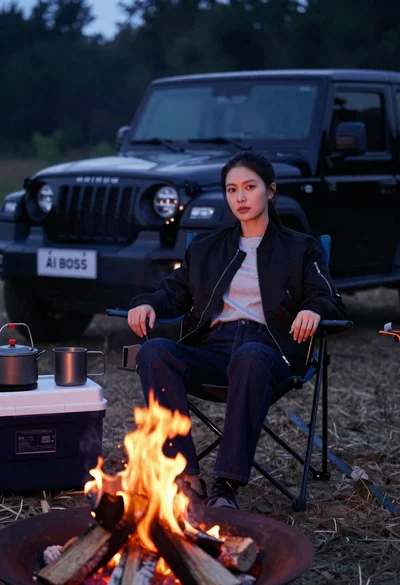
Woman sitting in camping chair by campfire with suv at night
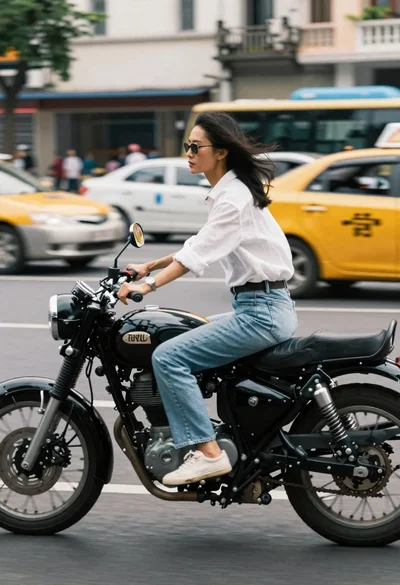
Woman riding a black motorcycle on a busy city street
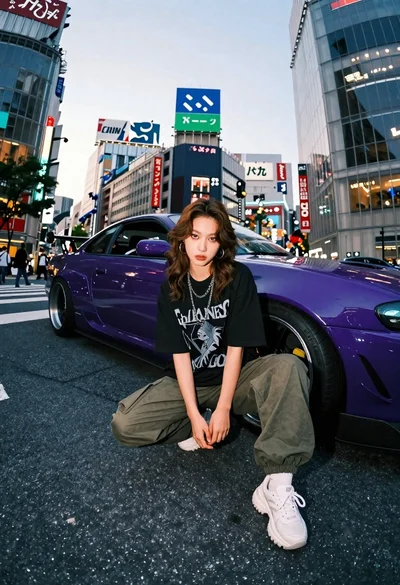
Young woman in oversized shirt crouching by purple car in city
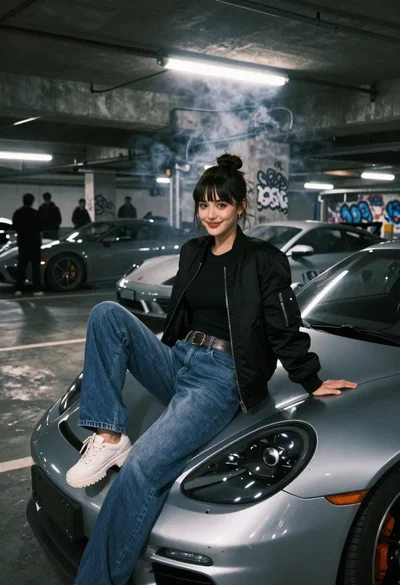
Young woman in black bomber jacket sitting on silver sports car hood
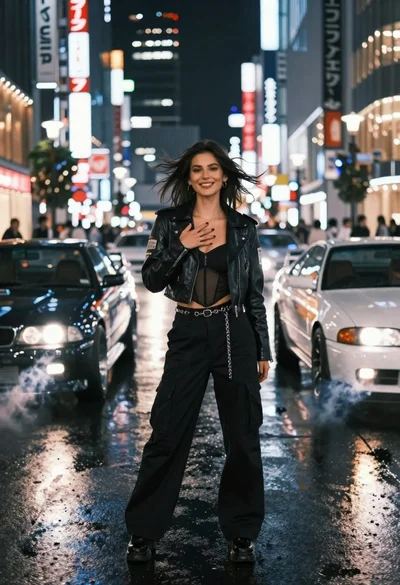
Confident woman in black leather jacket stands on wet city street at
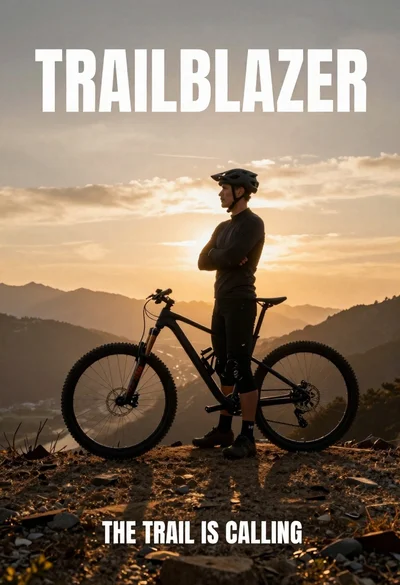
Fit male cyclist in black gear stands next to mountain bike on
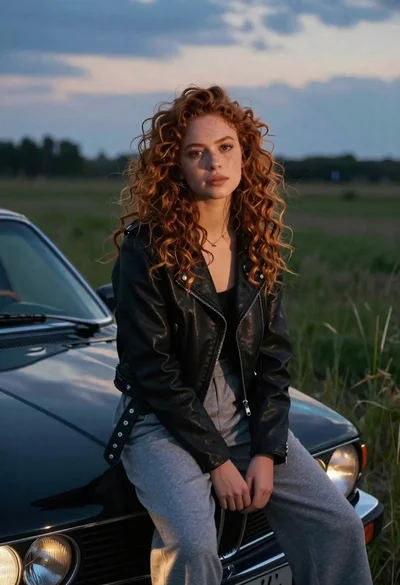
Young woman with curly hair sitting on a vintage car in a
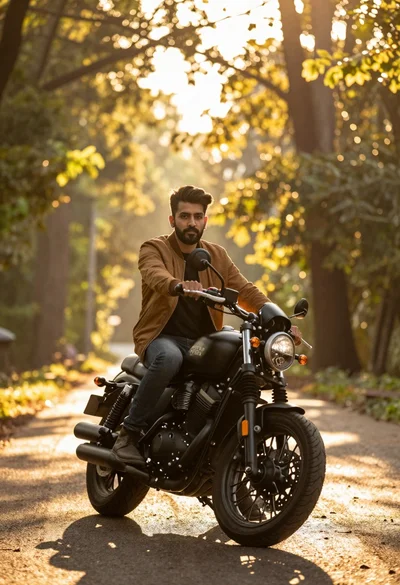
Man sitting on black motorcycle in sundrenched forest clearing at golden hour
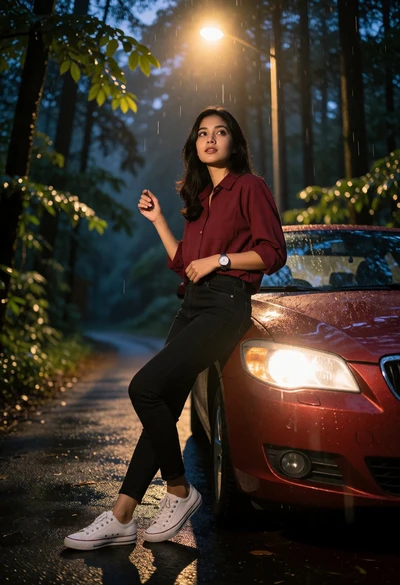
Young woman leaning on red car on a wet forest road at
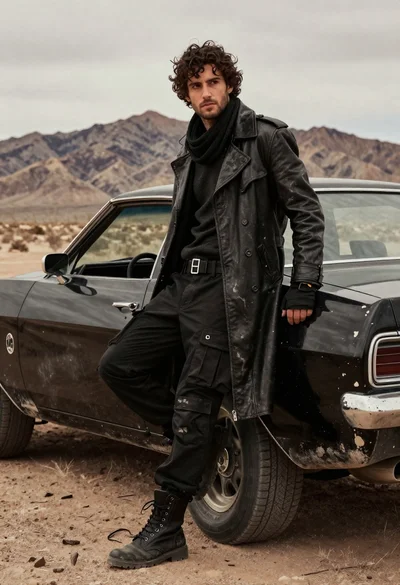
Rugged young man in black coat leaning on muscle car in desert