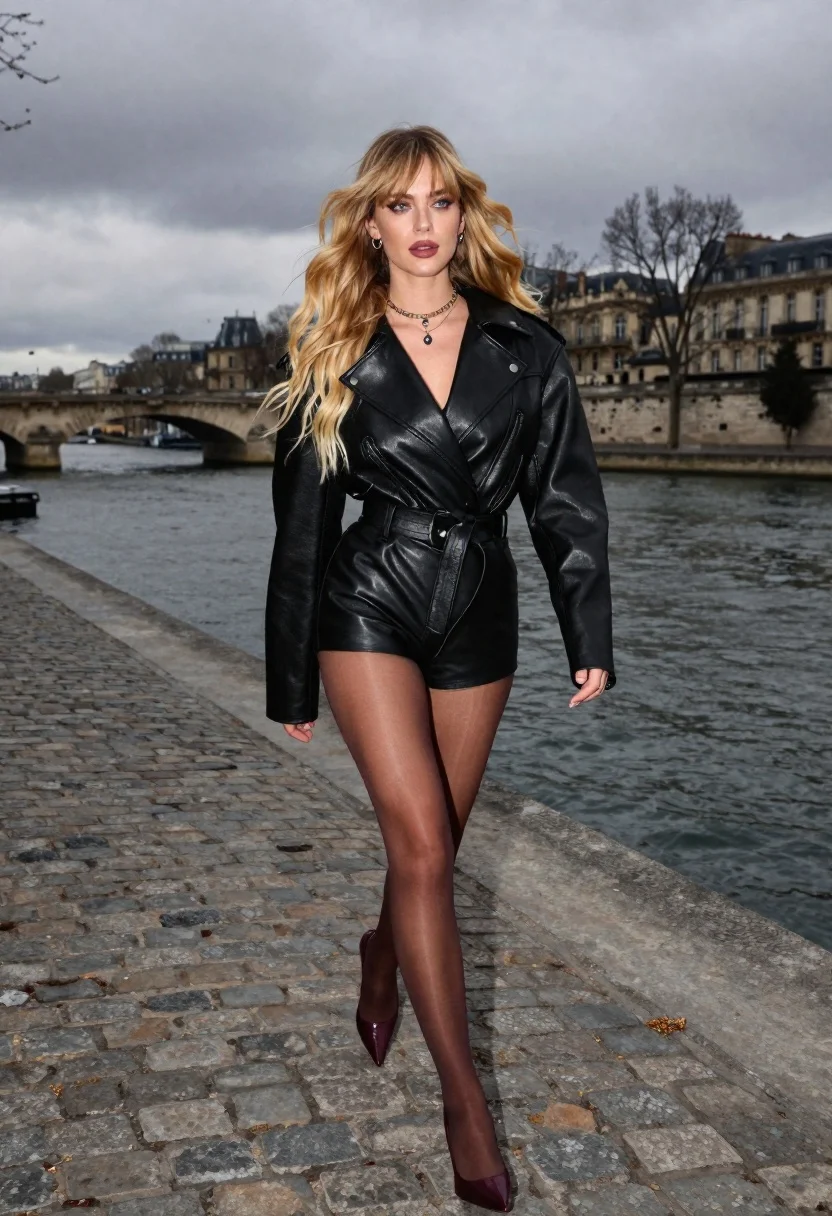
Young blonde woman in black leather jacket walking on cobblestone path near
Prompt
A young woman with long blonde hair walks confidently along a cobblestone riverside path in Paris.

Subject: A fair-skinned woman with voluminous, flowing sandy-blonde hair featuring wispy curtain bangs and darker roots; she has striking blue-gray eyes with smoky makeup, slightly glossy lips painted in dusty rose-mauve, and softly arched brows.

Clothing: She wears a tailored black leather jacket with a wide collar over a black top, paired with matching black leather shorts and sheer brown tights; she accessorizes with small silver hoop earrings, a dainty gold chain choker necklace with a tiny pendant, and pointed heels.

Action: The woman strides purposefully forward with one leg extended, her gaze directed slightly off-camera to the side, conveying movement and confidence.

Environment: A wide river flows behind her, spanned by an ornate stone bridge with arches; classic Parisian architecture lines the far bank under a cloudy sky.

Camera: Captured as a straight-on full-body shot with wide-angle distortion that emphasizes motion and fashion, framed to include the subject against the urban backdrop.

Lighting: Dramatic lighting created by an off-camera flash highlights her outfit against the overcast natural setting, softening the scene while maintaining contrast between the monochromatic blacks of her attire and the gray surroundings.

Style Details: High-fashion editorial aesthetic with a confident and edgy mood, featuring rich color tones including warm mauve, burgundy, and dusty rose accents against a grayscale background.
Description
This prompt is useful for creating high-fashion editorials, cinematic street photography, and moody character studies set in European urban environments. The combination of 'dramatic lighting created by an off-camera flash' against the 'overcast natural setting' ensures that the rich color tones like 'warm mauve' pop vividly while preventing the black leather from becoming a flat void, which is crucial for emphasizing the edgy mood.
Suggestions
- Change 'cobblestone riverside path' to 'wet cobblestone street' for more reflection.
- Swap 'dusty rose-mauve' for 'deep oxblood' to intensify the color contrast.
- Adjust 'wide-angle distortion' to 'anamorphic lens' for a cinematic aspect ratio.
Category
Tags
BlondeCasual WearFair SkinFemaleFull BodyOutdoorsRealisticStreetUrban
Date added
June 26, 2026
Added by
PromptDexter Team
Related Prompts
More prompts with similar categories and tags.

Young woman leaning against white wall with beige handbag under bright sunlight
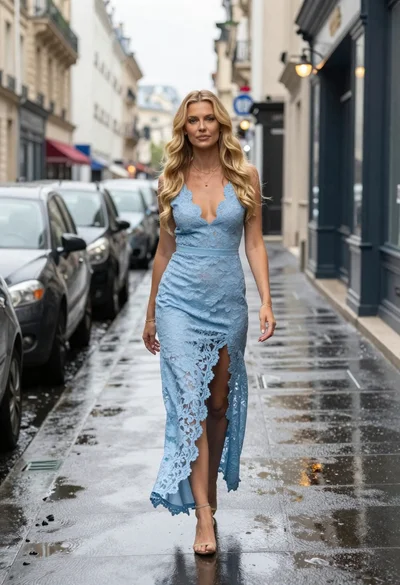
Blonde woman walking on wet parisian street

Young woman in green jacket holding plush toy at festive carousel
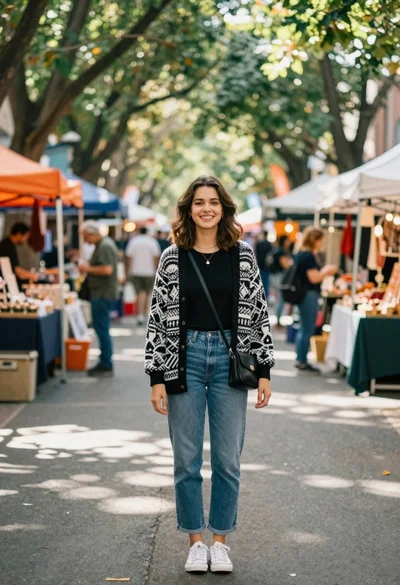
Smiling young woman in knit cardigan standing in an outdoor market
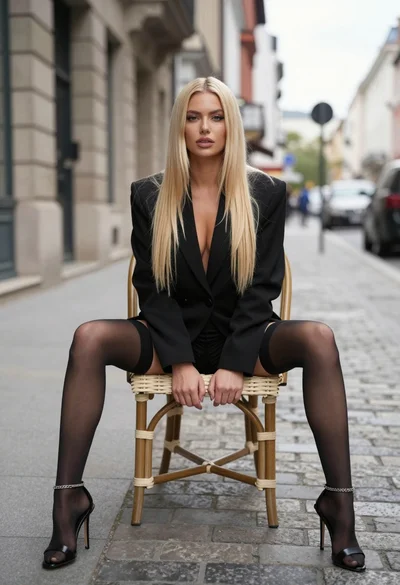
Blonde woman sitting on wicker chair in european cobblestone street setting
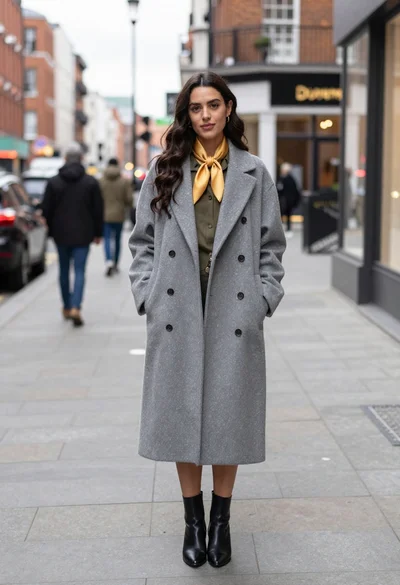
Stylish woman in grey coat on urban sidewalk
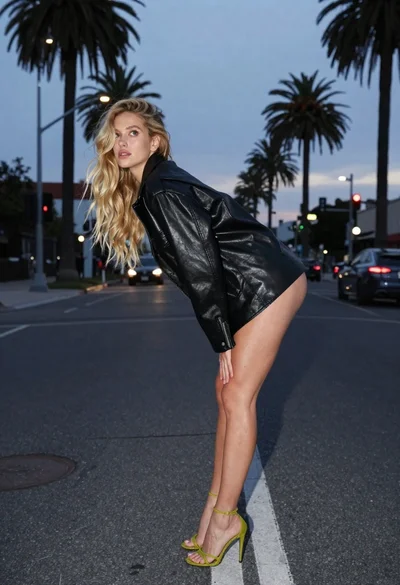
Blonde woman in black leather jacket on an urban street at dusk
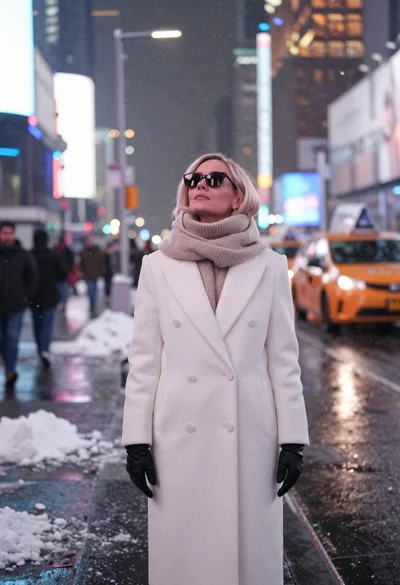
Fair skinned woman in white coat stands in snowy city street at
