

Young blonde woman in lavender outfit on white bench indoors
Prompt
A young woman with long blonde hair sits on a white bench in a modern indoor space, looking back over her shoulder at the camera.

Subject: A young woman with long straight blonde hair and fair skin.

Clothing: She wears a lavender two-piece outfit consisting of a strappy halter top and a matching high-waisted skirt that is bunched up around her hips.

Action: She is seated on a white bench, leaning back slightly with one leg bent and the other extended, turning her head to look over her left shoulder at the viewer.

Environment: The setting is a bright, modern room with large floor-to-ceiling windows in the background showing dark glass reflections. White furniture includes a long table behind her and a sofa further back.

Objects: Several colorful vases filled with flowers are arranged on the white table behind her, including pink hydrangeas, orchids, and tulips.

Lighting: The scene is lit by soft natural light coming from the large windows, creating a bright and airy atmosphere with gentle shadows.

Camera: A medium shot taken from a low angle looking up at the subject, emphasizing her seated posture against the tall background windows.

Style Details: High-resolution photography with a clean, minimalist aesthetic featuring a neutral color palette accented by the lavender clothing and colorful flowers.
Description
This prompt is useful for creating lifestyle magazine features, interior design mood boards showcasing textiles, and portrait sessions emphasizing negative space. The combination of 'soft natural light' and the 'low angle looking up at the subject' directs the viewer's eye upward, making the subject appear statuesque against the backdrop of large windows while the 'lavender two-piece outfit' provides a controlled pop of color within the otherwise neutral palette.
Suggestions
- Change 'large floor-to-ceiling windows' to 'sheer curtained windows' for diffused light.
- Swap 'colorful vases filled with flowers' for 'single sculptural branch arrangements' to maintain minimalism.
- Adjust 'low angle looking up at the subject' to 'eye-level medium shot' for a more intimate portrait.
Category
Tags
BlondeCasual WearFair SkinFemaleIndoorsLow AngleMedium ShotPortrait ShotRealistic
Date added
June 19, 2026
Added by
PromptDexter Team
Related Prompts
More prompts with similar categories and tags.

Close up portrait of blonde woman in black top inside luxury car
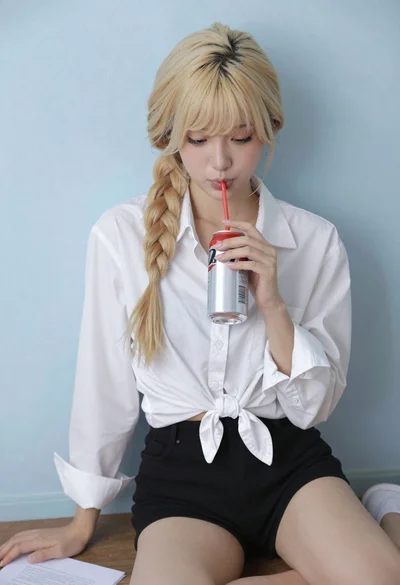
Blonde woman with side braid drinking from soda can indoors
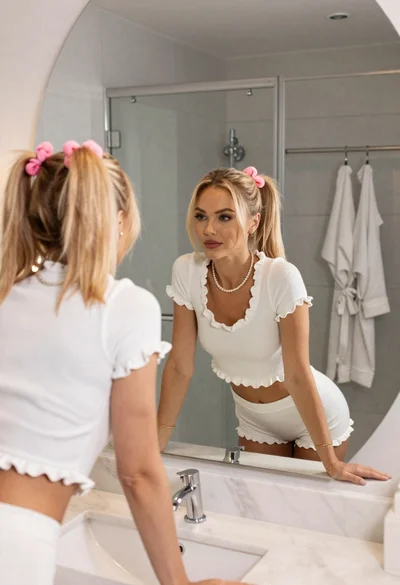
Young woman in white crop top looking into large modern bathroom mirror
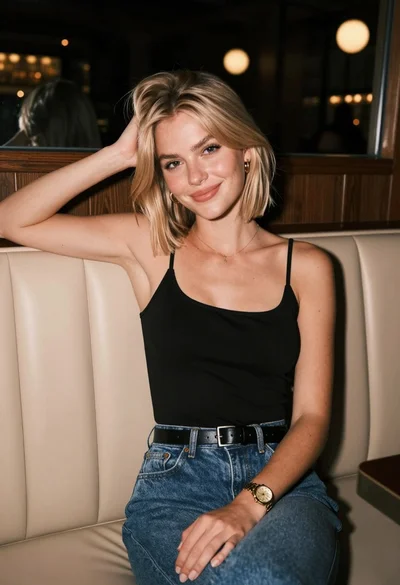
Blonde woman in denim jeans sitting in a dimly lit restaurant booth

Young woman with brown hair in beige cardigan smiling indoors at camera
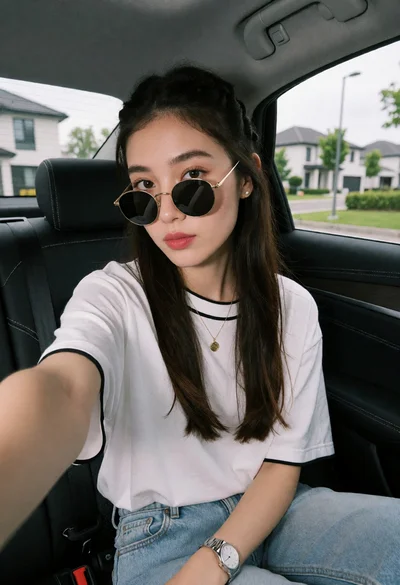
Young woman taking a selfie in car seat with suburban background view

Anime girl holding toy blaster against bright blue sky
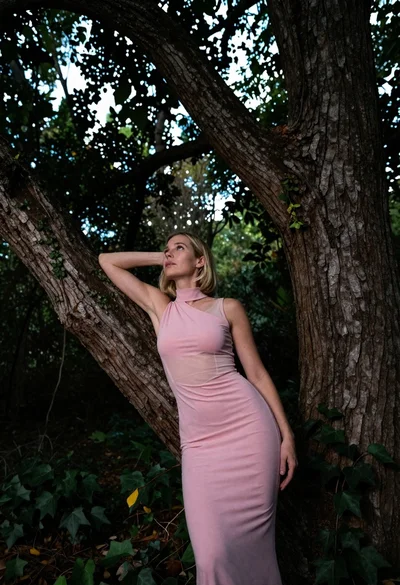
Low angle shot of blonde woman leaning against a tree in lush
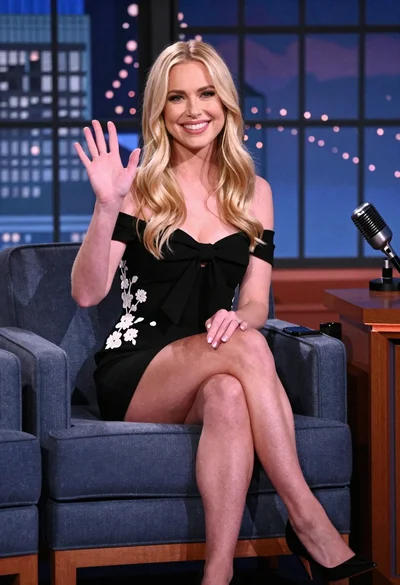
Blonde woman smiling while waving on blue armchair studio set

Medium close up portrait of woman with brown hair on coastal balcony
