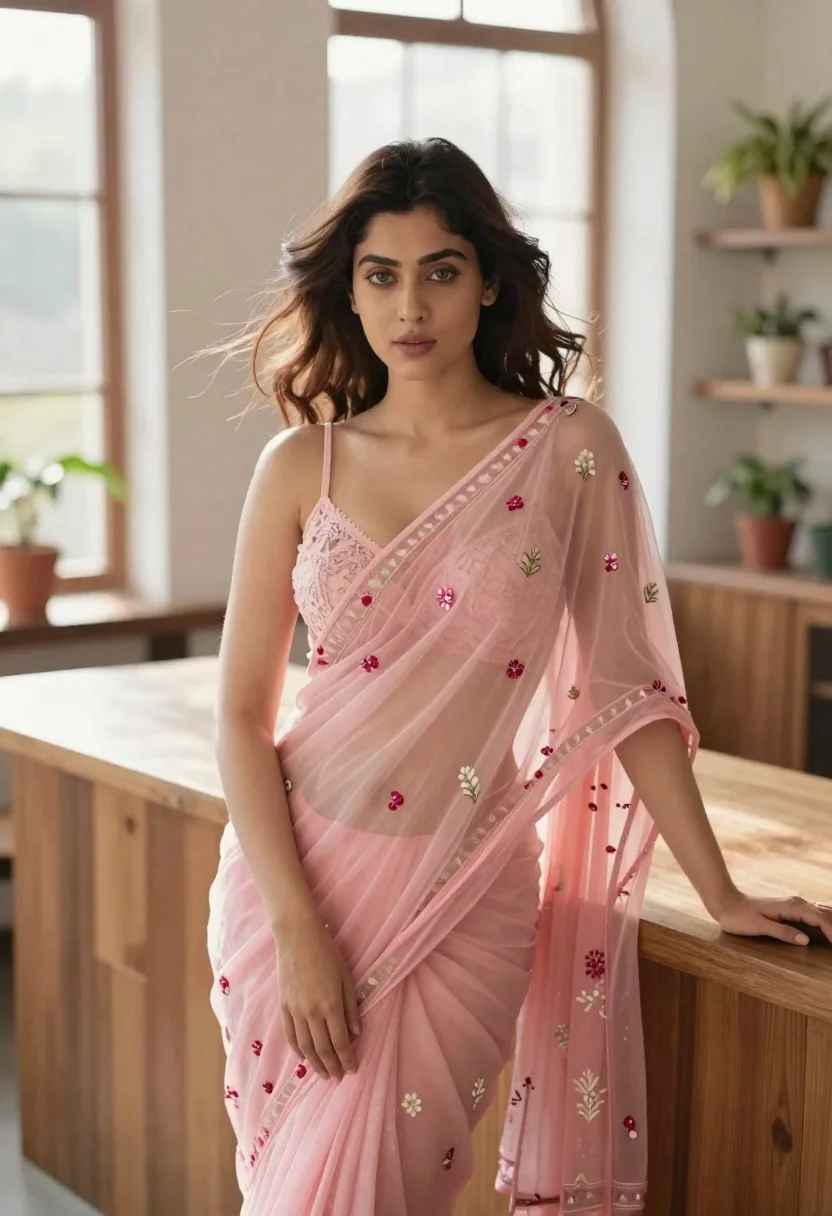
Young woman in pink saree leaning against counter in sunlit room
Prompt
A young woman with wavy brown hair stands in a sunlit room wearing a delicate pink saree.

Subject: A fair-skinned woman with soft green eyes and wavy shoulder-length brown hair that appears slightly tousled by a breeze.

Clothing: She wears a sheer, light pink saree featuring intricate floral embroidery and small red embellishments, paired with a matching spaghetti-strap blouse with lace detailing on the bodice.

Action: She leans casually against a wooden counter, resting her left arm on the surface while her right hand gently touches the fabric of her saree; she gazes directly at the viewer with a calm expression.

Environment: The setting is a bright indoor space with large windows allowing natural light to flood in, featuring potted plants on shelves and counters in the background.

Camera: Shot from a medium-full angle with a shallow depth of field that keeps the subject sharp while softly blurring the background elements.

Lighting: Soft, diffused natural light illuminates the scene from the side, creating gentle highlights on her skin and hair without harsh shadows.

Style Details: The image has a high-fashion editorial aesthetic with a dreamy, ethereal quality and soft color grading.
Description
This prompt is useful for creating bridal lookbooks, cultural portraiture editorials, and lifestyle magazine features requiring an intimate, natural feel. The combination of 'soft, diffused natural light' and the 'sheer, light pink saree' ensures that the delicate embroidery remains visible without harsh specular highlights, while the 'shallow depth of field' isolates the subject against the background elements like potted plants.
Suggestions
- Change 'pink saree' to 'marigold yellow saree' for a warmer tone.
- Add 'golden hour sunlight streaming through side windows' for more dramatic light.
- Adjust 'medium-full angle' to 'waist up portrait' to focus on the embroidery.
Category
Tags
Brown HairFair SkinFemaleFull BodyIndoorsMedium ShotPortrait ShotRealisticTraditional Wear
Date added
June 21, 2026
Added by
PromptDexter Team
Related Prompts
More prompts with similar categories and tags.

Young woman in red top sitting at cafe table during christmas
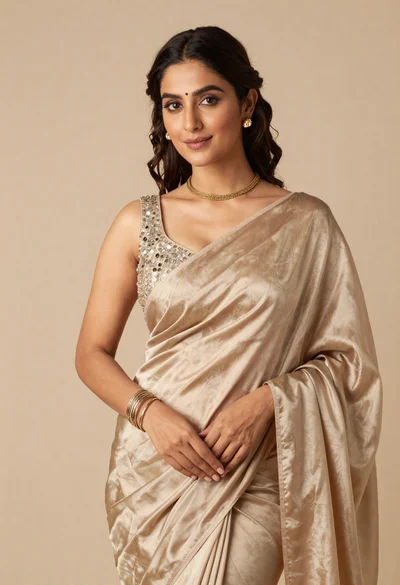
Portrait of woman in shimmering beige silk saree posing in studio
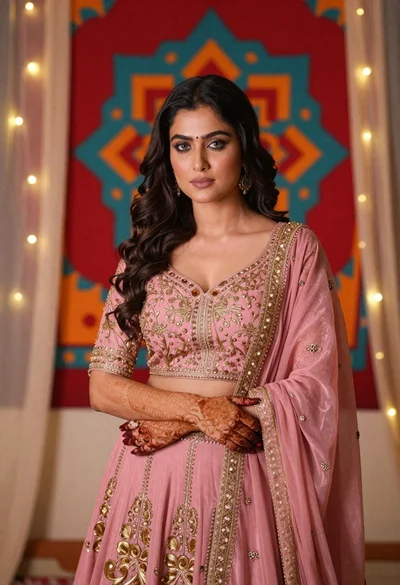
Woman in pink embroidered lehenga standing before a colorful mandala tapestry
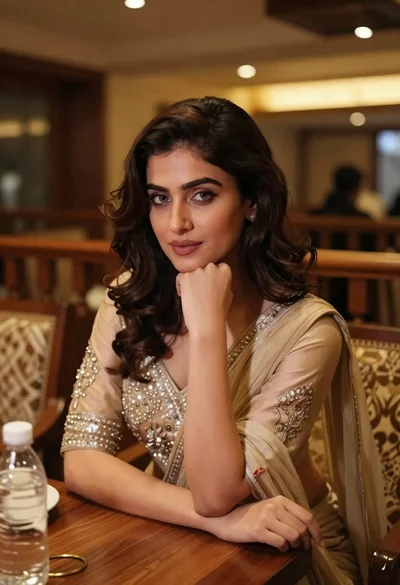
Young woman in traditional attire sitting at restaurant table with warm lighting
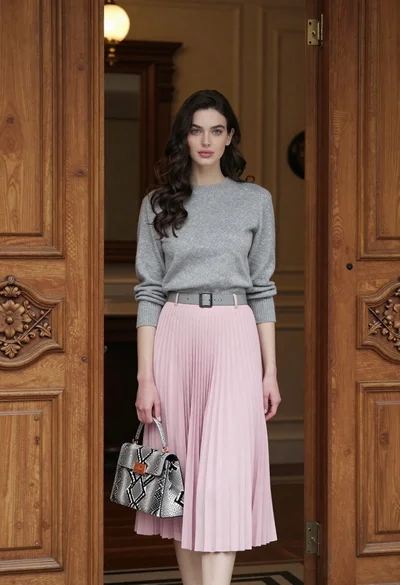
Young woman in grey sweater and pink skirt standing in ornate doorway
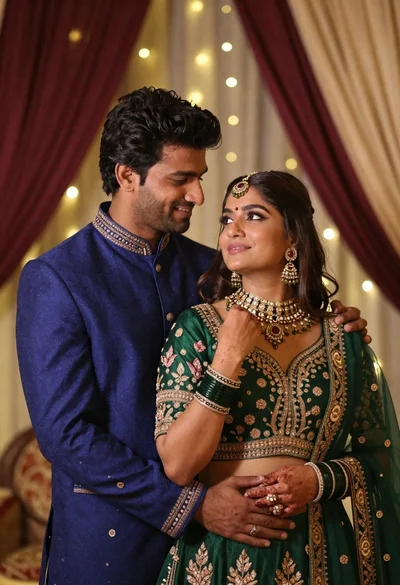
Indian couple in traditional wedding attire posing together in festive indoor setting
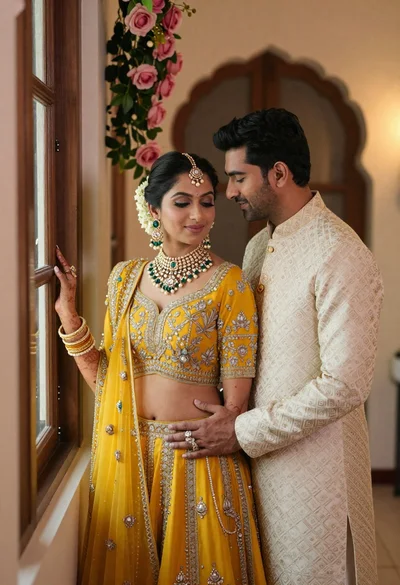
Indian couple in traditional wedding attire posing near a wooden window
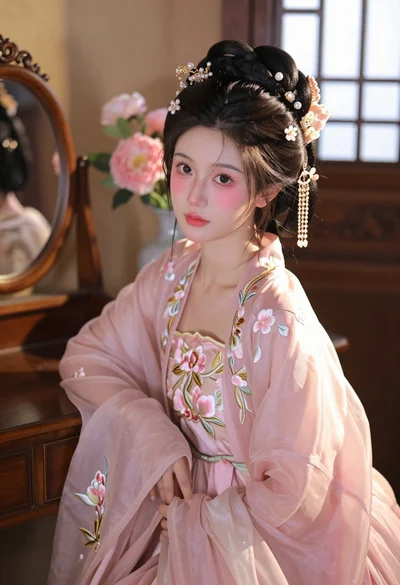
Young woman in pink hanfu gown seated near ornate vanity window
