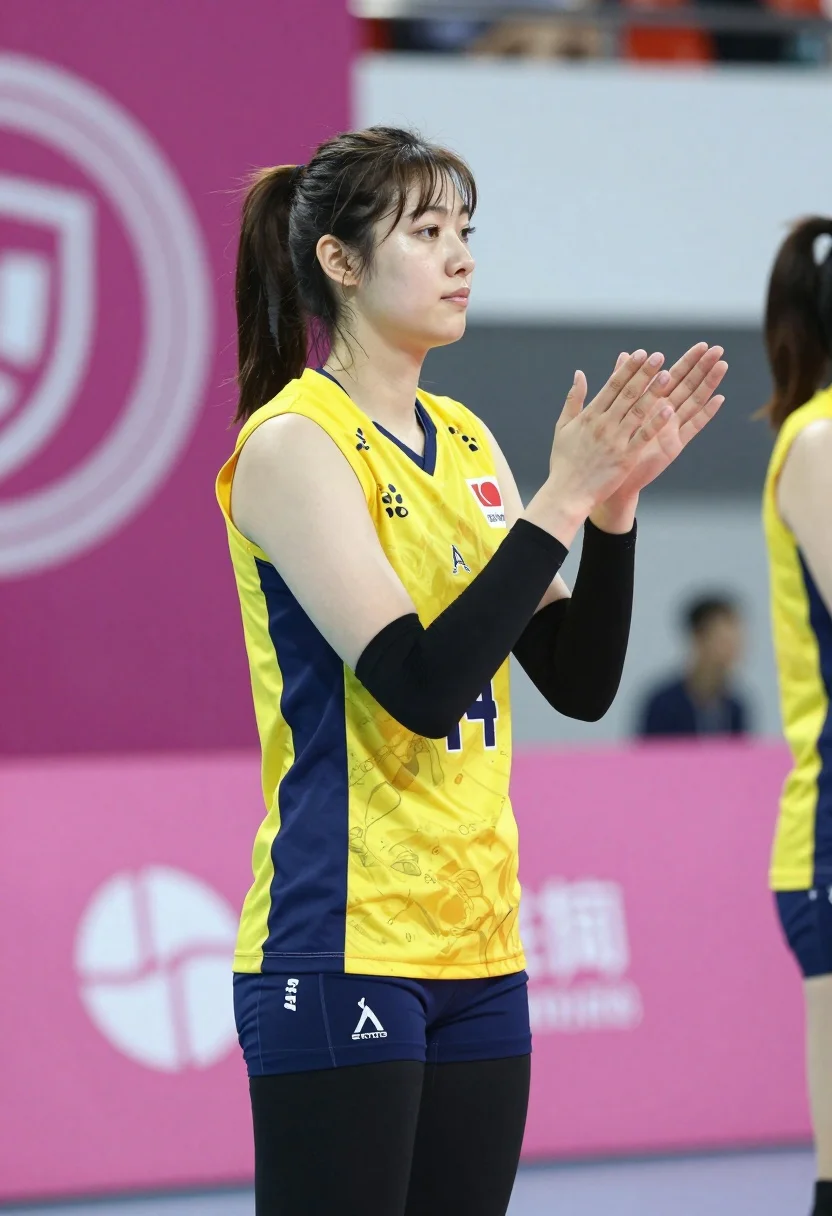
Young female volleyball player clapping hands in an indoor sports arena
Prompt
A young female volleyball player stands in profile clapping her hands with a focused expression.

Subject: A young woman with dark brown hair pulled back into a high ponytail and bangs framing her face. She has fair skin, defined eyebrows, and is looking slightly to the side with a neutral, attentive expression.

Clothing: She wears a yellow and navy blue sleeveless athletic jersey with the number 14 visible on the front, black compression arm sleeves covering her forearms, and tight black leggings.

Action: The subject stands in profile facing right, clapping her hands together in front of her chest. Her posture is upright and alert.

Environment: An indoor sports arena with a pink wall in the background featuring white graphics and logos. A blurred scoreboard or banner is visible behind her. Other players in similar uniforms are partially visible in the background to the right.

Camera: Medium shot capturing the subject from the thighs up, utilizing a shallow depth of field that keeps the main subject sharp while blurring the background elements.

Lighting: Bright and even indoor lighting typical of a sports venue, illuminating the subject clearly without harsh shadows.

Style Details: Photorealistic capture with high clarity on the subject's features and clothing textures, set against a soft-focus background.
Description
This prompt is useful for creating action shots for athletic brand advertising, team spirit posters, or sports documentary stills. The combination of 'bright and even indoor lighting' with the 'shallow depth of field' ensures the viewer's focus remains entirely on the subject's 'focused expression' and visible uniform details, preventing distracting background elements from pulling attention away from her performance.
Suggestions
- Change 'yellow and navy blue' to a specific team color combination like 'royal blue and gold'.
- Add 'sweat sheen' to the skin description for added realism.
- Modify 'Medium shot capturing the subject from the thighs up' to 'full body shot' to show more of the court.
Category
Tags
Fair SkinFemaleMedium ShotRealistic
Date added
August 5, 2026
Added by
PromptDexter Team
Related Prompts
More prompts with similar categories and tags.
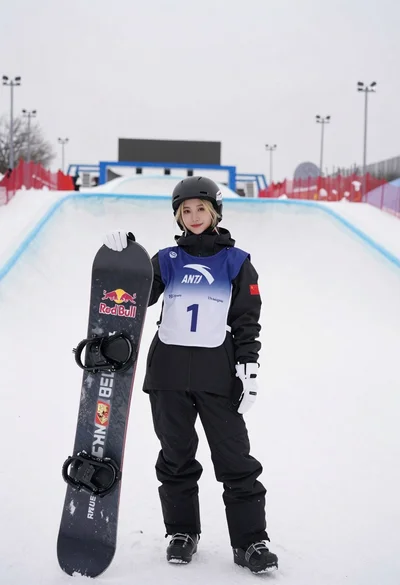
Blonde snowboarder in winter gear standing by halfpipe arena
Fit blonde woman in athletic wear standing in modern gym setting
Woman with dark hair holding bow at outdoor archery range setting
Fit blonde woman taking mirror selfie in bright gym setting
Young woman in black athletic wear looking over shoulder in modern gym
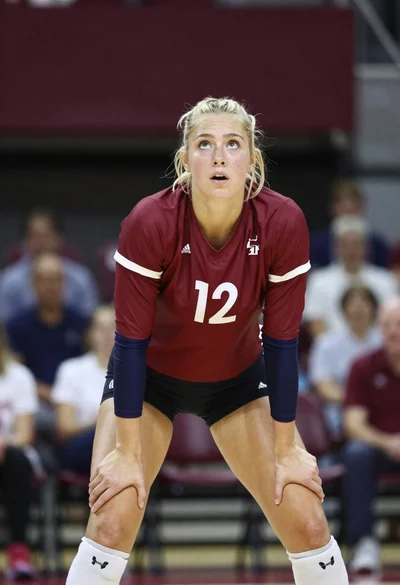
Blonde volleyball player in maroon uniform ready athletic stance indoors
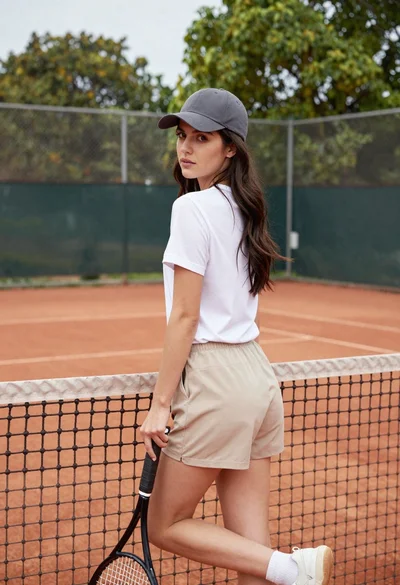
Young woman in white tshirt and cap leaning on tennis net
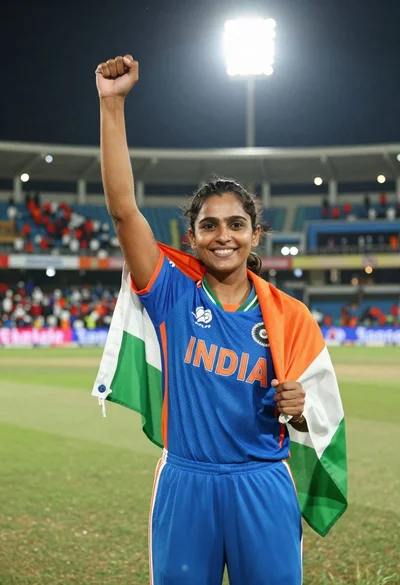
Female cricket player celebrating victory in stadium at night with flag
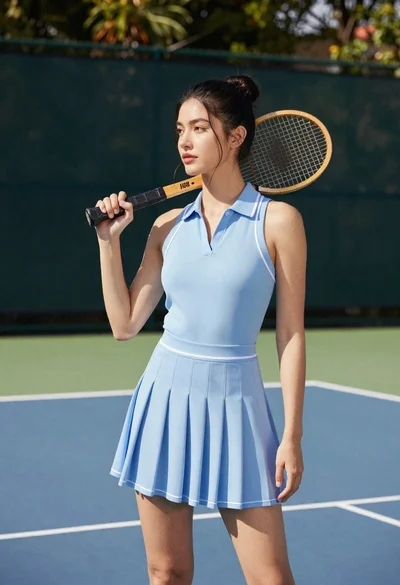
Young woman in blue dress holding wooden tennis racket on outdoor court
Fair skinned blonde woman in mauve dress leaning on pool table indoors