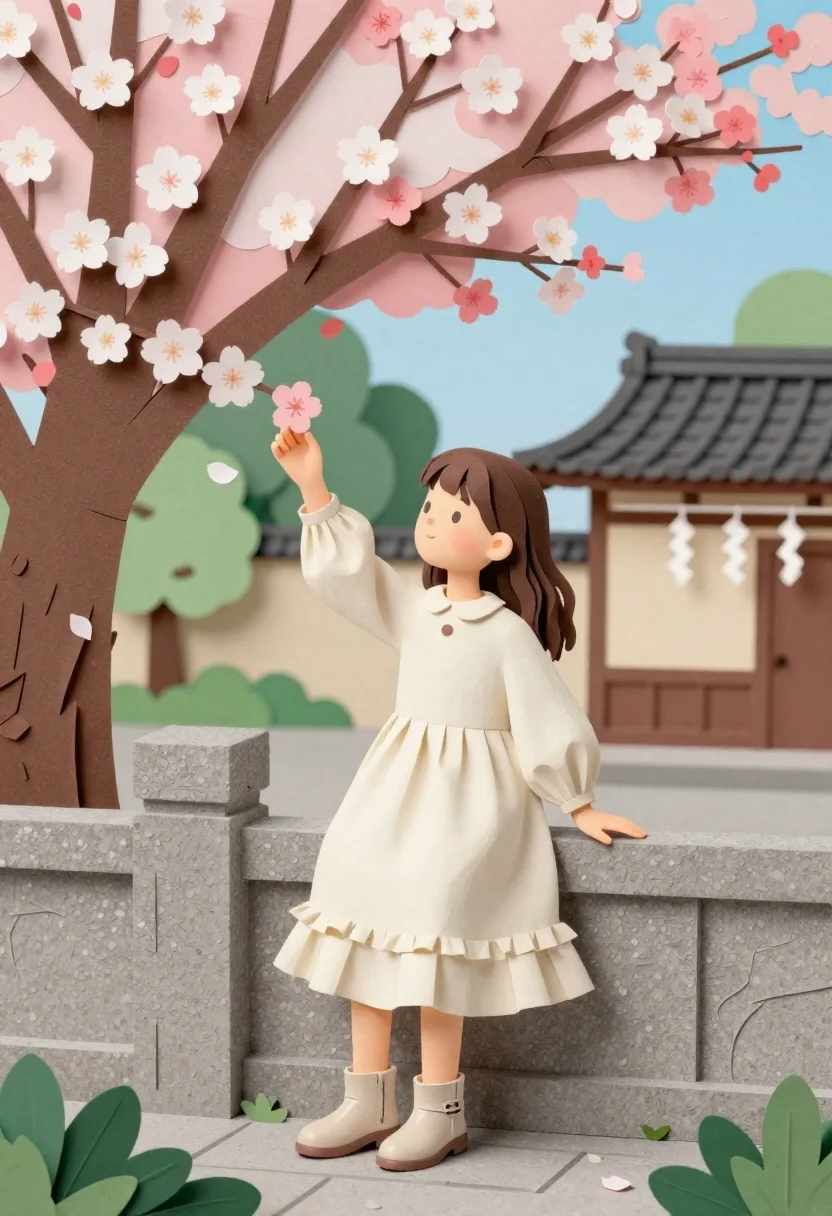
Young girl in cream dress touching cherry blossoms near stone fence
Prompt
A young girl with long brown hair stands leaning against a stone fence while reaching out to touch the blossoms of a large cherry tree.

Subject: A young girl with shoulder-length wavy brown hair and soft facial features, looking down at her hand as she touches a flower.

Clothing: She wears a voluminous cream-colored dress with a high collar, long puffed sleeves, and multiple ruffled tiers on the skirt, paired with beige ankle boots.

Action: The girl leans casually against a stone fence railing, extending her right arm to gently touch a pink cherry blossom while her left hand rests on the fence.

Environment: A vibrant scene featuring a large cherry tree with pink and white blossoms in the foreground, a traditional Japanese-style building with a tiled roof and hanging paper streamers in the background, and stylized green trees and blue sky above.

Camera: The shot is framed at eye level with a medium composition that captures the girl from head to toe, emphasizing her interaction with the tree against the architectural backdrop.

Lighting: Soft, diffused daylight illuminates the scene evenly, creating gentle shadows under the dress ruffles and highlighting the pastel colors of the flowers and sky without harsh contrast.

Style Details: The image features a distinct papercraft or paper-cutout aesthetic with textured surfaces resembling layered paper, clean edges, and a flat, illustrative color palette reminiscent of high-quality stationery art.
Description
This prompt is useful for creating storybook illustrations, Japanese seasonal marketing materials, and whimsical character concept art. The combination of 'papercraft or paper-cutout aesthetic' with 'soft, diffused daylight' ensures that the layered textures of the dress ruffles and the delicate pink blossoms maintain a uniform, illustrative quality rather than dissolving into photorealism.
Suggestions
- Change 'cream-colored dress' to 'ivory lace dress' for more intricate detail.
- Swap 'pink and white blossoms' for 'pale blue blossoms' to shift the mood.
- Adjust 'medium composition' to 'full body shot' to better showcase the boots.
Category
Tags
Brown HairCasual WearDigital ArtFemaleFull BodyMedium ShotOutdoorsTraditional Art
Date added
June 26, 2026
Added by
PromptDexter Team
Related Prompts
More prompts with similar categories and tags.
Young woman with long brown hair in dark blue shirt against abstract
Young man in grey sweater sitting on a grassy hillside looking up
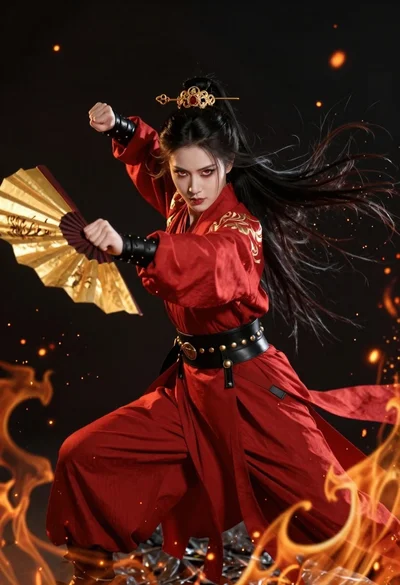
Fierce female warrior in red robe holding golden fan against dark void
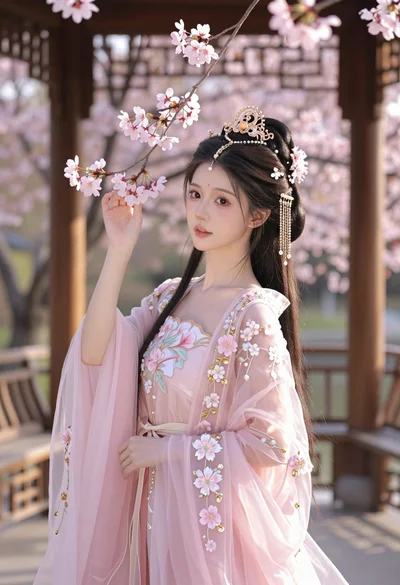
Young woman in pink gown standing in cherry blossom pavilion at golden
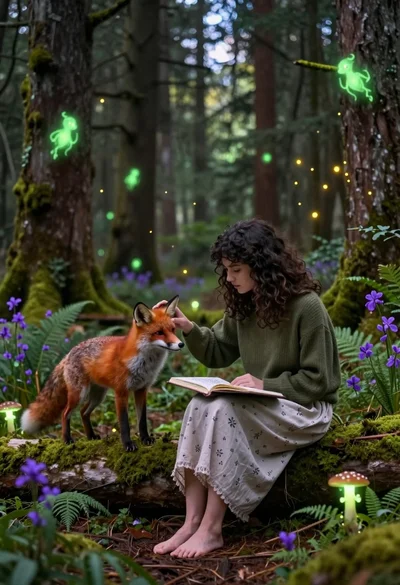
Young woman sketching red fox on mossy log in magical forest setting
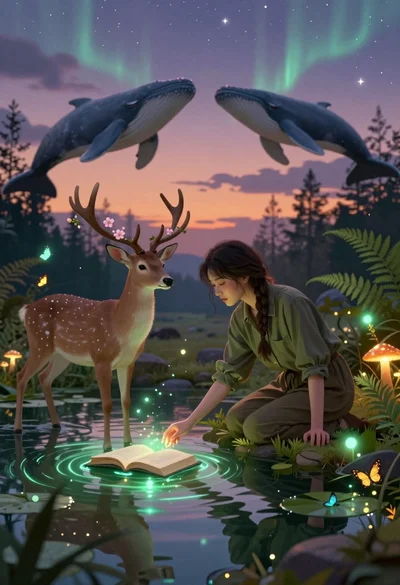
Young woman kneeling by mystical pond with deer and whales in forest
Young woman in brown tank top against pink watercolor doodle background

Woman in grey turtleneck dress bursts through torn hole in giant comic