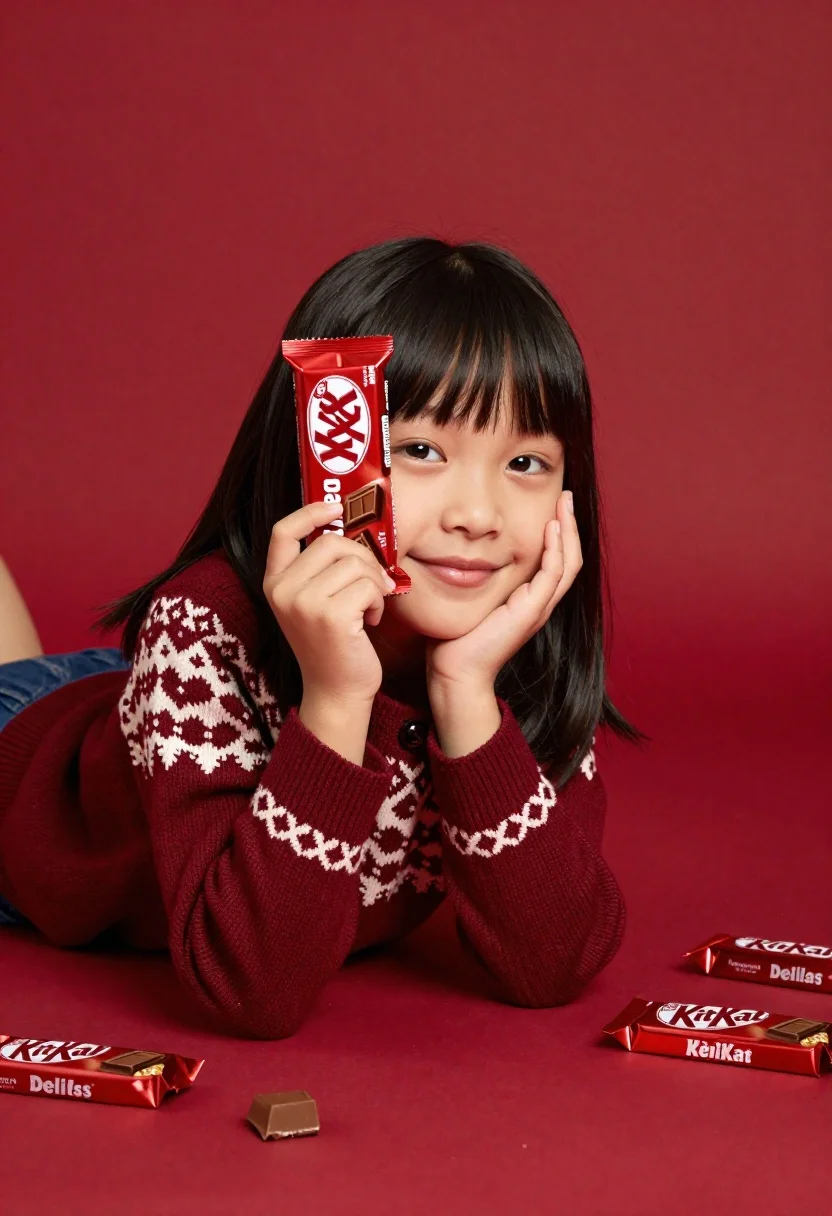
Young girl with black hair holding kitkat chocolate bar against red backdrop
Prompt
A young girl with dark hair lies on her stomach against a solid red background while holding a KitKat Delights Dark chocolate bar up to one side of her face.

Subject: A young girl with shoulder-length black hair and bangs, smiling warmly at the camera.

Clothing: She wears a maroon knitted cardigan featuring a cream and brown Nordic-style pattern on the chest and sleeves.

Action: She holds a KitKat chocolate bar in her right hand to cover half of her face while resting her left cheek against her palm.

Environment: A seamless red backdrop that matches the floor surface, creating a unified monochromatic setting.

Objects: Several other KitKat Delights Dark chocolate bars are scattered on the ground in front of her.

Lighting: Soft studio lighting illuminates the scene evenly with minimal harsh shadows and a warm color temperature.

Camera: Eye-level medium shot capturing the subject from the chest up with a shallow depth of field keeping the background smooth.

Style Details: Commercial product photography style with high saturation, clean composition, and polished finish.
Description
This prompt is useful for creating commercial product advertisements, brand campaign visuals, and lifestyle catalog shots featuring confectionery items. The combination of 'soft studio lighting' ensuring even illumination prevents harsh shadows on the subject's face while the 'seamless red backdrop' creates a unified, high-saturation field that forces the viewer's eye directly onto the contrasting dark chocolate bars.
Suggestions
- Change 'maroon knitted cardigan' to 'simple white t-shirt' for less pattern distraction.
- Swap 'KitKat Delights Dark chocolate bar' for 'brand logo placement' to focus on branding.
- Adjust 'soft studio lighting' to 'rim light from above' for more dramatic separation.
Category
Tags
Black HairCasual WearFemaleMedium ShotOutdoorsPortrait ShotRealistic
Date added
June 23, 2026
Added by
PromptDexter Team
Related Prompts
More prompts with similar categories and tags.
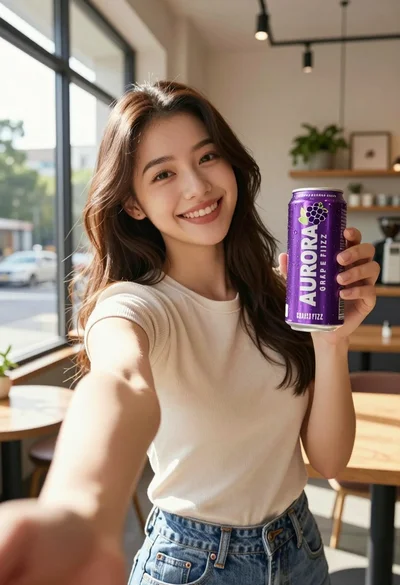
Young woman taking selfie in cafe holding purple beverage can

Stylish woman in sage green blazer leaning against white charging case
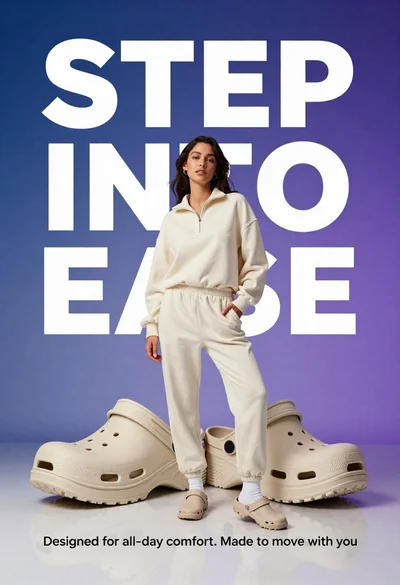
Young woman in cream sweatshirt leaning against oversized beige clogs in studio

Young woman holding energy drink can making kissy face in studio setting

Young woman with dark hair at wooden table in open air setting
Young woman with dark hair smiling over shoulder against red brick wall
Young woman with dark hair on beach looking over shoulder at camera
Young woman in athletic pose midair wearing white sneakers against graphic background
