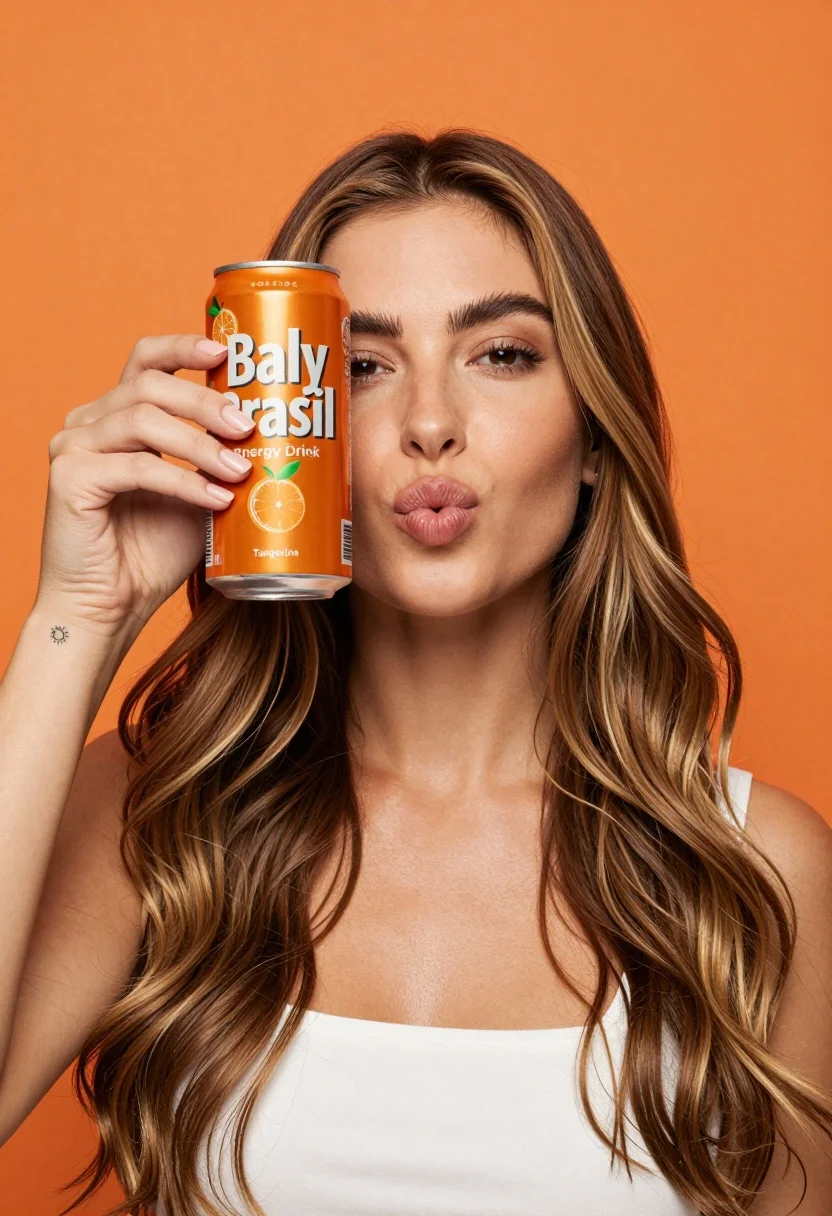
Young woman holding energy drink can making kissy face in studio setting
Prompt
A woman with long wavy brown hair holding an orange energy drink can up to her face while making a kissy face at the camera.

Subject: A young woman with long wavy light brown hair featuring blonde highlights and defined eyebrows, looking directly at the viewer with one eye visible behind the can.

Clothing: She is wearing a simple white sleeveless top that reveals her shoulders and collarbone.

Action: She holds an orange beverage can in her right hand up to her face, covering her left eye, while puckering her lips into a kissy expression.

Environment: The background is a solid, vibrant orange color that matches the product packaging.

Camera: A medium close-up shot with a shallow depth of field keeping the subject sharp against the smooth background.

Lighting: Bright and even studio lighting illuminates the scene from the front, creating soft shadows and highlighting her features without harsh contrast.

Objects: An orange aluminum can labeled Baly Brasil Energy Drink Tangerina held in her right hand, featuring illustrations of citrus fruits and a small sun tattoo on her wrist.

Text/Graphics: The can displays white text reading Baly Brasil Energy Drink Tangerina along with volume information 473 ml and botanical illustrations.

Style Details: High-quality commercial photography with vibrant saturated colors and a clean polished aesthetic.
Description
This prompt is useful for creating modern beverage advertisements, social media product launches, and lifestyle brand campaigns targeting younger demographics. The combination of 'bright and even studio lighting' and the 'solid, vibrant orange background' ensures maximum color pop and clarity on the product, while the 'medium close-up shot with a shallow depth of field' keeps focus tightly on the subject interacting with the can.
Suggestions
- Change 'orange energy drink can' to 'sleek matte black beverage can' for contrast.
- Swap 'vibrant orange background' for 'gradient peach and coral backdrop' for more dimension.
- Adjust 'kissy face' to 'smirking confidently' for a different brand tone.
Category
Tags
BlondeBrown HairFemaleLight SkinMedium ShotOutdoorsPortrait ShotRealisticStudio
Date added
July 12, 2026
Added by
PromptDexter Team
Related Prompts
More prompts with similar categories and tags.
Young woman taking selfie in cafe holding purple beverage can
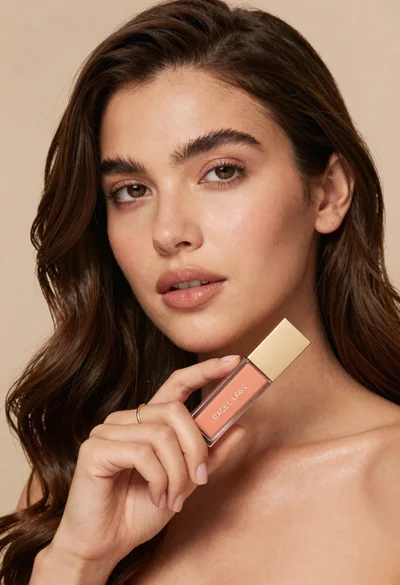
Woman holding cosmetic tube near face in closeup portrait shot
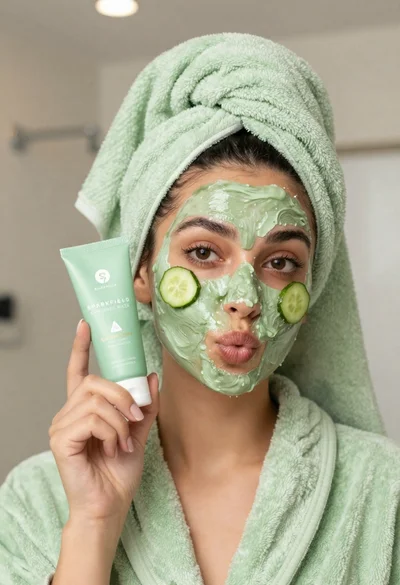
Woman in light green bathrobe holding cucumber face mask tube
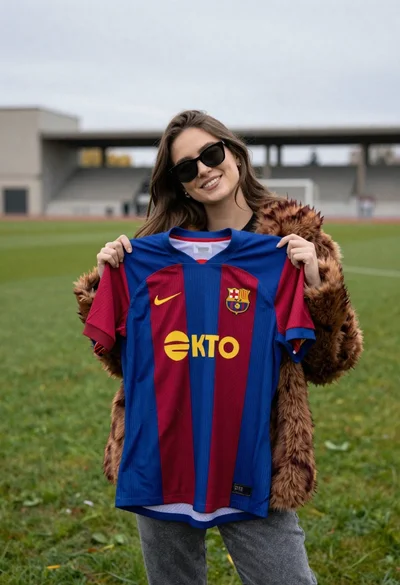
Smiling woman holding striped soccer jersey on green sports field
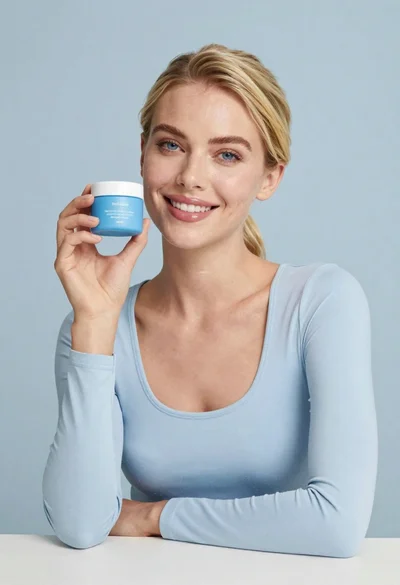
Smiling blonde woman holding a blue jar in a minimalist studio setting
Medium close up portrait of woman holding makeup compact in studio

Woman leaning on silver sports car in showroom
Woman holding purple hair product against cheek in studio setting

Stylish woman in sage green blazer leaning against white charging case
Young man holding green limca soda can in front of gradient background