

Woman in light green bathrobe holding cucumber face mask tube
Prompt
A close-up portrait of a woman with dark hair wrapped in a light green towel turban, wearing a matching light green bathrobe, holding a tube of cucumber face mask near her cheek.

Subject: A woman with dark eyebrows and long eyelashes, wearing a thick layer of glossy green facial mask on her skin.

Clothing: She wears a plush, light green terrycloth bathrobe and has a matching light green towel wrapped around her head in a turban style.

Action: She is holding a tube of skincare product near her face with one hand while making a playful pouty expression at the camera.

Environment: The setting appears to be a bright bathroom with neutral beige walls and a visible ceiling light fixture in the background.

Camera: A tight close-up shot focusing on the face, utilizing a shallow depth of field that blurs the background slightly.

Lighting: Bright, soft, and diffused lighting illuminates the scene evenly, highlighting the glossy texture of the mask without harsh shadows.

Objects: She holds a light green tube labeled "SPARKFIELD CUCUMBER MASK" with gold lettering, and there are small slices of cucumber placed on her cheeks and under-eye patches.

Text/Graphics: The product tube displays the text "SPARKFIELD," "CUCUMBER MASK," "HYDRO GREEN," and "HYDROGEN TONING FACE ALOE."

Style Details: High-resolution beauty photography with a clean, fresh aesthetic emphasizing skincare textures and vibrant green tones.
Description
This prompt is useful for creating e-commerce product listings, spa marketing materials, and lifestyle beauty editorials focusing on self-care routines. The combination of 'plush, light green terrycloth' against the 'bright bathroom with neutral beige walls' establishes a clean, clinical yet comforting aesthetic, while the 'shallow depth of field' ensures the viewer's focus remains squarely on the product and the mask texture.
Suggestions
- Change 'light green bathrobe' to 'ivory terrycloth' for a more luxurious feel.
- Swap 'playful pouty expression' for 'serene, contemplative gaze' to shift the mood.
- Add 'natural sunlight streaming from a window' to enhance the soft lighting.
Category
Tags
Black HairCasual WearClose UpDark SkinFair SkinFemaleIndoorsLight SkinMedium ShotOlive SkinOutdoorsPortrait ShotRealistic
Date added
June 23, 2026
Added by
PromptDexter Team
Related Prompts
More prompts with similar categories and tags.

Young girl with black hair holding kitkat chocolate bar against red backdrop

Young woman taking selfie in cafe holding purple beverage can
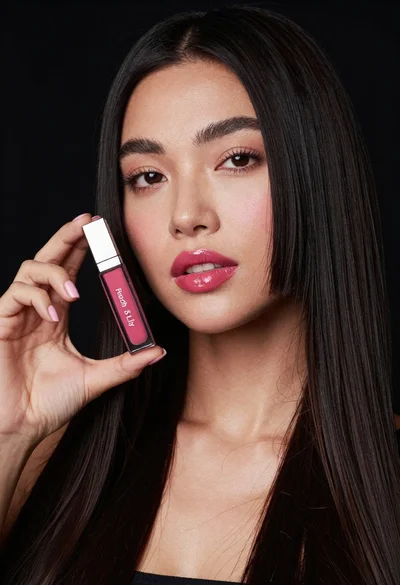
Woman holding lip gloss tube against black background in closeup

Woman holding cosmetic tube near face in closeup portrait shot

Smiling young woman in white uniform holding chips at convenience store checkout

Young woman holding energy drink can making kissy face in studio setting

Close up portrait of blonde woman in black top inside luxury car

Two smiling children holding red kitkat bars against a blue sky
