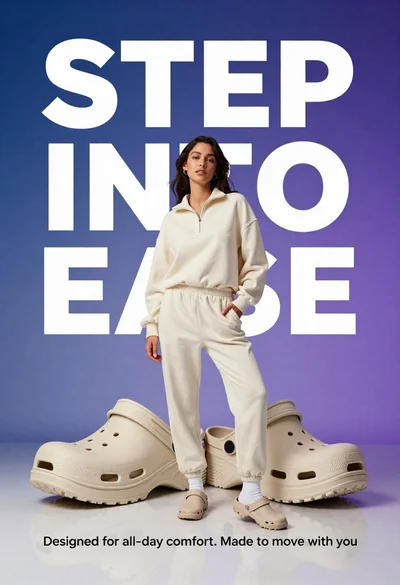

Stylish woman in sage green blazer leaning against white charging case
Prompt
A stylish woman leans casually against a massive white charging case in a minimalist studio setting.

Subject: A confident woman with dark hair pulled back into a neat bun, featuring a sharp jawline and a calm, side-profile gaze.

Clothing: She wears a light sage-green oversized blazer over a simple white tank top, paired with matching wide-leg trousers and white sneakers.

Action: The woman stands in a relaxed pose with one hand resting on the charging case and the other in her pocket, looking away from the camera.

Environment: A clean, seamless studio environment with a pale green background and a highly reflective glossy floor that mirrors the subject and objects.

Camera: Shot with a medium-full body framing to capture both the person and the oversized product, utilizing a sharp focus on the foreground elements.

Lighting: Soft, diffused lighting creates gentle shadows and highlights the smooth textures of the clothing and the glossy surface of the case.

Objects: A giant white wireless earbud charging case dominates the foreground, featuring a small green LED indicator light on its front face.

Text/Graphics: Large, bold white typography spelling out "AIRPODS" is overlaid in the background behind the subject.

Style Details: High-end commercial advertising aesthetic with clean lines, minimalist color palette, and polished product photography rendering.
Description
This prompt is useful for creating high-end tech advertisements, lifestyle product placements, and modern catalog editorials. The combination of 'soft, diffused lighting' and the 'highly reflective glossy floor' ensures that both the subject and the large white charging case are presented with polished clarity, preventing harsh shadows that would distract from the clean lines required in commercial advertising.
Suggestions
- Change 'pale green background' to 'light concrete gray' for a more industrial feel.
- Swap 'oversized blazer' for 'tailored blazer' if you want less volume.
- Add 'shallow depth of field' to slightly soften the typography.
Category
Tags
Casual WearFemaleMedium ShotOutdoorsRealisticSide ProfileStudio
Date added
June 23, 2026
Added by
PromptDexter Team
Related Prompts
More prompts with similar categories and tags.
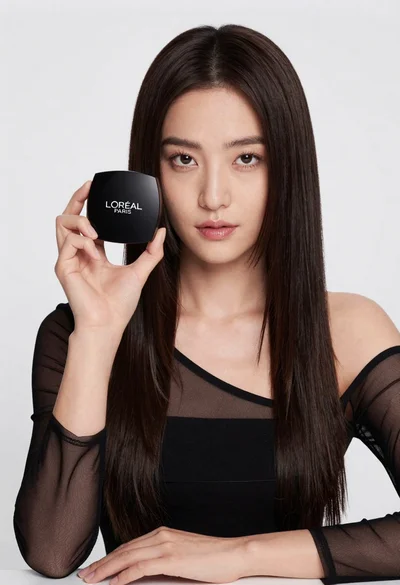
Medium close up portrait of woman holding makeup compact in studio

Woman leaning on silver sports car in showroom

Young woman in red sweatshirt holding pepperoni pizza box against collage background

Woman in light green bathrobe holding cucumber face mask tube

Young girl with black hair holding kitkat chocolate bar against red backdrop
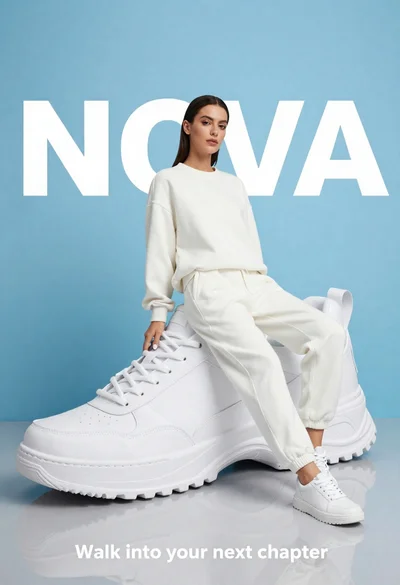
Stylish woman in white tracksuit leaning against oversized sneaker in studio

Stylish woman with brown hair sipping energy drink in light purple top
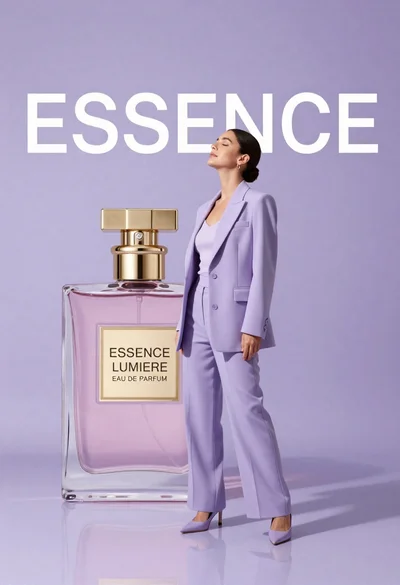
Woman in lavender suit standing beside giant perfume bottle in studio