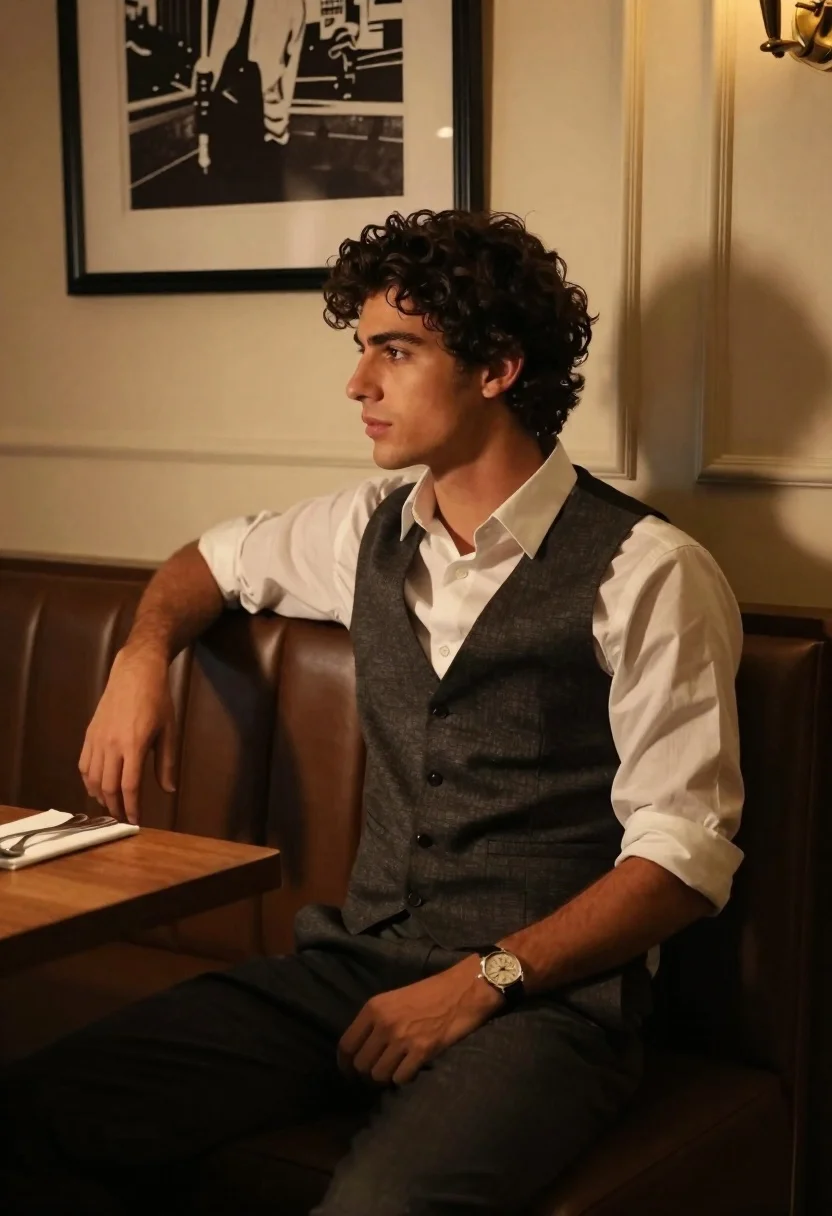
Young man in waistcoat seated at restaurant booth with dramatic lighting
Prompt
A young man with curly dark hair sits in profile on a leather booth inside a dimly lit restaurant.

Subject: A handsome young man with thick, wavy dark brown hair and a contemplative expression looking off to the left side of the frame.

Clothing: He wears a crisp white button-down shirt with sleeves rolled up slightly, layered under a textured dark grey waistcoat, paired with dark trousers.

Action: He sits in a relaxed pose with his right arm resting on the back of the booth and his left hand resting on his thigh, displaying a wristwatch and a ring.

Environment: The setting is an upscale interior featuring cream-colored paneled walls, a framed black and white photograph hanging behind him, and a wooden table to his left holding a napkin with silverware.

Lighting: Warm golden light streams in from the right side, casting dramatic shadows against the wall and illuminating his face and hair while leaving the rest of the room in soft shadow.

Camera: The shot is taken at eye level with a shallow depth of field that keeps the subject sharp while softly blurring the background elements.

Style Details: The image features a cinematic color palette with high contrast between warm highlights and deep shadows, evoking a moody and sophisticated atmosphere.
Description
This prompt is useful for creating editorial menswear spreads, character portraits for film concept art, and sophisticated lifestyle advertising featuring dining scenes. The combination of 'warm golden light' streaming from the right side and the 'high contrast between warm highlights and deep shadows' sculpts the subject's face and waistcoat texture, preventing the scene from looking flat by emphasizing dramatic dimensionality suitable for moody narratives.
Suggestions
- Change 'dark grey waistcoat' to 'tweed waistcoat' for more visible texture.
- Swap 'cream-colored paneled walls' for 'deep emerald velvet' to intensify the mood.
- Adjust 'warm golden light' to 'single overhead spotlight' for a different type of drama.
Category
Tags
Brown HairIndoorsMaleMedium ShotRealistic
Date added
June 19, 2026
Added by
PromptDexter Team
Related Prompts
More prompts with similar categories and tags.
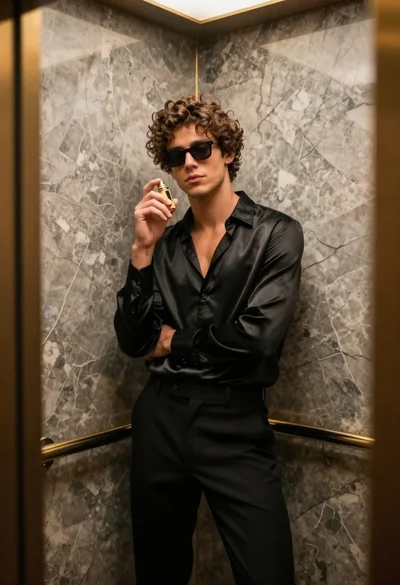
Stylish young man in black satin suit inside luxury marble elevator
Stylish man in green blazer taking selfie in vibrant classroom
Man dressed as santa claus and woman in red dress by christmas
Indian couple in traditional wedding attire posing together in festive indoor setting
Handsome young man in black blazer taking mirror selfie indoors
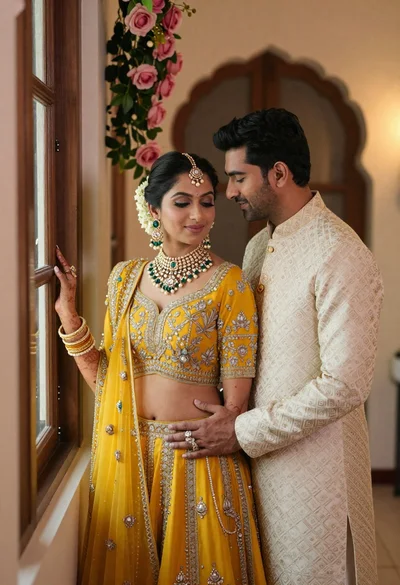
Indian couple in traditional wedding attire posing near a wooden window
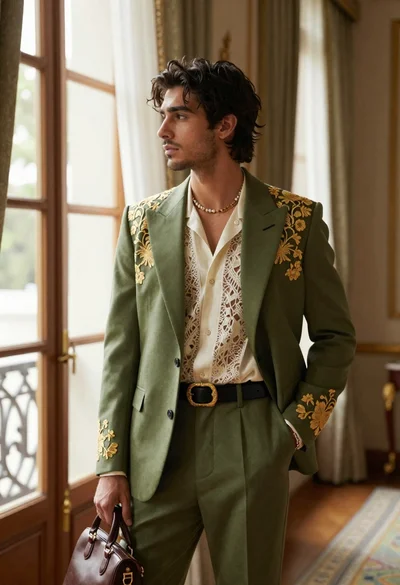
Handsome young man in embroidered suit standing in luxurious interior room
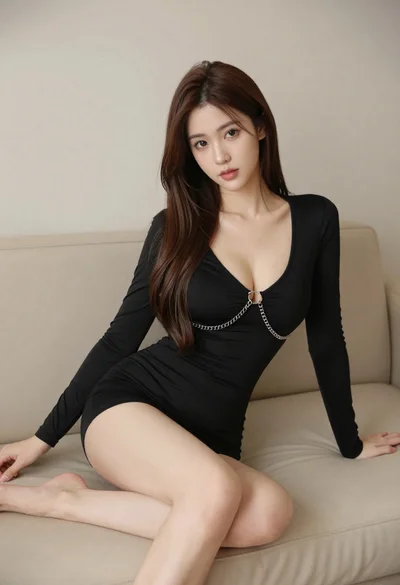
Woman in black dress seated on beige sofa in minimalist interior room
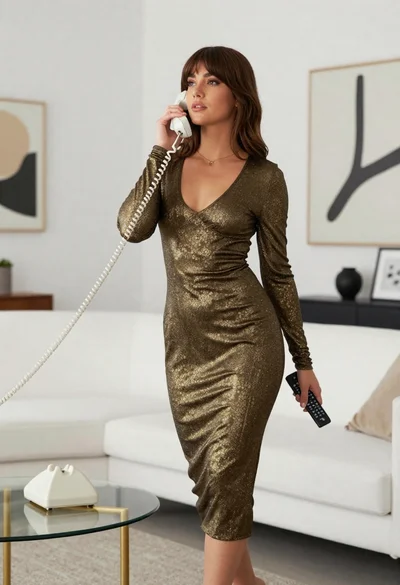
Woman in gold knit dress standing in modern minimalist living room

Young woman in white lace dress seated against soft floral backdrop