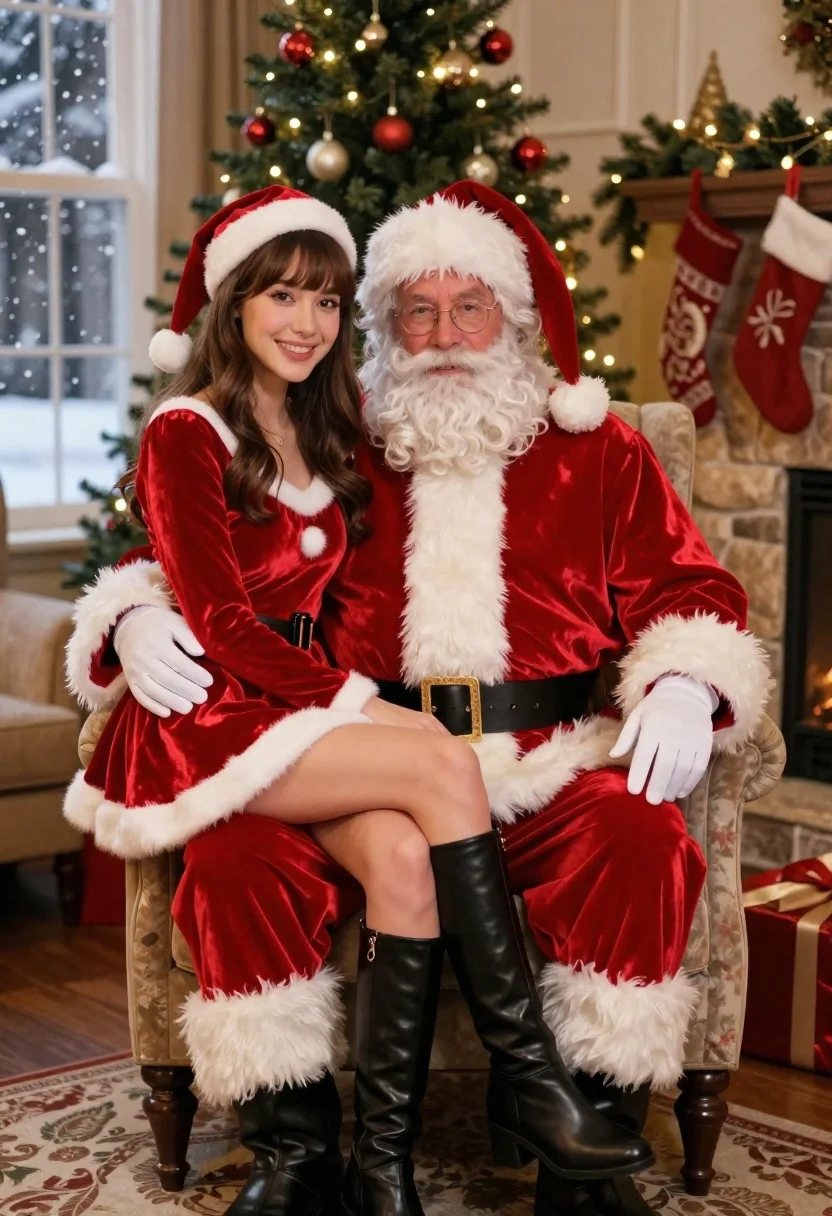
Man dressed as santa claus and woman in red dress by christmas
Prompt
A festive portrait of a man dressed as Santa Claus sitting in an armchair with a woman wearing a matching red velvet Christmas dress and hat on his lap.

Subject: A man with a full white beard and glasses wearing a traditional red Santa suit, seated next to a smiling woman with long brown hair and bangs wearing a red velvet dress with white fur trim and black boots.

Clothing: The man wears a red velvet suit with white fur cuffs and collar, a black belt with a gold buckle, and white gloves. The woman wears a matching red velvet dress with white fur trim on the neckline and hem, paired with tall black leather boots.

Action: The man sits upright looking forward while the woman leans back against him with her legs crossed, smiling directly at the camera.

Environment: A cozy living room setting featuring a decorated Christmas tree with lights and ornaments in the background, a stone fireplace with stockings hanging above it, and a window showing snow falling outside.

Camera: Medium shot capturing both subjects from the waist up with soft depth of field blurring the background slightly to emphasize the foreground figures.

Lighting: Warm indoor lighting creates a cozy holiday atmosphere with soft shadows and highlights reflecting off the velvet textures of their costumes.

Style Details: High-quality commercial photography style with rich saturated colors, smooth skin tones, and polished festive aesthetic typical of holiday card imagery.
Description
This prompt is useful for creating holiday greeting cards, seasonal retail advertising campaigns, and themed portrait photography shoots. The combination of 'red velvet' textures, 'warm indoor lighting,' and the specific composition—woman leaning back against man—ensures a rich, saturated aesthetic that mimics polished holiday card imagery while the 'soft depth of field' keeps focus tightly on the subjects for commercial impact.
Suggestions
- Change 'red velvet' to 'deep burgundy velour' for a slightly muted tone.
- Add 'bokeh effect from fairy lights' to enhance the background blur.
- Swap 'stone fireplace' for 'pine garland mantelpiece' to update the setting.
Category
Tags
Brown HairFemaleFull BodyIndoorsMaleMedium ShotPortrait ShotRealisticTraditional Wear
Date added
June 21, 2026
Added by
PromptDexter Team
Related Prompts
More prompts with similar categories and tags.
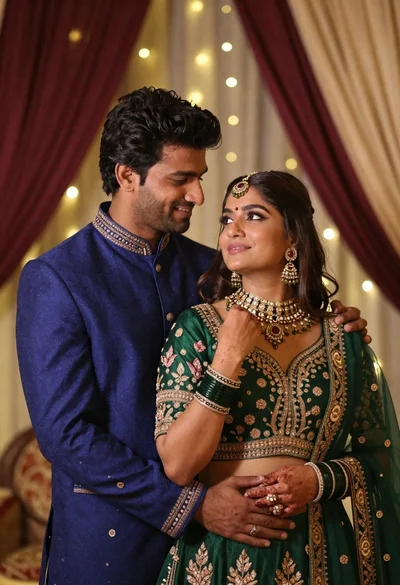
Indian couple in traditional wedding attire posing together in festive indoor setting
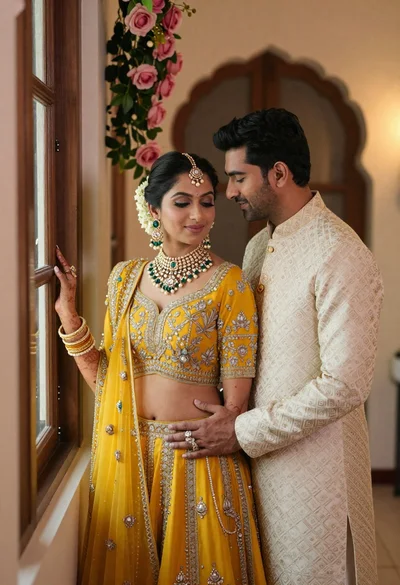
Indian couple in traditional wedding attire posing near a wooden window
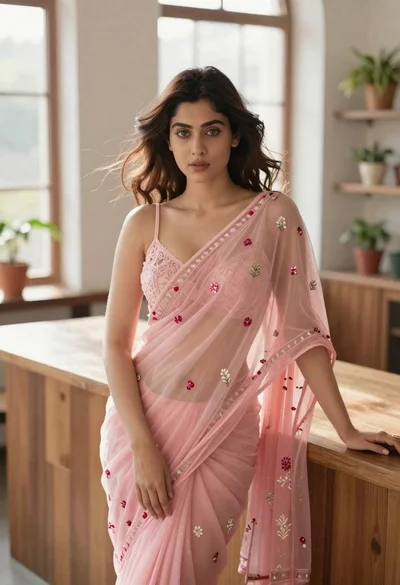
Young woman in pink saree leaning against counter in sunlit room
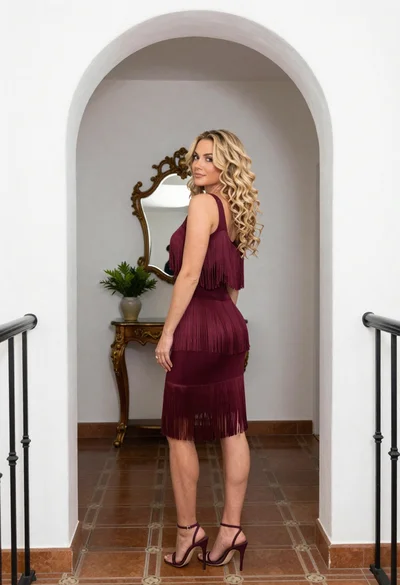
Blonde woman in maroon fringed dress standing in white arched hallway
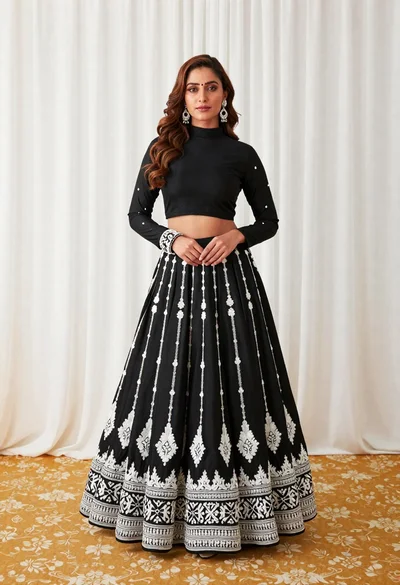
Full length portrait of woman in black traditional outfit indoors
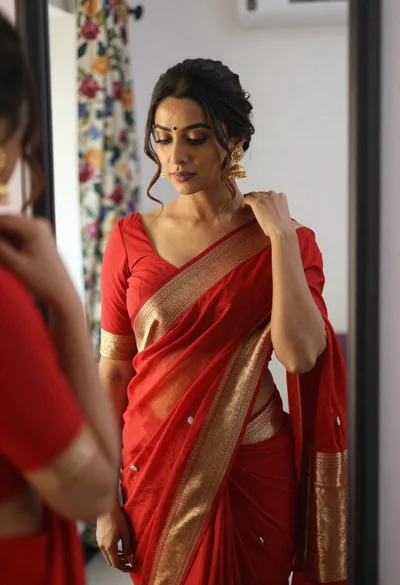
Woman in red saree adjusting drape before mirror indoors
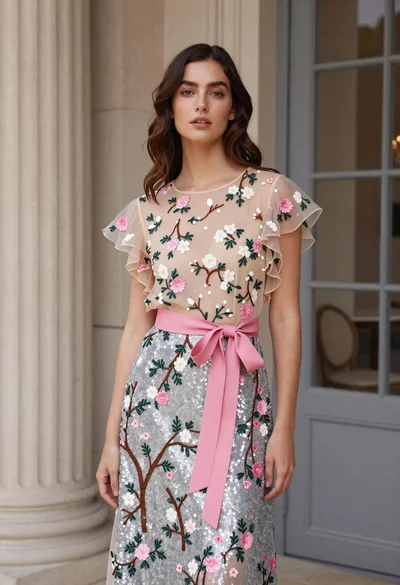
Woman in floral gown standing in elegant interior space

Woman sitting gracefully indoors wearing yellow skirt and top
