Young man sitting casually in lush park under purple flower archway
Prompt
A young man sits casually on a grassy patch beside a path in a lush park, framed by an arch of blooming purple flowers overhead.

Subject: A young man with short dark hair and a relaxed smile looking toward the camera.

Clothing: He wears a white patterned button-up shirt, white jeans, and white sneakers.

Action: He is seated with one hand resting behind his neck in a casual pose.

Environment: The setting is a green park with trees and a gravel path, featuring a large tree branch covered in purple flowers creating a natural archway above him.

Camera: Shot with a shallow depth of field that keeps the subject sharp while blurring the background trees and foliage into soft bokeh.

Lighting: Soft, diffused daylight filters through the canopy, creating a gentle, airy atmosphere with subtle highlights on the leaves.

Objects: A white vertical pole is visible in the blurred background behind the man.

Style Details: Naturalistic photography with a dreamy, slightly vintage color grading and soft focus aesthetic.
Description
This prompt is useful for creating lifestyle magazine features, romantic portraiture, and seasonal outdoor branding materials. The combination of 'soft, diffused daylight' filtering through the canopy and the 'shallow depth of field' ensures that the subject remains crisp against a beautifully blurred background, which prevents distracting details from pulling focus away from his relaxed pose.
Suggestions
- Change 'purple flowers' to 'blue hydrangeas' for a different color pop.
- Swap 'white patterned button-up shirt' for 'light blue chambray shirt' for more contrast.
- Add 'golden hour rim light' to the lighting section for more drama.
Category
Tags
Casual WearFull BodyMaleMedium ShotNatureOutdoorsRealistic
Date added
August 5, 2026
Added by
PromptDexter Team
Related Prompts
More prompts with similar categories and tags.
Low angle shot of blonde woman leaning against a tree in lush

Young woman in pink camisole standing in sunlit rolling hills

Young woman in patterned dress looking back over grassy hills
Young woman with brown hair in light blue top standing in sunny
Young woman leaning on tree trunk wearing floral dress outdoors
Couple sitting closely on park bench at dusk
Young woman in blue top and jeans standing on green lawn
Man sitting on black sport motorcycle on asphalt road
Young man sitting on bench overlooking green mountains and pine trees
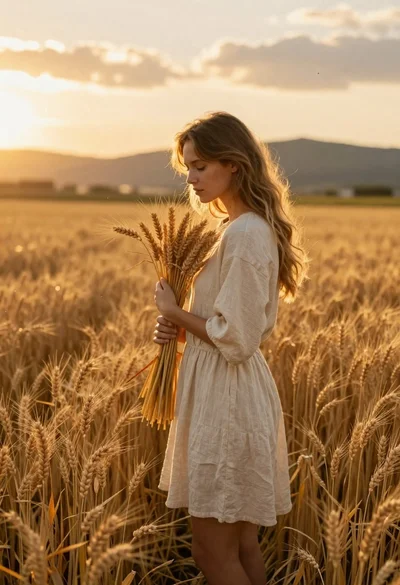
Young woman holding wheat stalks in golden field at sunset