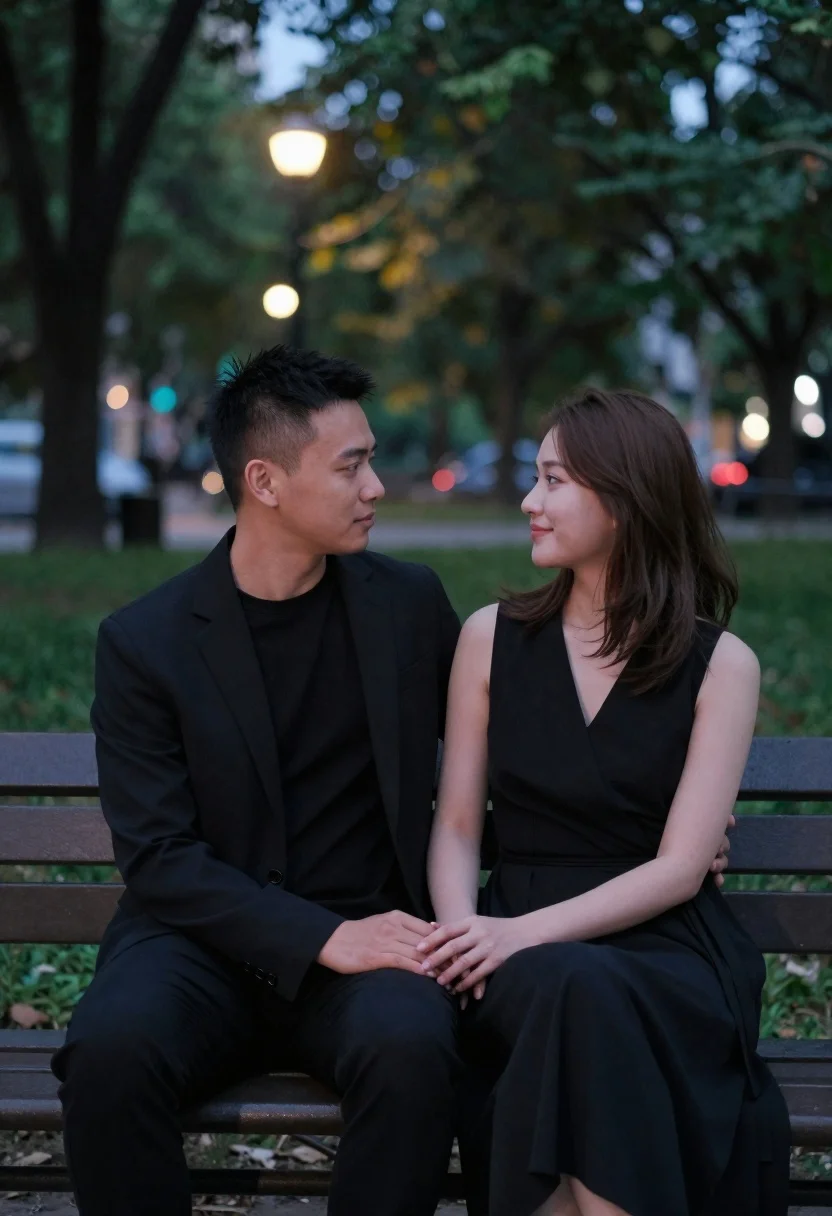
Couple sitting closely on park bench at dusk
Prompt
A romantic portrait of a couple sitting side by side on a park bench in the evening.

Subject: A man and a woman with dark hair; the man has short cropped hair, clean-shaven face, and neutral expression; the woman wears her brown hair loose over shoulders, soft smile gazing at him.

Clothing: The man is dressed entirely in black a tailored blazer, plain round-neck t-shirt, slim-fit trousers sophisticated monochrome look; the woman wears an elegant sleeveless wrap-style dress with a V-neckline and gathered waistband.

Action: They are seated close together on a wooden park bench; their hands rest gently clasped between them in front of her lap; both gaze tenderly into each other's eyes, conveying intimacy and quiet connection.

Environment: Soft-focus background reveals lush green trees and blurred streetlights glowing faintly behind foliage suggesting an urban park at night or dusk with bokeh effect enhancing depth and romance.

Lighting: Gentle ambient evening light illuminates their faces softly from above; subtle shadows define facial contours without harshness, creating a warm, intimate mood balanced by cool-toned background glow.

Camera: Medium shot framing both subjects clearly against blurred backdrop; shallow depth of field keeps focus tightly on them while smoothing surroundings into dreamy bokeh circles (lens flare hints).
Description
This prompt is useful for creating romantic engagement photography, cinematic movie stills, and intimate portrait collections. The combination of 'gentle ambient evening light' illuminating their faces softly from above, paired with the 'bokeh effect enhancing depth and romance,' ensures that the focus remains tightly on the couple while transforming the background into soft, dreamlike circles.
Suggestions
- Change 'dark hair' to 'auburn highlights' for a warmer tone.
- Swap 'tailored blazer' for 'cashmere sweater' for a softer texture.
- Adjust 'bokeh effect enhancing depth and romance' to 'shallow depth of field with visible bokeh' for more control.
Category
Tags
Brown HairCasual WearFemaleFull BodyMaleMedium ShotOutdoorsPortrait ShotRealistic
Date added
June 19, 2026
Added by
PromptDexter Team
Related Prompts
More prompts with similar categories and tags.
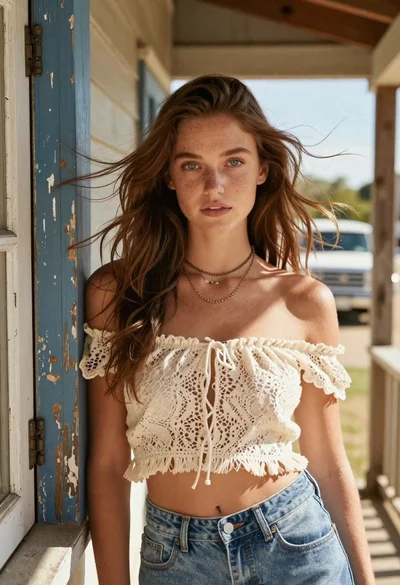
Young woman with brown hair on a sunlit rustic porch
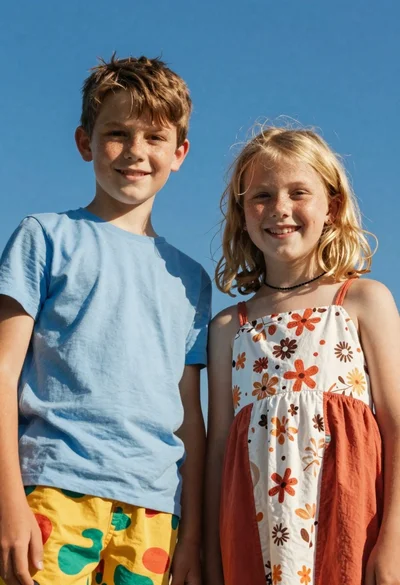
Two smiling children looking up at camera under blue sky
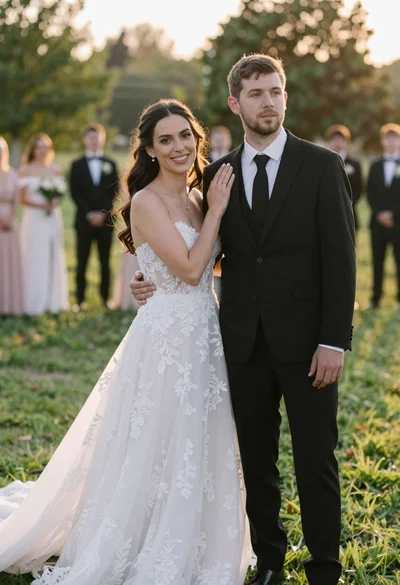
Romantic outdoor wedding portrait of bride and groom in grassy field
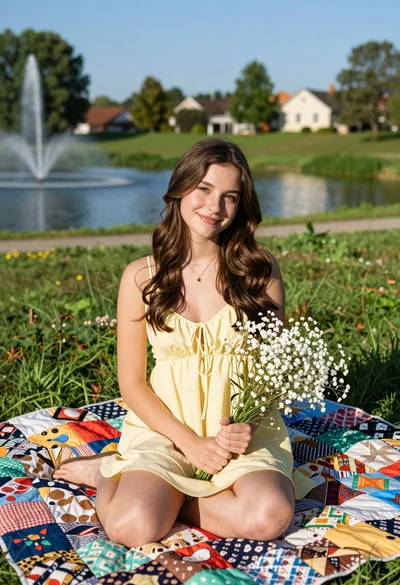
Young woman with brown hair sitting on quilt by sunny pond in

Photorealistic portrait of woman in red gold armor holding shield studio shot

Smiling young woman in white ruffled dress between green topiary bushes

Two smiling women holding purple drinks in front of glass windows
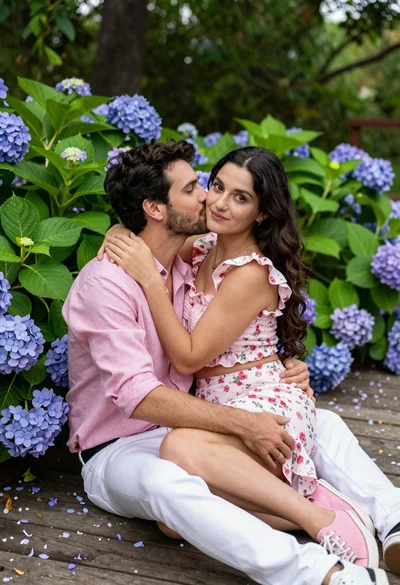
Romantic couple sitting on wooden deck surrounded by purple hydrangeas