
Young man thinking with glowing numbers near wooden bookshelf indoors
Prompt
A young man sits cross-legged on a polished floor in front of a large wooden bookshelf filled with books, holding an open blue textbook and gazing upward thoughtfully while floating glowing numbers surround his head.

Subject: A young man with round wire-rimmed glasses looking up with a contemplative expression.

Clothing: He wears a dark hoodie with colorful lettering across the chest and light-colored jeans.

Action: His right hand is raised to his temple in a thinking gesture, legs crossed comfortably on the floor.

Environment: The setting is an indoor room featuring a tall wooden shelving unit packed with books and papers behind him.

Camera: Shot from a low angle looking up at the subject, emphasizing the floating numbers above his head.

Lighting: Soft ambient light illuminates the scene with glowing yellow numerals creating a magical atmosphere around the figure.

Objects: A large open blue book held in his hands serves as the primary prop.

Style Details: The image has a dreamy, surreal quality enhanced by the glowing floating numbers and warm color grading.
Description
This prompt is useful for creating conceptual album art, academic-themed editorial spreads, and speculative science fiction character portraits. The combination of 'low angle looking up at the subject' with 'glowing yellow numerals' directs the viewer's focus upward, visually representing intellectual breakthrough while the 'dark hoodie with colorful lettering' grounds the surreal elements in a contemporary, relatable context.
Suggestions
- Change 'glowing yellow numerals' to 'cyan glowing equations' for a more technical feel.
- Swap 'polished floor' for 'dark oak parquet' to enhance the bookshelf setting.
- Adjust 'contemplative expression' to 'intensely focused gaze' for stronger narrative impact.
Category
Tags
IndoorsLow AngleMalePortrait ShotRealistic
Date added
July 12, 2026
Added by
PromptDexter Team
Related Prompts
More prompts with similar categories and tags.
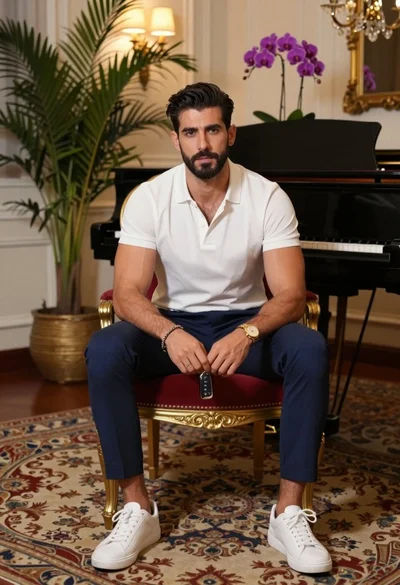
Handsome man seated in ornate armchair with piano and orchids background

Elegant woman in deep red gown sitting in modern lounge chair indoors

Portrait of middle aged man in navy polo shirt indoors
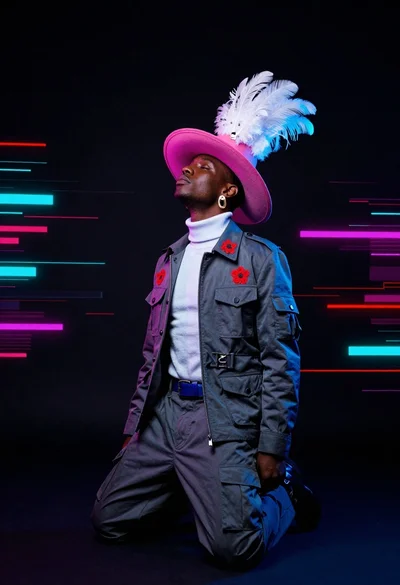
Dark skinned man kneeling in studio with neon glitch background
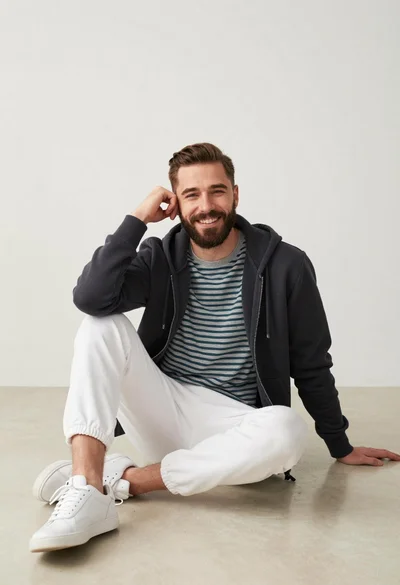
Man sitting casually in studio against plain backdrop
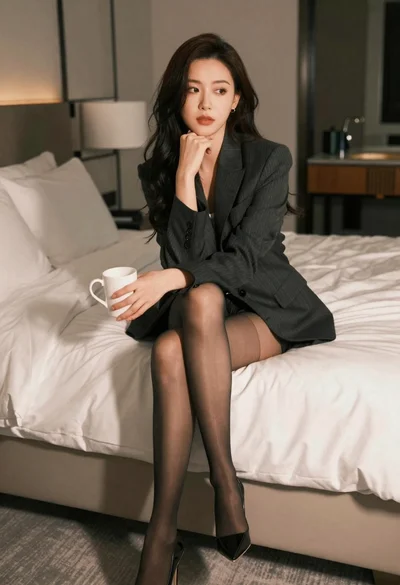
Woman in dark blazer sitting on white bed holding mug thoughtfully

Young man in bulls jersey on brick storefront

Man in suit sitting in car at night
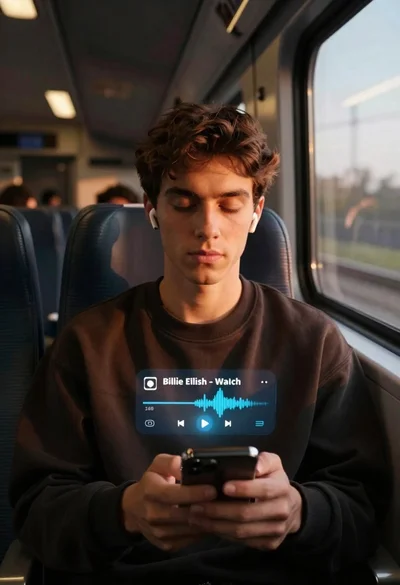
Young man on train listening to music at golden hour

Medium close up portrait of woman on beige sofa in modern room