
Medium close up portrait of woman on beige sofa in modern room
Prompt
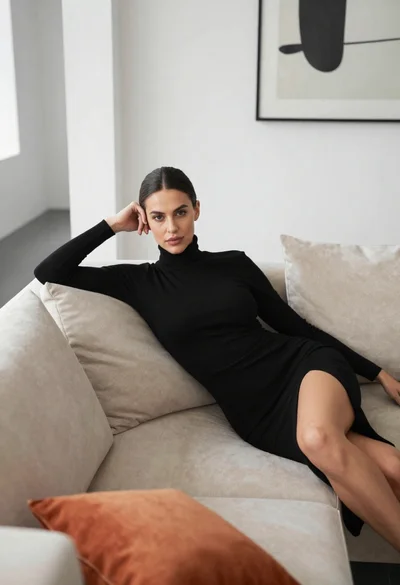
A woman with dark shoulder-length hair and a confident expression sits on a beige sofa in a softly lit room.

Subject: A woman with dark brown bobbed hair, fair skin, defined eyebrows, and light-colored eyes looking directly at the camera. She has a small black tattoo of a lotus flower on her upper left chest.

Clothing: She wears a white ruched bustier top with thick straps and a vertical row of buttons down the center, paired with dark bottoms. A gold ring is visible on her right hand and a delicate gold bracelet on her left wrist.

Action: She leans back against the sofa with her right arm resting along the cushion, her fingers gently touching her chin in a relaxed pose. Her expression is calm and engaging.

Environment: The setting appears to be a modern living room with a plain light-colored wall behind her. A large green leafy plant is visible in the upper background.

Camera: The shot is a medium close-up framed from a slightly low angle, emphasizing the subject's face and upper body with soft focus on the immediate surroundings.

Lighting: Soft, diffused natural light illuminates the scene from the front-left, creating gentle highlights on her skin and clothing while casting subtle shadows that add depth to her features.

Style Details: The image has a clean, high-definition aesthetic with smooth skin textures and vibrant colors typical of modern portrait photography.
Description
This prompt is useful for creating editorial beauty campaigns, sophisticated lifestyle branding materials, and intimate character portraits. The combination of 'soft, diffused natural light' and the 'plain light-colored wall' ensures that the focus remains entirely on the subject's face and the visible details like the 'gold ring', preventing distracting background elements from competing with the narrative.
Suggestions
- Change 'dark brown bobbed hair' to 'wavy dark hair' for more movement.
- Swap 'beige sofa' for 'velvet armchair' to add richer texture.
- Adjust 'soft focus on the immediate surroundings' to 'shallow depth of field' for stronger subject isolation.
Category
Tags
Fair SkinFemaleIndoorsLow AnglePortrait ShotRealistic
Date added
June 19, 2026
Added by
PromptDexter Team
Related Prompts
More prompts with similar categories and tags.

Blonde woman in red dress seated indoors with black handbag
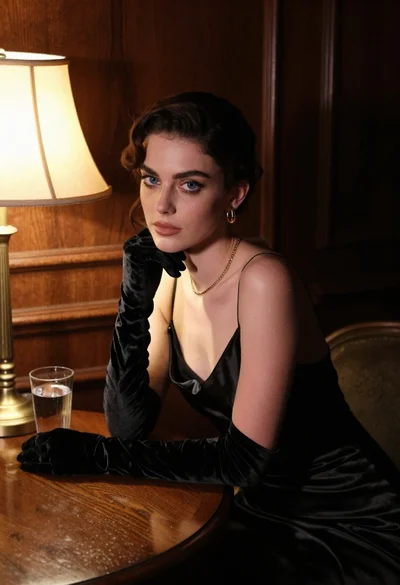
Woman in black satin dress and opera gloves at a wooden table
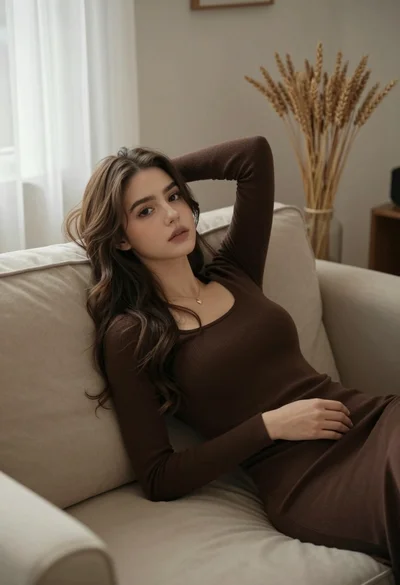
Young woman reclining on beige sofa with brown knit dress indoors

Young blonde woman in brown top seated in modern living room setting

Close up portrait of woman in emerald gown against dark blurred background

Smiling blonde woman in black dress at sports illustrated event backdrop
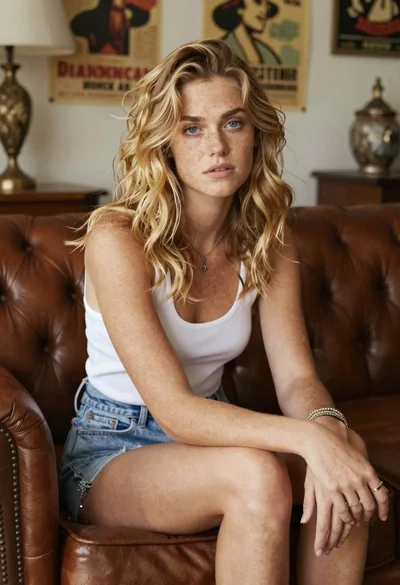
Woman with freckles sitting on brown leather sofa

Portrait of woman in white satin dress near sheer curtains

Blonde woman in black satin mini dress at upscale lounge setting

Glamorous portrait of young woman in champagne gown indoors