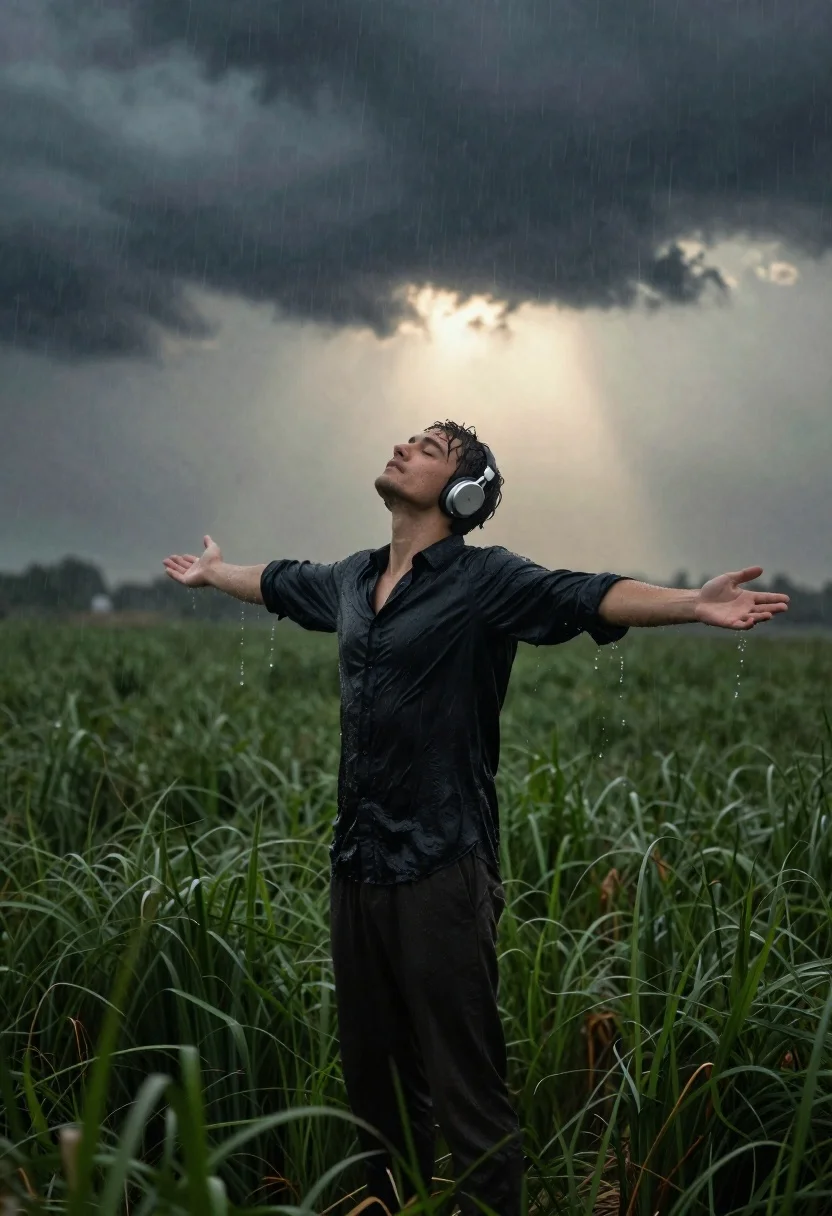
Young man with headphones standing in rainy field with arms outstretched
Prompt
A man stands in a grassy field with his arms outstretched and head tilted back as rain falls around him.

Subject: A young man with short dark hair and wet skin standing in the center of the frame wearing large silver headphones over his ears.

Clothing: He wears a dark button-up shirt that is soaked through by the rain, clinging to his torso, paired with dark trousers.

Action: His arms are spread wide open and his head is tilted back towards the sky with eyes closed in an expression of peaceful surrender or enjoyment.

Environment: A vast green field of tall grass surrounds him under a dramatic sky filled with heavy dark storm clouds and streaks of rain.

Lighting: The scene is lit by a bright, warm glow breaking through the center of the dark clouds directly behind his head, creating a halo effect that contrasts with the cool tones of the rain and shadows.

Camera: A medium shot captures the subject from the waist up with a shallow depth of field that blurs the tall grass in the immediate foreground and the distant horizon.

Style Details: The image features a cinematic color palette with high contrast between the dark stormy atmosphere and the warm backlighting, rendered with realistic textures showing water droplets on the skin and fabric.
Description
This prompt is useful for creating dramatic portrait photography, conceptual fine art prints, and moody editorial spreads about emotional release. The combination of 'bright, warm glow breaking through' directly behind the subject establishes a powerful halo effect that visually separates him from the 'heavy dark storm clouds,' while specifying 'realistic textures showing water droplets on the skin and fabric' ensures the rain feels tangible rather than merely atmospheric.
Suggestions
- Change 'large silver headphones' to 'vintage leather headphones' for a different material feel.
- Swap 'vast green field of tall grass' for 'muddy brown field' to increase contrast with the clothing.
- Adjust 'medium shot' to 'full body shot' to better capture the outstretched arms.
Category
Tags
Black HairFull BodyMaleMedium ShotNatureOutdoorsPortrait ShotRealistic
Date added
June 21, 2026
Added by
PromptDexter Team
Related Prompts
More prompts with similar categories and tags.
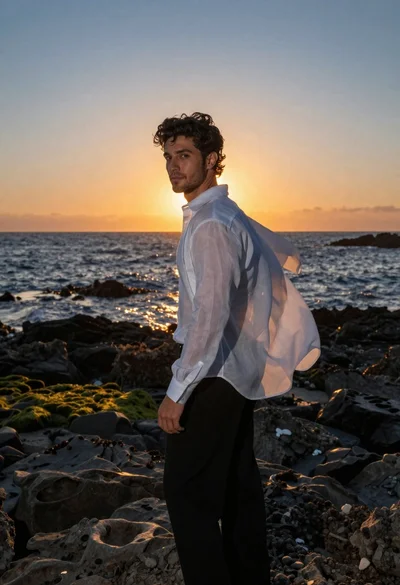
Handsome man in white shirt standing on rocky coast at sunset
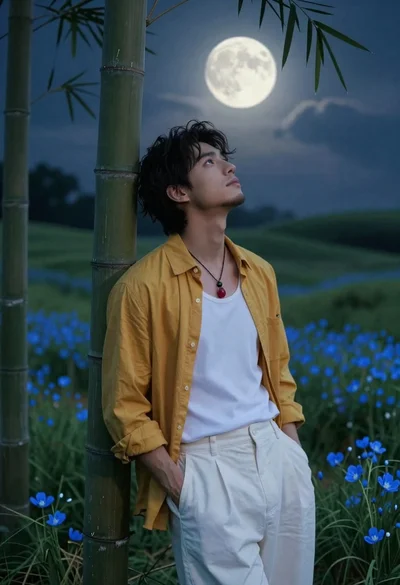
Handsome young man in yellow shirt leaning against bamboo under full moon
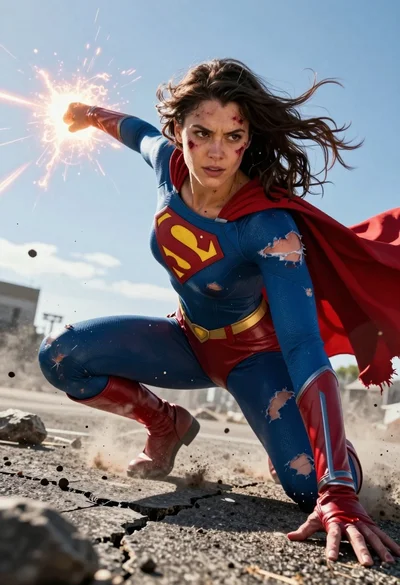
Hyperrealistic low angle shot of superhero crouching on cracked asphalt debris
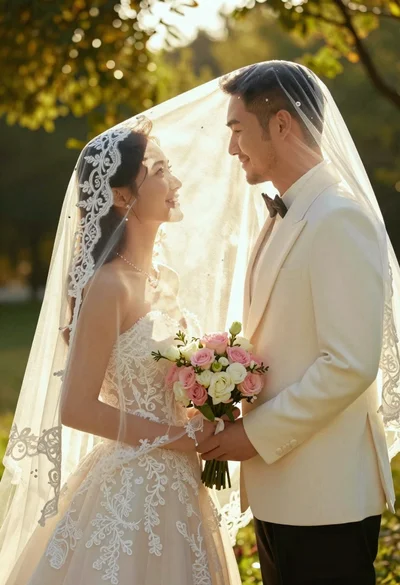
Bride and groom under lace veil in sunlit garden holding roses
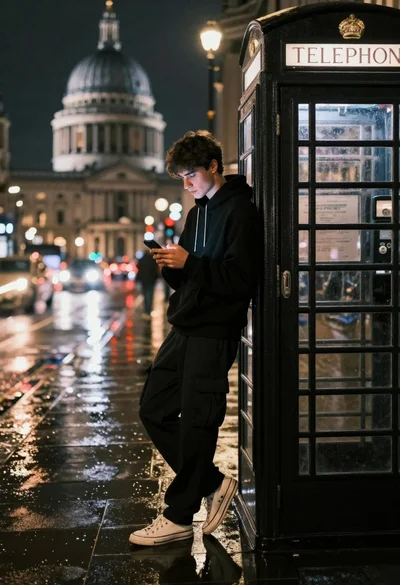
Young man in black hoodie leaning against telephone booth on wet street
Young man sitting at base of large tree in sunlit field

Man in pinstriped shirt leaning on balcony railing in urban alley
Woman riding chestnut horse galloping across dusty rural field at golden hour