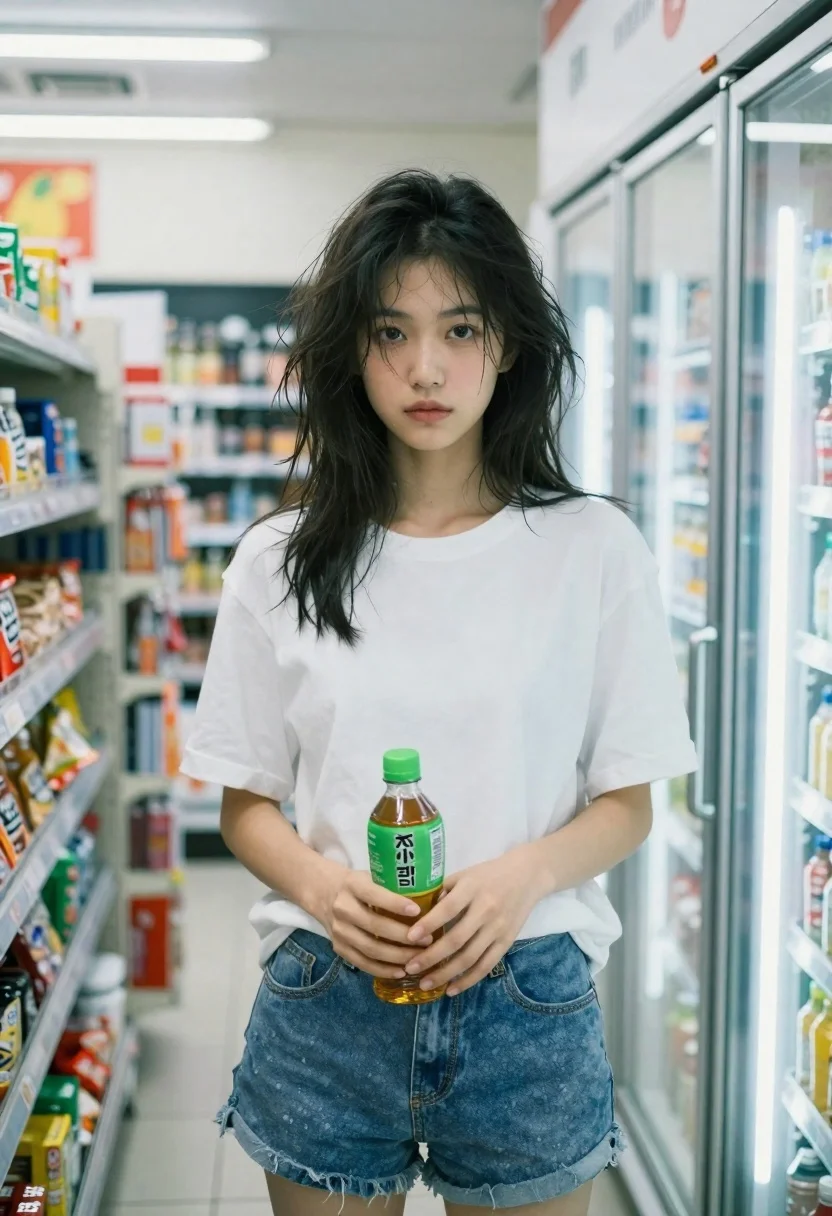
Young woman holding green tea bottle inside a convenience store aisle
Prompt
A young woman with messy dark hair stands inside a convenience store holding a green beverage bottle.

Subject: A young woman with shoulder-length messy black hair and a natural, unmade-up complexion looking directly at the camera with a neutral expression.

Clothing: She wears an oversized plain white t-shirt tucked slightly into blue denim shorts.

Action: She holds a green plastic bottle of tea in her hands near her waist while standing still.

Environment: The setting is a brightly lit convenience store aisle with shelves of snacks and magazines visible in the background and a glass-door refrigerator stocked with drinks to her right.

Camera: Shot from a medium distance at eye level with a shallow depth of field that keeps the subject sharp while blurring the background shelves and interior lights.

Lighting: Cool, artificial fluorescent lighting creates soft highlights on her hair and skin with a slightly grainy film aesthetic.

Objects: A green bottle of tea with Japanese text is held in front of her torso.
Description
This prompt is useful for creating lifestyle product placements, candid character portraits within mundane settings, and mood pieces evoking everyday routine. The combination of 'cool, artificial fluorescent lighting' and the 'shallow depth of field' directs all focus onto the subject and the green bottle, preventing the busy background shelves from becoming a distracting visual mess typical of poorly lit retail photography.
Suggestions
- Change 'green plastic bottle' to 'glass tea bottle' for more premium product visibility.
- Adjust 'oversized plain white t-shirt' to 'fitted knit top' for a different silhouette.
- Swap 'fluorescent lighting' for 'soft overhead strip light' to alter the harshness of the highlights.
Category
Tags
Black HairCasual WearFemaleIndoorsMedium ShotOutdoorsRealistic
Date added
June 26, 2026
Added by
PromptDexter Team
Related Prompts
More prompts with similar categories and tags.
Blonde woman in teal slip dress leaning on elevator handrail
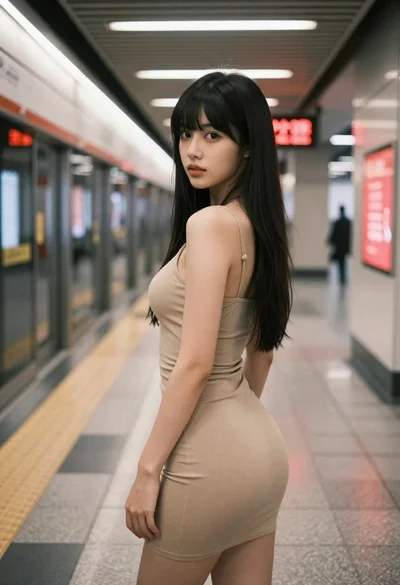
Young woman in beige mini dress looking back at camera on subway
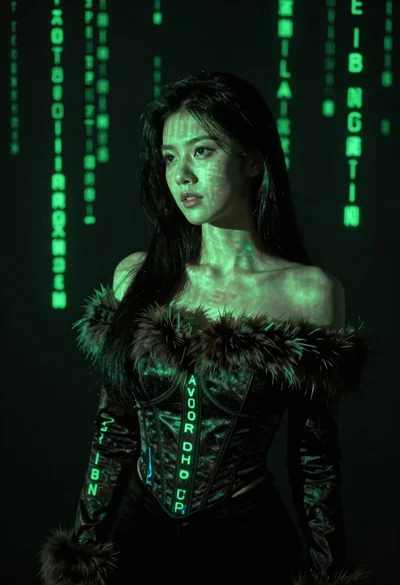
Young woman with long black hair standing in dark environment with projected
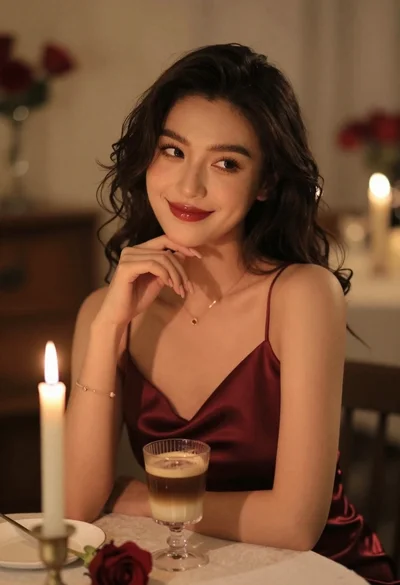
Woman in burgundy satin dress sitting at a table with candle and
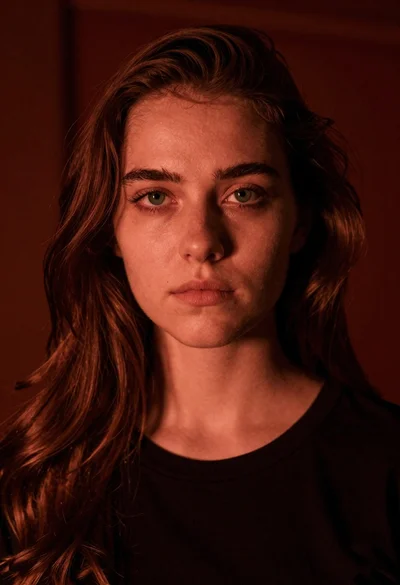
Closeup portrait of young woman with brown hair and green eyes in

East asian woman in black leather jacket on bustling chinese street at
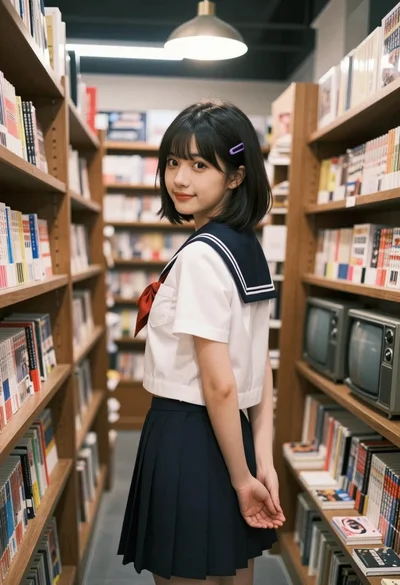
Young woman in japanese school uniform stands in a bookstore looking back over shoulder

Black and white portrait of young woman in wool coat standing in