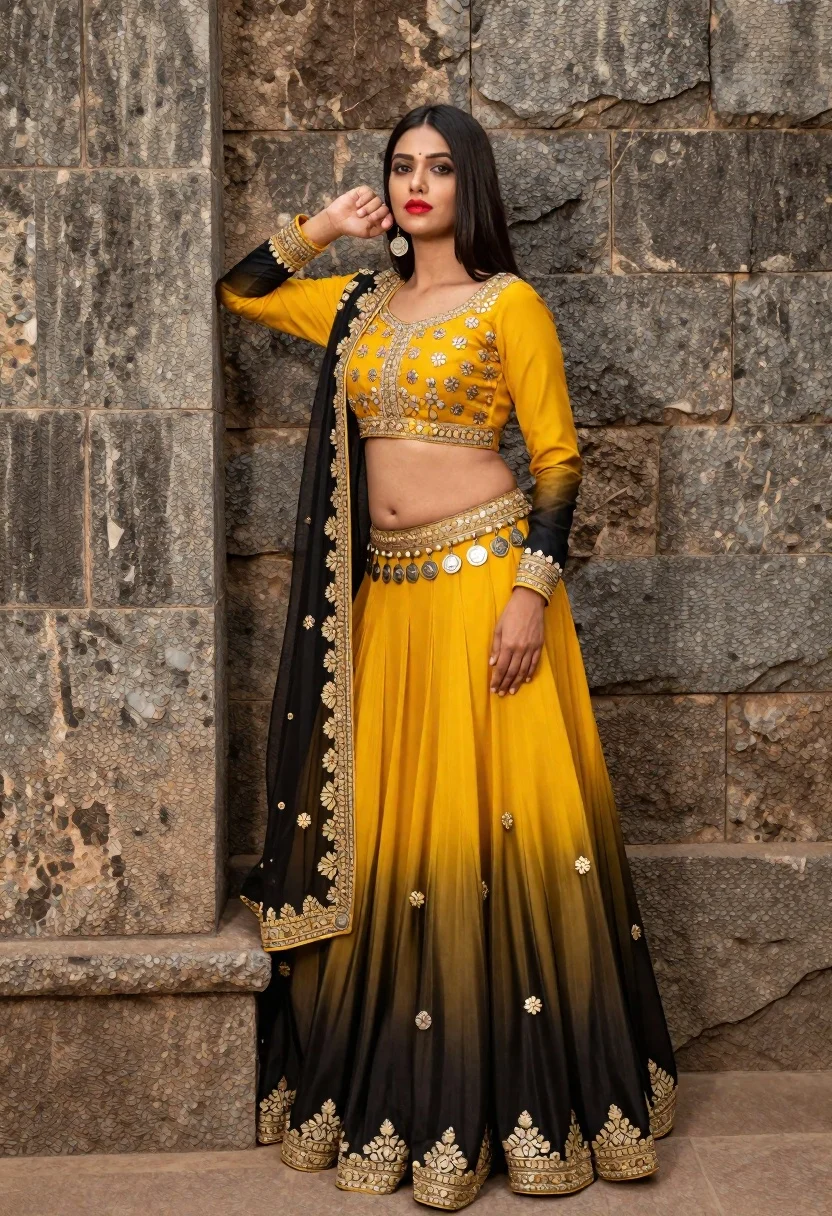
Indian woman in yellow and black lehenga standing against stone wall
Prompt
A woman with long black hair stands against a rough stone wall wearing an ornate yellow and black lehenga choli with intricate embroidery and coin belts.

Subject: A poised woman with long dark hair and bright red lipstick, featuring a fair complexion and defined facial features.

Clothing: She wears a traditional Indian lehenga set consisting of a yellow blouse with puffed sleeves that gradients into black at the bottom, a matching pleated skirt with a black ombre effect, and a sheer dupatta draped over her shoulder; the outfit is heavily embellished with gold floral embroidery along the borders and waistlines, accented by rows of silver coins hanging from the midriff and hip.

Action: She leans casually against the stone wall with one hand raised near her face and the other resting on her thigh, looking directly at the camera with a calm expression.

Environment: The background consists of a textured, weathered stone wall that fills the frame behind her.

Lighting: Soft, diffused lighting illuminates the subject evenly, highlighting the sheen of the fabric and the details of the embroidery without creating harsh shadows.

Style Details: High-resolution fashion photography with rich color saturation, sharp focus on the textures of the clothing and skin, and a polished aesthetic typical of professional portrait shoots.
Description
This prompt is useful for creating editorial bridal lookbooks, cultural portraiture spreads, and high-end costume concept art. The combination of 'soft, diffused lighting' with 'rich color saturation' ensures that the intricate gold floral embroidery remains visible without harsh shadows obscuring the details, which is crucial when showcasing complex traditional textiles.
Suggestions
- Change 'yellow blouse' to 'mustard yellow blouse' for a deeper tone.
- Add 'bokeh background' to soften the stone wall texture.
- Swap 'silver coins' for 'antique gold coin belts' to adjust the metallic feel.
Category
Tags
Black HairFair SkinFemaleMedium ShotOutdoorsPortrait ShotRealisticTraditional WearUrban
Date added
June 21, 2026
Added by
PromptDexter Team
Related Prompts
More prompts with similar categories and tags.
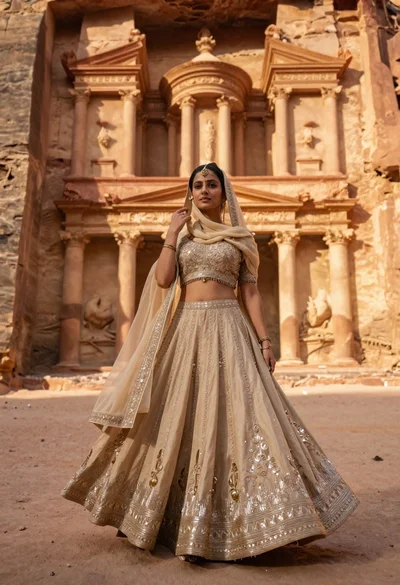
Young woman in beige lehenga standing before ancient carved stone architecture
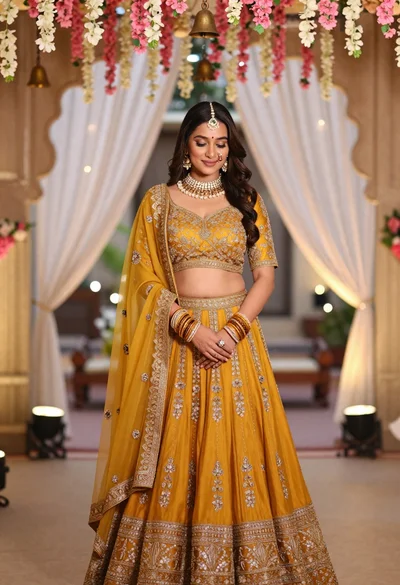
Young indian woman in mustard yellow lehenga standing under floral archway
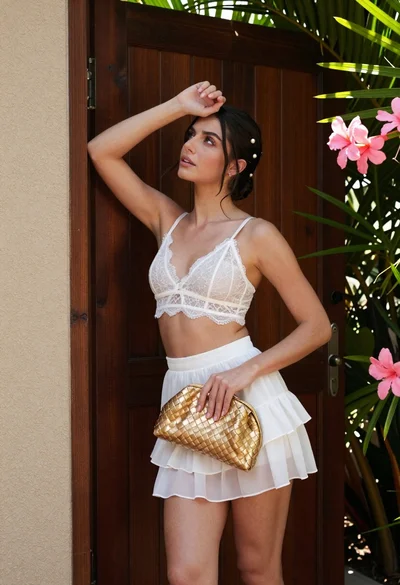
Young woman in white lace outfit standing by tropical leaves and flowers
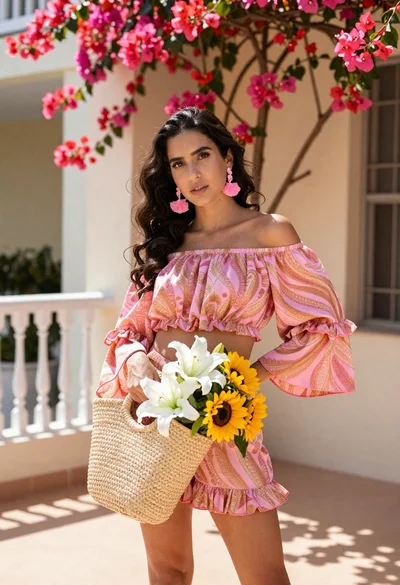
Young woman in pink outfit holding flower basket near bougainvillea flowers

Young woman in fur hat at cozy outdoor cafe during christmas
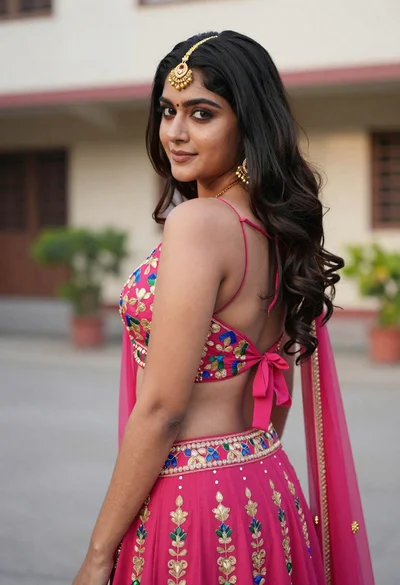
Young woman in pink lehenga looking back over shoulder in courtyard
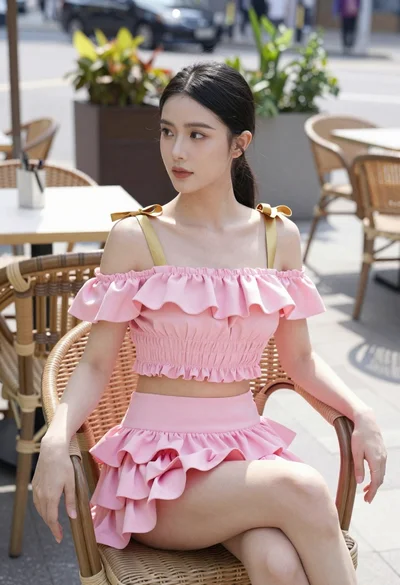
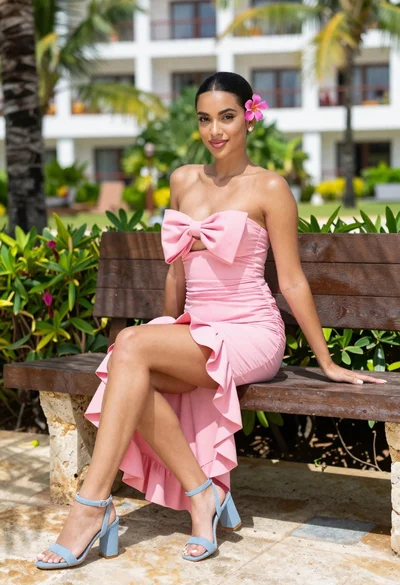
Young woman in pink ruffled outfit sitting at an outdoor cafe
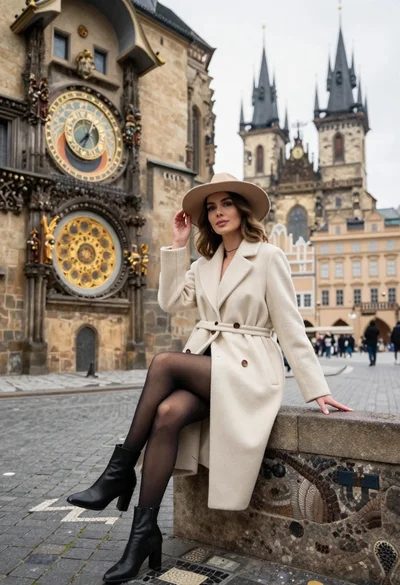
Stylish woman in cream coat sitting by prague astronomical clock