Young woman in black bodysuit taking mirror selfie in modern bathroom
Prompt
A young woman with long brown hair and bangs stands in a bathroom mirror selfie, wearing clear-framed glasses and smiling softly at the camera.

Subject: A young woman with long wavy brown hair featuring bangs, fair skin, and visible tattoos on her arms. She wears clear-rimmed eyeglasses and has a confident, relaxed expression.

Clothing: She is dressed in a black satin bodysuit or leotard with white lace trim along the neckline and armholes, accented by white ribbons tied at the front and sides. She accessorizes with a black choker necklace, a gold pendant necklace, and a colorful woven bracelet on her wrist.

Action: She is leaning forward slightly, resting her hands near the bottom of the mirror frame, looking directly into the camera with a gentle smile.

Environment: The setting is a modern bathroom with white tiled walls featuring a diamond pattern, a large window to the left showing greenery outside, and a glass shower enclosure in the background. A smartphone mounted on a red and black tripod stands to her right.

Lighting: Bright natural daylight streams in from the window, illuminating her face and body evenly while casting soft shadows behind her against the tiled wall.

Camera: The shot is a medium close-up mirror selfie taken with a smartphone, capturing her upper body and torso with a clear focus on her features and outfit details.

Style Details: High-resolution, realistic photography with vibrant colors and sharp detail, emphasizing the texture of the satin fabric and lace trim.
Description
This prompt is useful for creating social media fashion posts, e-commerce product mockups featuring apparel, and personal lifestyle blogs documenting outfits. The combination of 'black satin bodysuit' with 'white lace trim' against the backdrop of 'white tiled walls featuring a diamond pattern' ensures that the outfit details remain sharp and visible despite the bright natural daylight, preventing the luxurious sheen of the satin from becoming an undifferentiated glare.
Suggestions
- Change 'black satin bodysuit' to 'velvet bodysuit' for a different texture.
- Swap 'red and black tripod' for 'minimalist silver tripod' to match modern aesthetics.
- Adjust 'gentle smile' to 'smirk' for a more edgy vibe.
Category
Tags
Black HairBrown HairFair SkinFemaleIndoorsRealisticSelfie
Date added
June 19, 2026
Added by
PromptDexter Team
Related Prompts
More prompts with similar categories and tags.

Young woman seated on grey sofa against pink wall fashion portrait
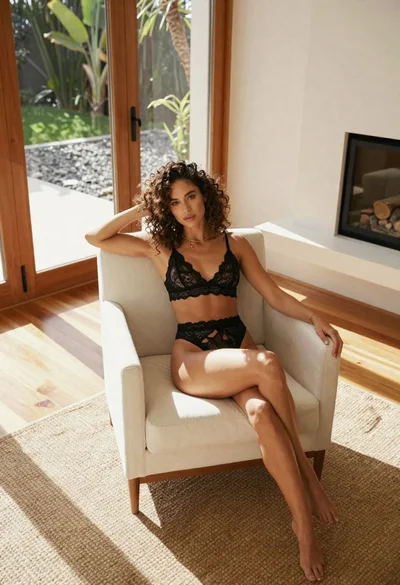
Woman in black lace lingerie sitting in white armchair modern room
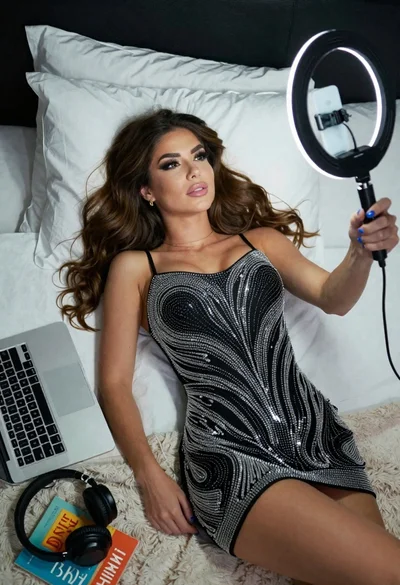
Woman taking a selfie in bed with ring light and patterned black
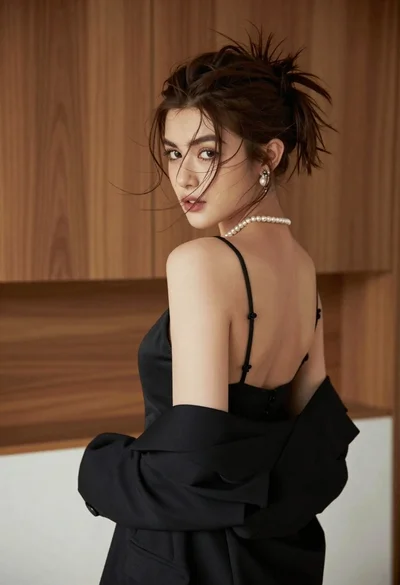
Young woman looking back over shoulder in black dress indoors

Woman in black saree sitting indoors near bright window light
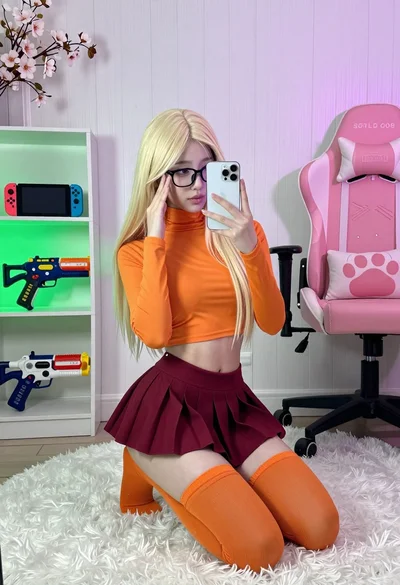
Young woman in orange crop top squatting for mirror selfie indoors
Young woman taking mirror selfie in luxurious bedroom setting

Blonde woman taking mirror selfie on beige carpet near anime display
Young woman in floral dress taking mirror selfie indoors with natural light

Young woman in black lingerie with grey cardigan on stool