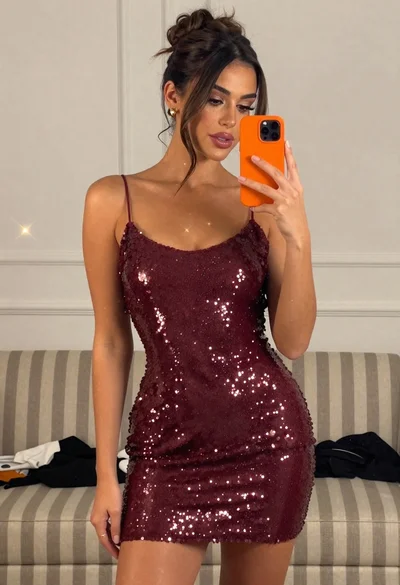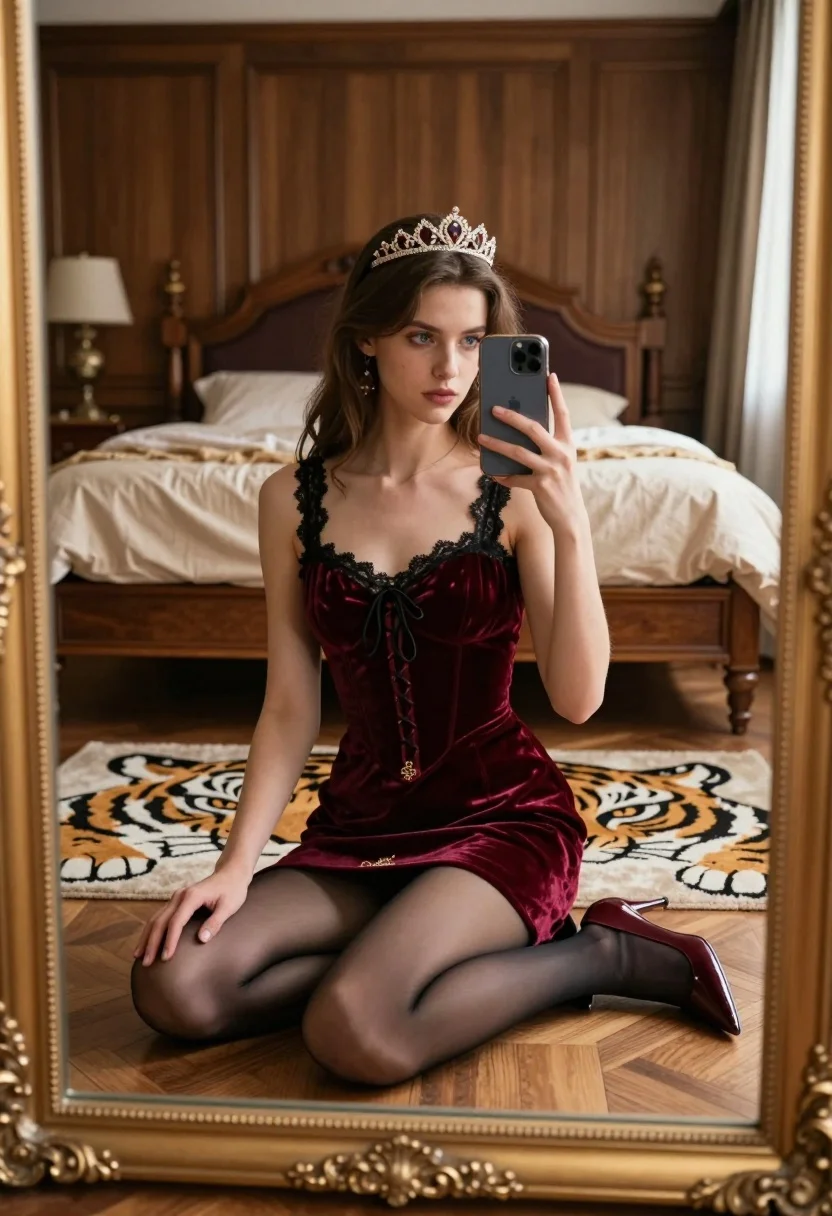
Young woman taking mirror selfie in luxurious bedroom setting
Prompt
A young woman with long brown hair sits cross-legged on a wooden floor in front of an ornate mirror, holding a smartphone to take a selfie while wearing a burgundy velvet dress and a tiara.

Subject: A young woman with long brown hair, fair skin, blue eyes, and a serious expression looking directly at the camera reflection. She wears a small jeweled tiara on her head.

Clothing: She is dressed in a deep red or maroon velvet corset-style mini dress featuring black lace trim along the neckline and armholes, with a front lace-up detail. The dress has gold embroidery near the hem. She wears sheer black tights and burgundy patent leather high-heeled slingback shoes.

Action: She sits cross-legged on the floor, holding a silver smartphone in her left hand to capture a mirror selfie. Her right hand rests gently on her knee.

Environment: The setting is a luxurious bedroom with wood-paneled walls, a large wooden bed with beige linens in the background, and a large gold-framed mirror reflecting the room. A tiger-head rug lies beneath her.

Camera: The shot is framed as a reflection within a large, ornate gold picture frame, capturing the subject from a slightly high angle looking down at the seated figure.

Lighting: Soft, natural light illuminates the scene from the right side, casting gentle shadows and highlighting the texture of the velvet dress and wood paneling.

Style Details: The image has a cinematic, high-fashion aesthetic with rich textures, deep colors, and an elegant, slightly vintage atmosphere reminiscent of period drama photography.
Description
This prompt is useful for creating editorial fashion moodboards, character concept art for historical dramas, and luxury lifestyle catalog imagery. The combination of 'burgundy velvet dress' against the 'wood-paneled walls' grounds the scene in rich texture, while the 'soft, natural light...
Suggestions
- Change 'burgundy velvet dress' to 'emerald green velvet gown' for a different color story.
- Swap 'tiger-head rug' for 'Persian patterned rug' to adjust the floor aesthetic.
- Modify 'slightly high angle looking down' to 'eye-level medium shot' for a more direct portrait feel.
Category
Tags
BedroomBrown HairFair SkinFemaleHigh AngleIndoorsMedium ShotRealisticSelfie
Date added
July 12, 2026
Added by
PromptDexter Team
Related Prompts
More prompts with similar categories and tags.
Young woman in black outfit taking mirror selfie in indoor room

Young woman in orange crop top squatting for mirror selfie indoors
Young woman taking mirror selfie in cozy living room setting
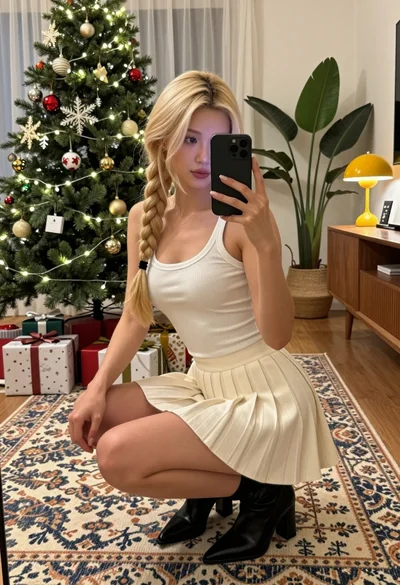
Blonde woman taking a mirror selfie in a decorated christmas living room
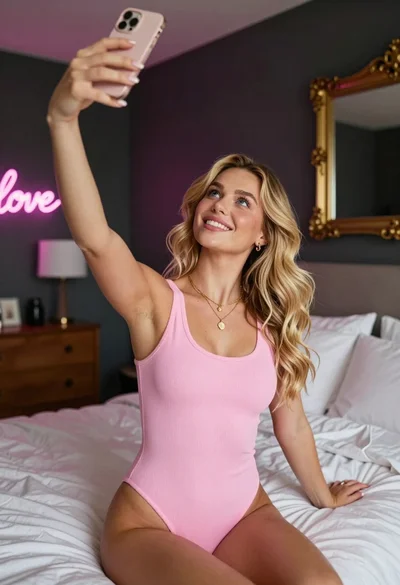
Young blonde woman taking a selfie in a cozy warmly lit bedroom
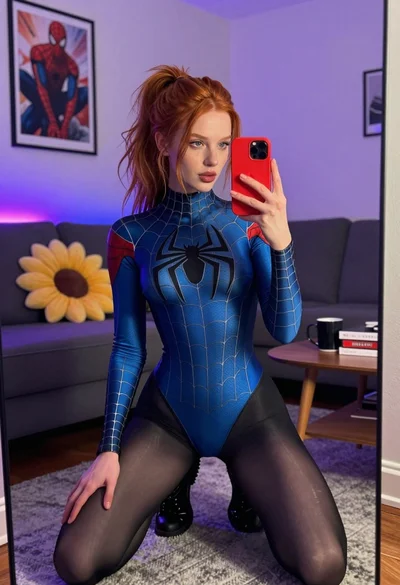
Red haired woman in spider man bodysuit taking a mirror selfie indoors

Blonde woman taking mirror selfie on beige carpet near anime display
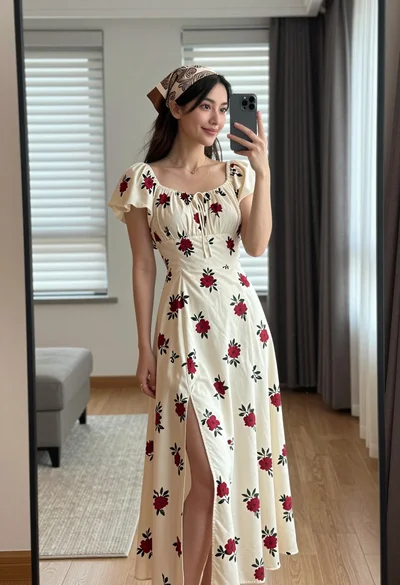
Young woman in floral dress taking mirror selfie indoors with natural light
Woman taking a selfie in bed with ring light and patterned black
Woman taking mirror selfie in bathroom wearing marble patterned mini dress