
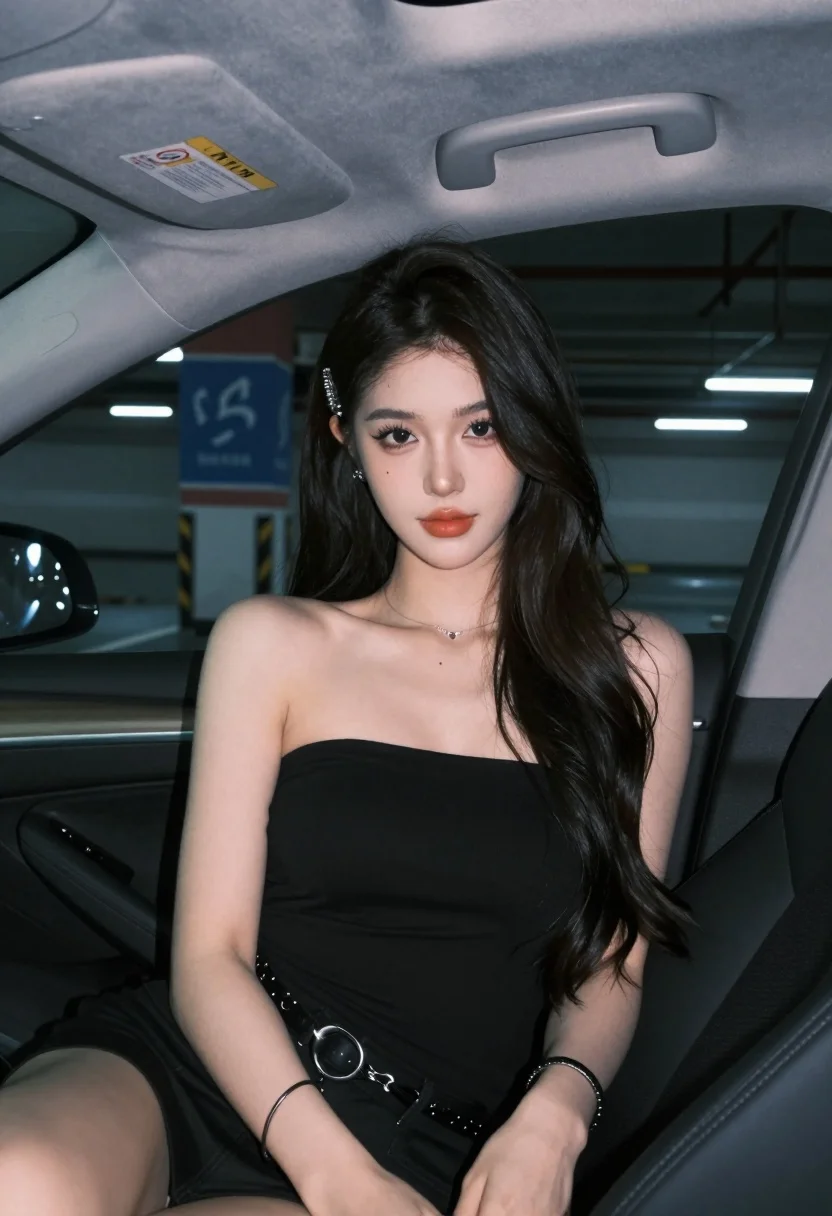
Young woman in black top sitting inside modern car looking at camera
Prompt
A young woman with long dark wavy hair sits in the passenger seat of a car looking directly at the camera.

Subject: A young woman with fair skin and long dark wavy hair parted in the middle, featuring defined eyebrows, winged eyeliner, glossy red lips, and a small beauty mark on her neck.

Clothing: She wears a black strapless tube top and matching black bottoms secured with a silver chain belt buckle, accessorized with a thin silver necklace, a decorative hair clip, stud earrings, and multiple bracelets on her wrist.

Action: She is seated upright in the car with her hands resting on her lap, gazing forward with a calm expression.

Environment: The interior of a modern car with dark upholstery, visible air vents, and a sun visor displaying a warning sticker; outside the window is a dimly lit parking garage with blue and red painted pillars and overhead fluorescent lights.

Camera: Shot from a medium close-up angle inside the vehicle with a shallow depth of field that blurs the background to emphasize the subject.

Lighting: Soft ambient lighting illuminates her face from the front, creating gentle highlights on her skin while maintaining a cool tone consistent with the car interior.

Style Details: High-resolution portrait photography with smooth skin texture and realistic color grading.
Description
This prompt is useful for creating automotive editorial spreads, character portraits set in urban environments, and mood pieces emphasizing modern minimalism. The combination of 'soft ambient lighting' from the front against a 'dimly lit parking garage' background establishes a cool, controlled atmosphere that keeps focus tightly on the subject while using the visible car details to ground the portrait in a specific, contemporary setting.
Suggestions
- Change 'black strapless tube top' to 'charcoal knit sweater' for more texture.
- Replace 'blue and red painted pillars' with 'concrete brutalist columns' for a harsher backdrop.
- Adjust 'shallow depth of field' to 'bokeh effect' for an even softer background blur.
Category
Tags
Black HairCasual WearFair SkinFemaleMedium ShotPortrait ShotRealisticStudio
Date added
August 5, 2026
Added by
PromptDexter Team
Related Prompts
More prompts with similar categories and tags.

Young woman in black top seated inside car looking at camera through

Medium full length portrait of woman in brown mesh dress

Medium close up portrait of young woman wearing black top and sunglasses
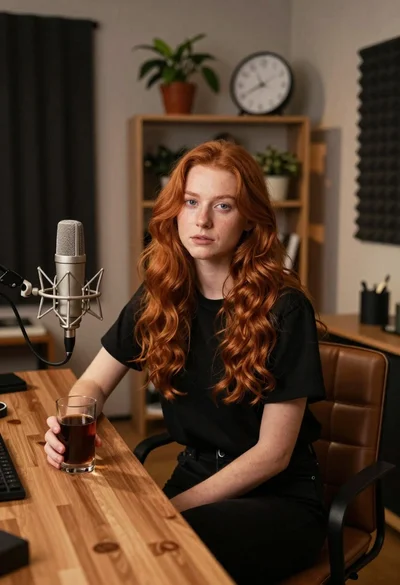
Young woman with red hair seated at wooden desk in cozy studio

Medium close up portrait of blonde woman in black top against deep
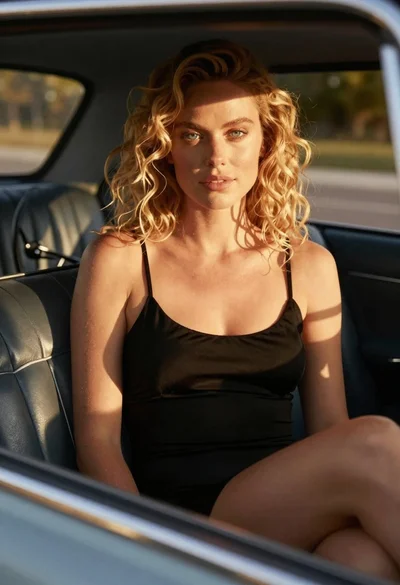
Close up of blonde woman in black dress inside vintage car
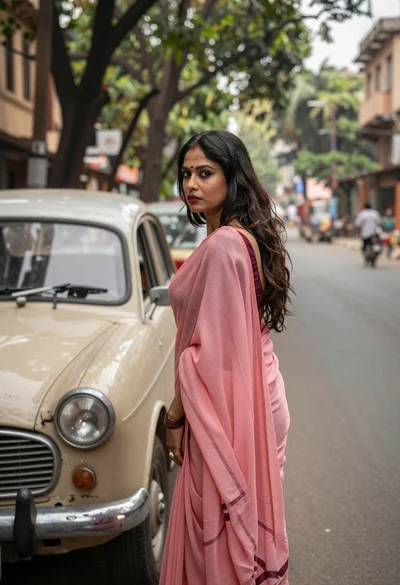
Woman in pink saree standing beside a vintage car on city street

Young woman with dark hair in car during sunset by ocean
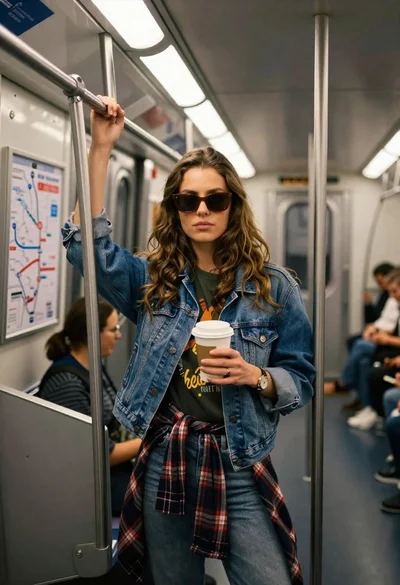
Young woman with brown hair and denim jacket inside a subway car
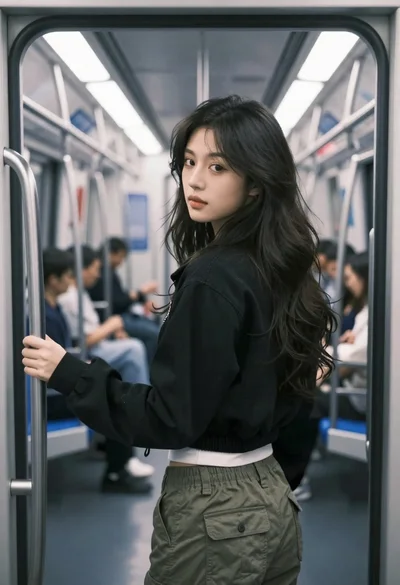
Young woman in black jacket stands inside subway car looking back over