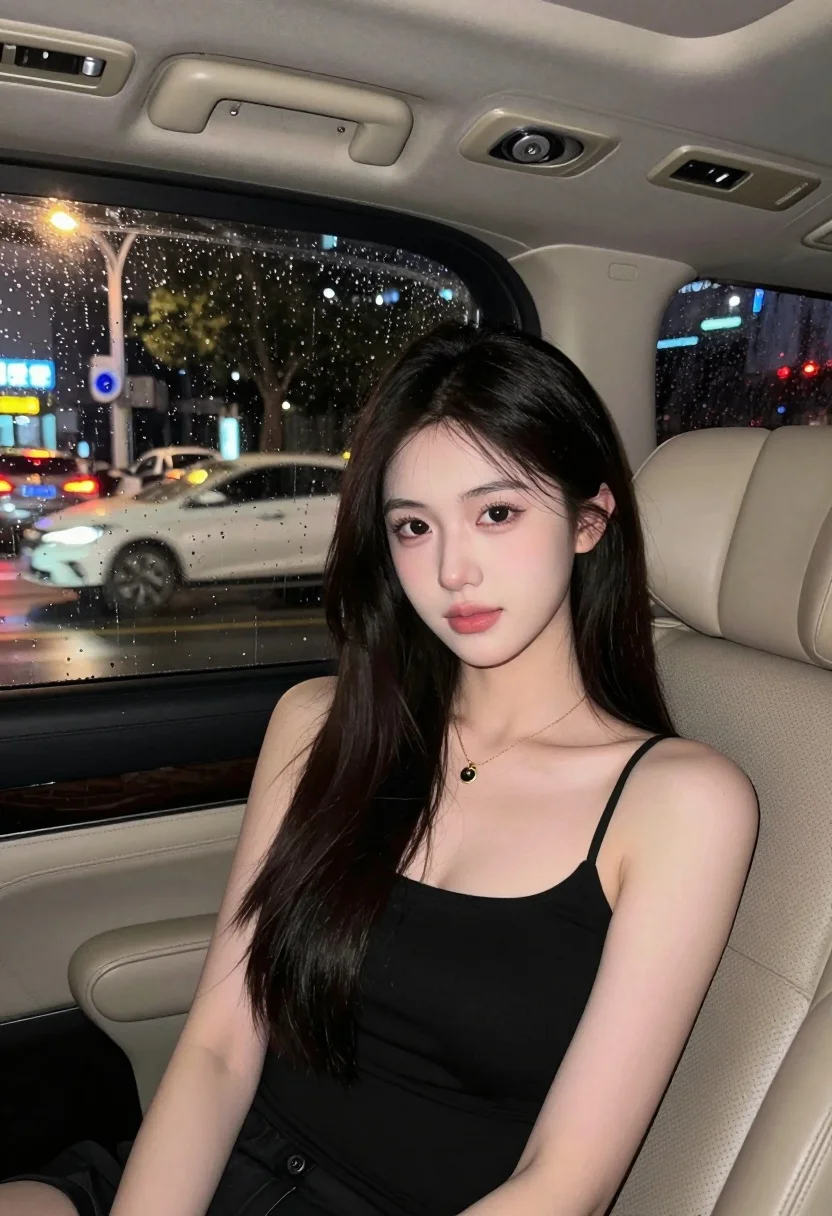
Young woman in black top seated inside car looking at camera through
Prompt
A young woman with long dark hair sits in the back seat of a car looking directly at the camera.

Subject: A young woman with fair skin and long, straight black hair that falls over her shoulders. She has large eyes with subtle makeup and soft pink lips.

Clothing: She wears a simple black spaghetti strap top or dress and a delicate gold chain necklace with a small pendant.

Action: She is seated facing forward, looking directly at the camera with a calm expression. Her posture is relaxed as she sits in the car seat.

Environment: The interior of a vehicle with beige leather seats and a grab handle visible on the ceiling. Through the rain-streaked window, blurred city lights from traffic are visible outside.

Lighting: Soft, diffused lighting illuminates her face, likely from the camera flash or ambient light reflecting off the wet glass, creating a gentle glow against the darker interior.

Camera: Close-up shot taken from inside the car looking at the passenger seat, with a shallow depth of field that keeps the subject sharp while blurring the background city lights.

Style Details: Nighttime urban photography with a focus on portrait aesthetics, featuring bokeh effects from the rain-splattered window and warm ambient tones contrasting with the cool exterior night scene.
Description
This prompt is useful for creating moody cinematic stills, intimate character portraits, and atmospheric travel blog features. The combination of 'soft, diffused lighting' against the dark interior, coupled with the 'bokeh effects from the rain-splattered window,' establishes a specific nocturnal mood that grounds the subject in a narrative moment rather than a simple studio setup.
Suggestions
- Change 'beige leather seats' to 'dark grey vinyl' for a more dramatic contrast.
- Add 'anamorphic lens flare' to enhance the cinematic quality of the lights.
- Swap 'soft pink lips' for 'nude matte lipstick' to maintain a cooler, moodier palette.
Category
Tags
Black HairCasual WearClose UpFair SkinFemalePortrait ShotRealistic
Date added
July 12, 2026
Added by
PromptDexter Team
Related Prompts
More prompts with similar categories and tags.
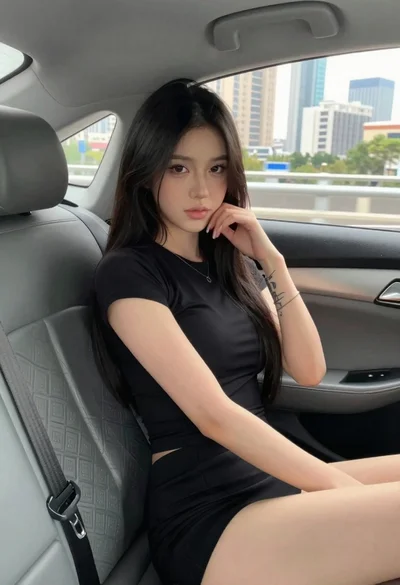
Young woman in black outfit sitting inside car looking at camera
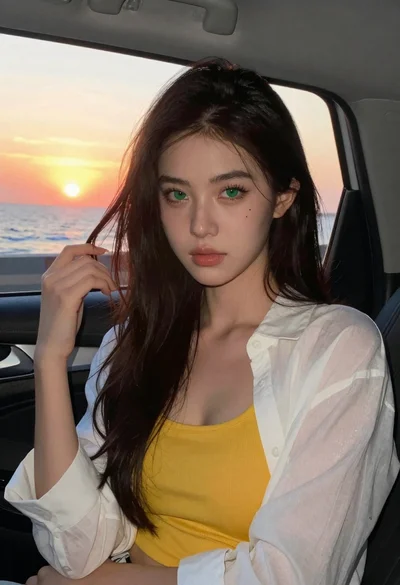
Young woman with dark hair in car during sunset by ocean
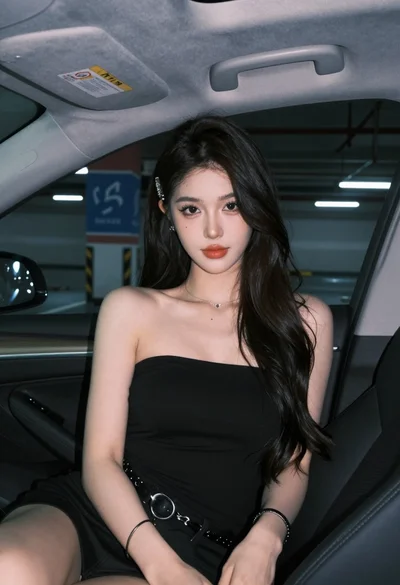
Young woman in black top sitting inside modern car looking at camera
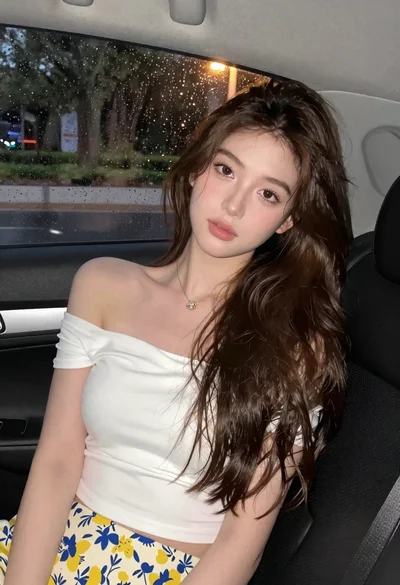
Young woman in white top and floral skirt inside car window
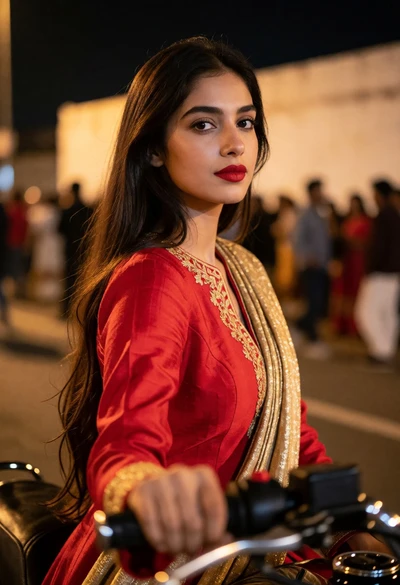
Young woman with red jacket on motorcycle at night in an urban

Close up portrait of blonde woman in black top inside luxury car

Close up portrait of blonde woman blowing kiss in black sweatshirt
Close up portrait of young woman shielding eyes from bright sun
Candid medium close up of young woman laughing in luxury car seat
Woman in pink saree standing beside a vintage car on city street