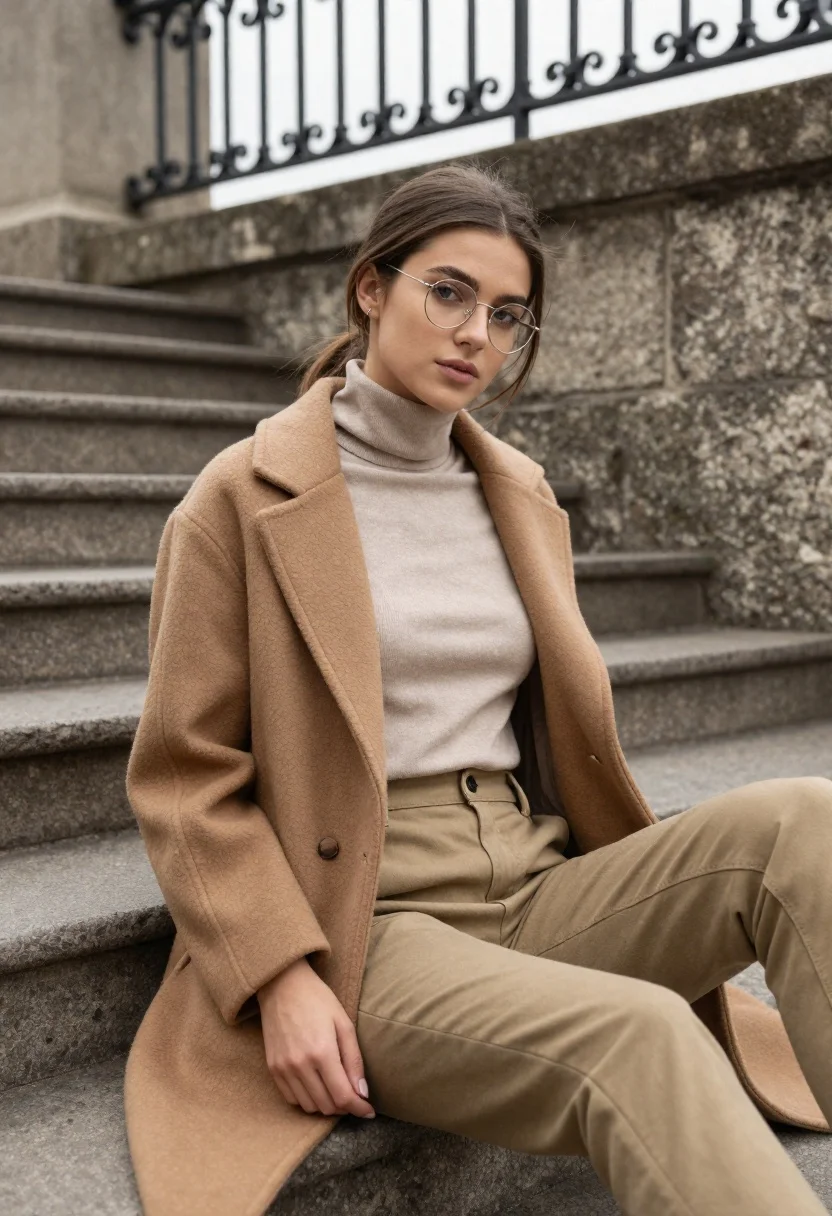
Young woman in coat sitting on stone steps outdoors under overcast sky
Prompt
A young woman with brown hair tied back sits casually on stone steps in an urban setting.

Subject: A young woman with fair skin and long brown hair pulled into a low ponytail with loose strands framing her face. She wears thin, round wire-rimmed glasses and has a soft, neutral expression while looking directly at the camera.

Clothing: She is dressed in a beige turtleneck top tucked into high-waisted khaki trousers featuring belt loops and a buttoned waistband. Over this, she wears a thick, textured camel-colored coat with wide lapels that is draped open over her shoulders.

Action: She is seated on the steps with her legs extended slightly to the side. Her left hand rests gently on her thigh near the hem of the coat, while her right arm is obscured by the coat's fold. Her posture is relaxed and posed.

Environment: The setting consists of weathered grey stone stairs and a rough-hewn stone wall behind her. Above the wall, an ornate black metal railing with scrollwork designs runs along the top edge against a bright, overcast sky.

Lighting: The scene is lit by soft, diffused natural light that creates gentle shadows and highlights the texture of the coat without harsh contrast.

Camera: The shot is framed as a medium close-up from a slightly low angle, emphasizing the subject's face and upper body while capturing the depth of the stairs behind her.

Style Details: The image features a cinematic color palette dominated by earthy tones like beige, camel, and grey, rendered with high detail and a smooth, polished aesthetic.
Description
This prompt is useful for creating editorial street style photography, character portraits for film concepts, and moody fashion lookbooks emphasizing texture. The combination of 'soft, diffused natural light' and the 'thick, textured camel-colored coat' ensures that the fabric details remain visible without harsh shadows, which grounds the portrait within the 'weathered grey stone stairs' setting.
Suggestions
- Change 'beige turtleneck top' to 'charcoal merino sweater' for a darker contrast.
- Swap 'camel-colored coat' for 'deep forest green wool coat' to shift the palette.
- Adjust 'low ponytail' to 'loose waves' for a softer, less structured look.
Category
Tags
Brown HairFair SkinFemaleLow AngleOutdoorsRealisticUrban
Date added
June 19, 2026
Added by
PromptDexter Team
Related Prompts
More prompts with similar categories and tags.
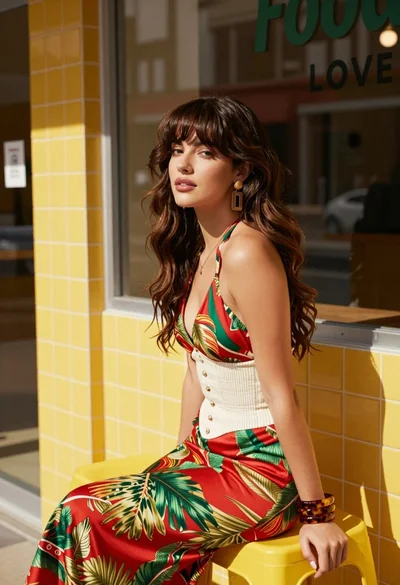
Stylish woman with brown hair sitting on yellow stool outside shop window

Young woman in black and white patterned outfit on urban rooftop
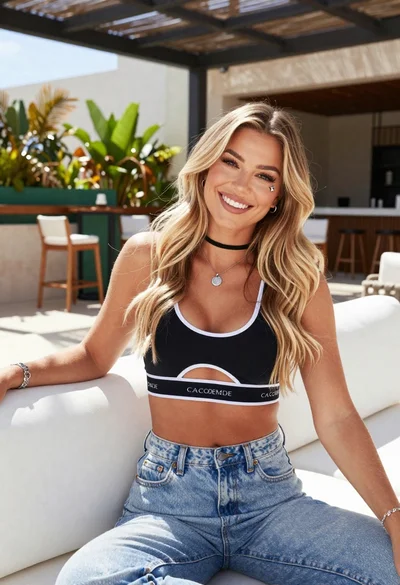
Smiling blonde woman in sports bra sitting on outdoor lounge chair
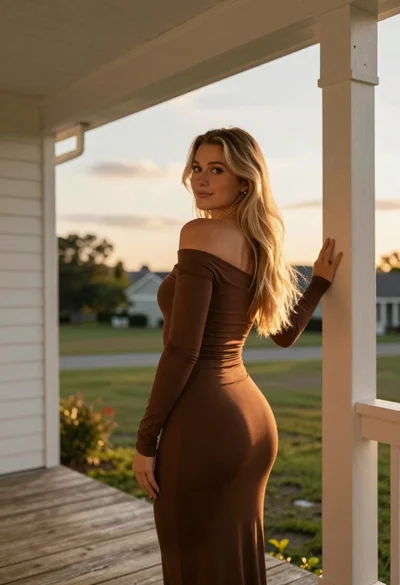
Young blonde woman on wooden porch looking back at sunset

Young woman in green jacket holding plush toy at festive carousel

Young woman in pink cardigan holding camera in front of castle
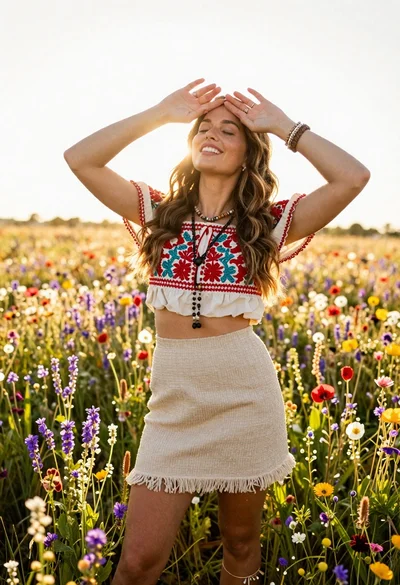
Smiling woman in embroidered top standing in field of wildflowers
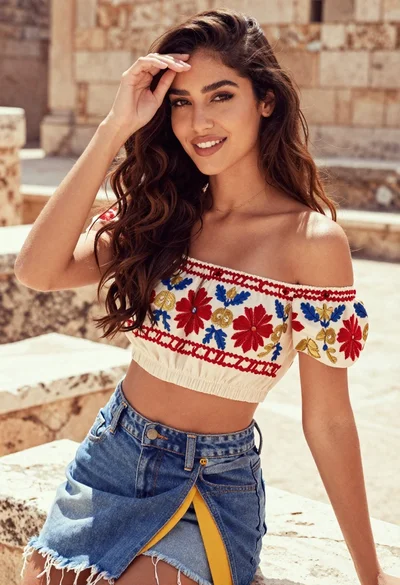
Smiling woman with wavy brown hair posing on ancient stone steps
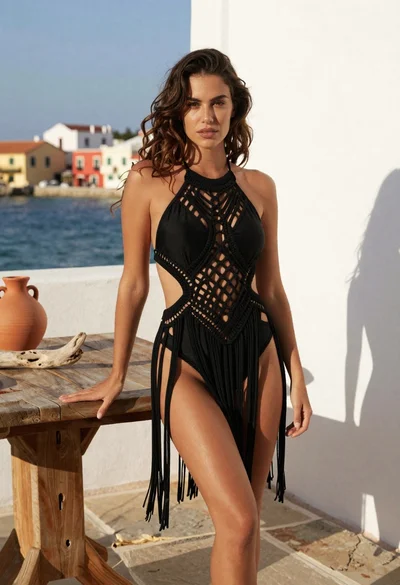
Young woman in black macrame swimsuit on coastal terrace by sea
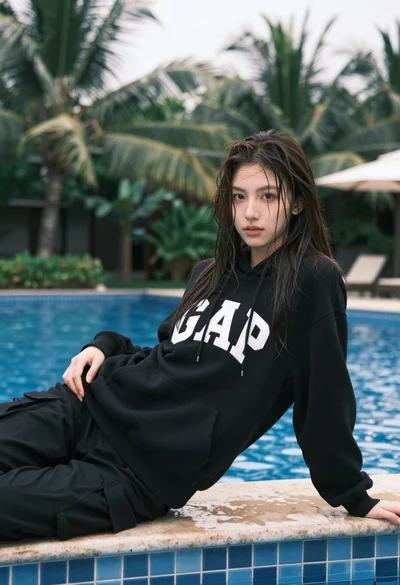
Young woman with wet dark hair reclining by tropical swimming pool edge