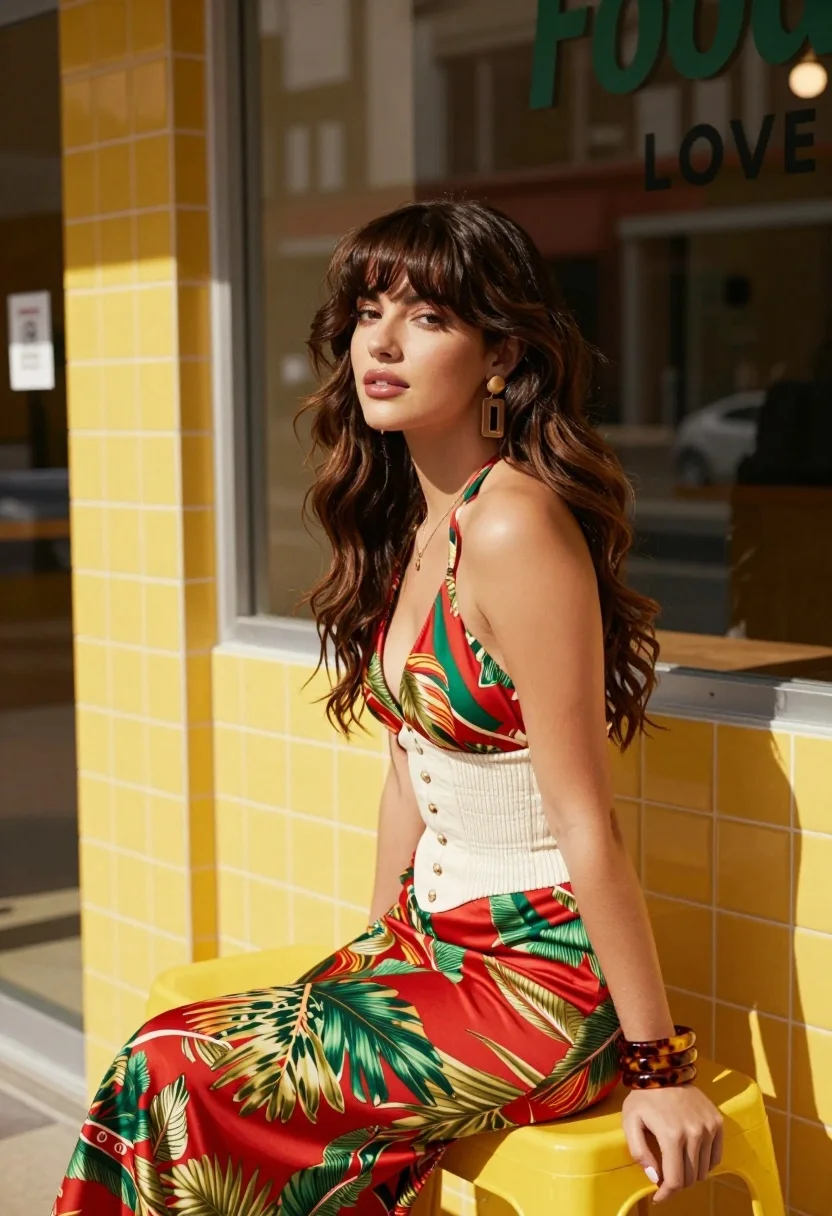
Stylish woman with brown hair sitting on yellow stool outside shop window
Prompt
A stylish woman with long wavy brown hair and bangs sits on a yellow stool outside a shop with bright yellow tiled walls.

Subject: A young woman with fair skin, voluminous wavy brown hair with straight bangs, and defined facial features including prominent cheekbones and glossy lips.

Clothing: She wears a patterned halter-neck top featuring red, green, and gold motifs, paired with a white smocked corset waist cincher and matching high-waisted skirt with the same tropical print.
Accessories: She wears large rectangular drop earrings, a stack of thick tortoiseshell bracelets on her wrist, and a delicate necklace.

Action: She is seated in profile facing left, leaning forward slightly with one hand resting on the yellow stool, gazing off-camera with a calm expression.

Environment: The setting is an urban storefront with bright yellow square tiles covering the walls and window frames. A large glass window reflects the street scene behind her.

Objects: A bright yellow plastic stool serves as the primary prop she is sitting on.

Text/Graphics: Partial text reading "Food" in green script and "LOVE" in black sans-serif font is visible on the shop window.

Lighting: Strong, direct sunlight creates high contrast with sharp shadows cast across her body and the wall, highlighting the texture of her clothing and hair.

Camera: The shot is a medium close-up taken from a slightly low angle, emphasizing the subject against the vibrant background.

Style Details: The image features a vibrant color palette dominated by yellow and red tones, with a glossy, high-definition finish that emphasizes fashion and lifestyle aesthetics.
Description
This prompt is useful for creating editorial street style photography, commercial product placements within urban settings, and mood boards emphasizing bold color palettes. The combination of 'strong, direct sunlight' casting sharp shadows against the 'bright yellow tiled walls' will dramatically accentuate the texture of the patterned top and the glossy finish desired for fashion aesthetics, preventing a flat look that softer lighting would cause.
Suggestions
- Change 'yellow stool' to 'chrome stool' for a more industrial feel.
- Swap 'tropical print' for 'geometric pattern' to modernize the outfit.
- Adjust 'medium close-up' to 'full body shot' to better incorporate the environment.
Category
Tags
Brown HairFair SkinFemaleLow AngleOutdoorsRealisticStreetUrban
Date added
August 5, 2026
Added by
PromptDexter Team
Related Prompts
More prompts with similar categories and tags.
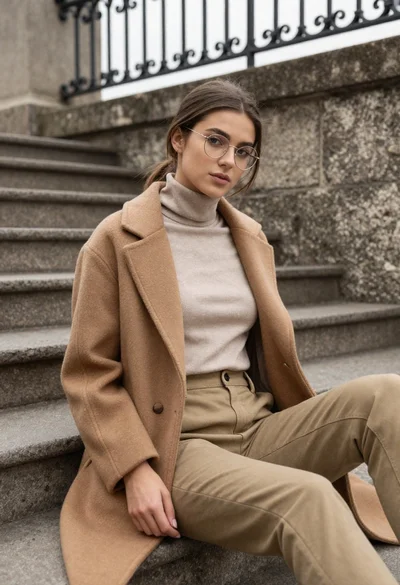
Young woman in coat sitting on stone steps outdoors under overcast sky

Young woman in green jacket holding plush toy at festive carousel

Woman in rust dress looking back over shoulder on stone staircase at
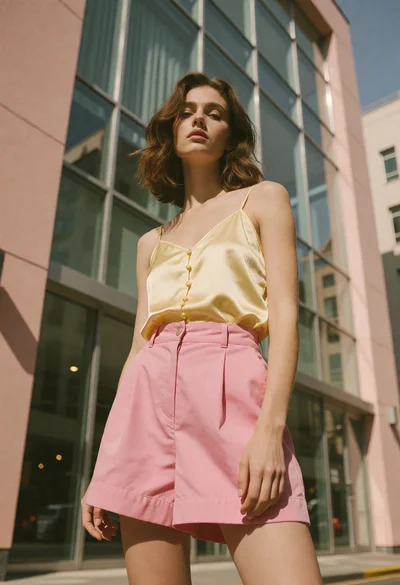
Young woman standing confidently against modern building glass windows

Young woman in black and white patterned outfit on urban rooftop

Smiling blonde woman in sports bra sitting on outdoor lounge chair
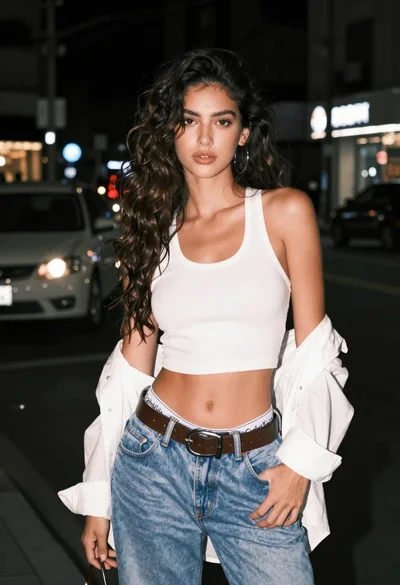
Confident young woman in white tank top on a dark city street
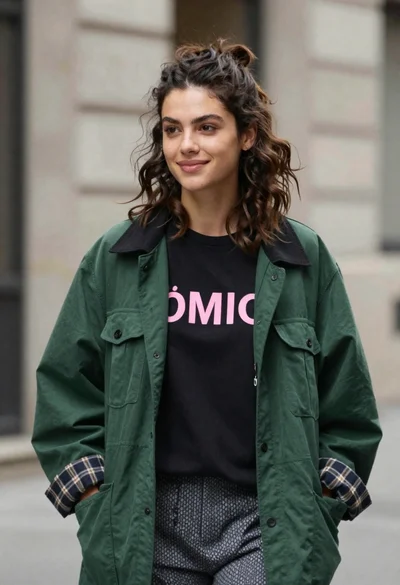
Young woman in black t shirt and green jacket on an urban
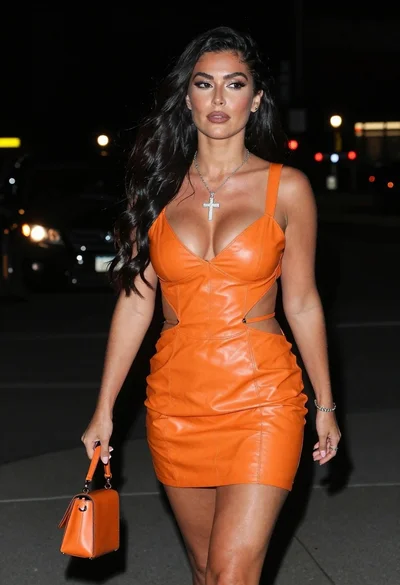
Woman walking down a dark urban street at night in orange leather
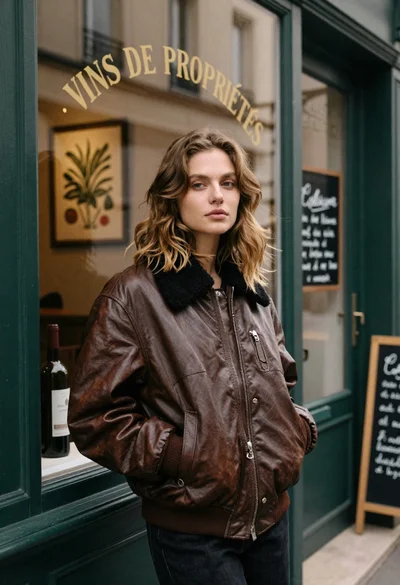
Fair skinned woman in brown leather jacket outside shop window