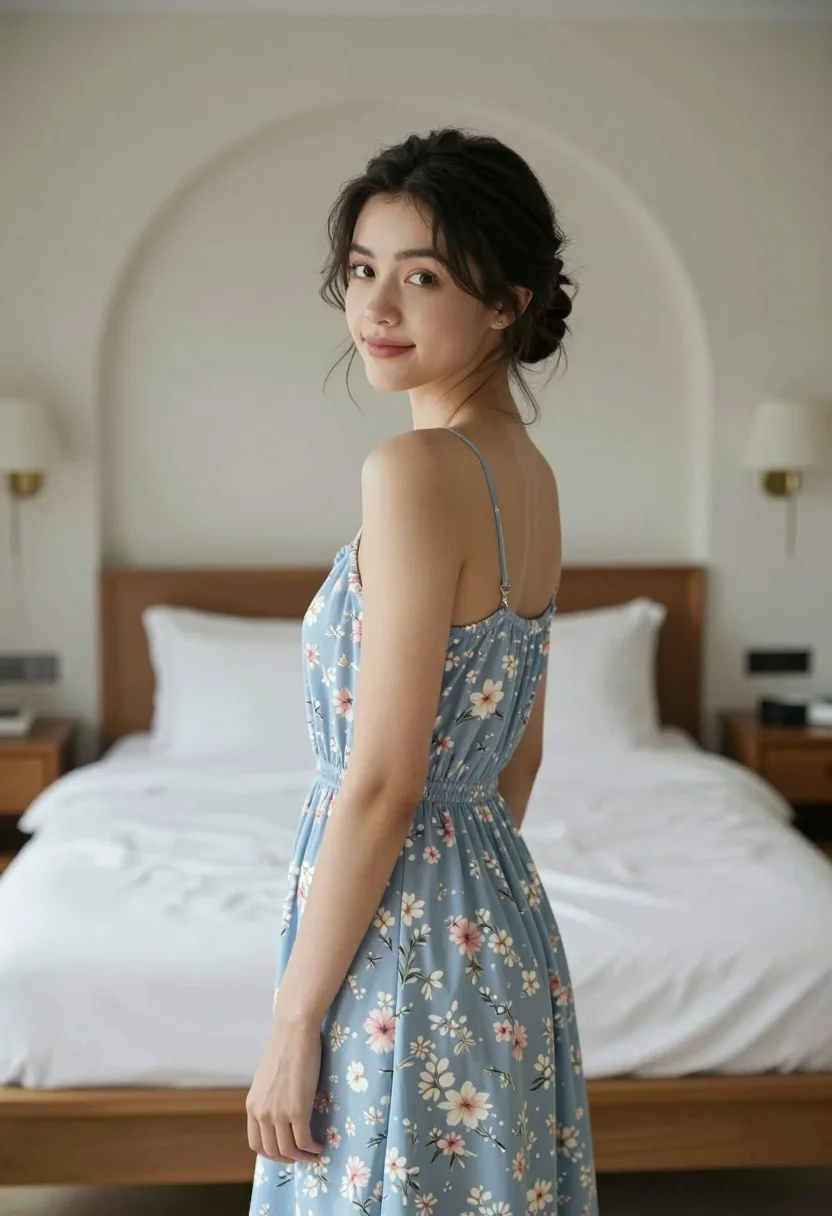
Young woman in floral dress looking back over shoulder in bright bedroom
Prompt
A young woman stands in a bedroom wearing a light blue floral dress, looking back over her shoulder with a soft smile.

Subject: A young woman with dark hair styled in an updo with loose tendrils framing her face.

Clothing: She wears a sleeveless, knee-length light blue dress featuring a delicate white and pink floral pattern with a gathered waistline.

Action: She is standing in profile but turning her head to look back at the camera with a gentle expression.

Environment: The setting is a bedroom with a large bed covered in white linens and pillows visible behind her, flanked by wooden nightstands and wall-mounted lamps under an arched doorway.

Camera: Shot from a medium distance with a shallow depth of field that keeps the subject sharp while blurring the background softly.

Lighting: Soft, natural light illuminates the scene from the side, creating gentle shadows and highlighting the texture of her dress.

Style Details: The image has a clean, photorealistic quality with warm tones and a calm, intimate atmosphere.
Description
This prompt is useful for creating lifestyle magazine features, romantic portraiture, and intimate character studies. The combination of 'soft, natural light' from the side sculpts the subject's profile while the 'shallow depth of field' ensures that the viewer's focus remains tightly on her expression rather than being distracted by the visible details of the white linens or wooden nightstands.
Suggestions
- Change 'light blue floral dress' to 'cream lace sundress' for a more vintage feel.
- Add 'bokeh effect' to enhance the background blur.
- Swap 'soft smile' for 'pensive gaze' to shift the mood.
Category
Tags
BedroomBrunetteCasual WearFemaleIndoorsMedium ShotOver The ShoulderRealisticSide Profile
Date added
August 5, 2026
Added by
PromptDexter Team
Related Prompts
More prompts with similar categories and tags.
Serene portrait of young woman in beige dress resting chin on hand
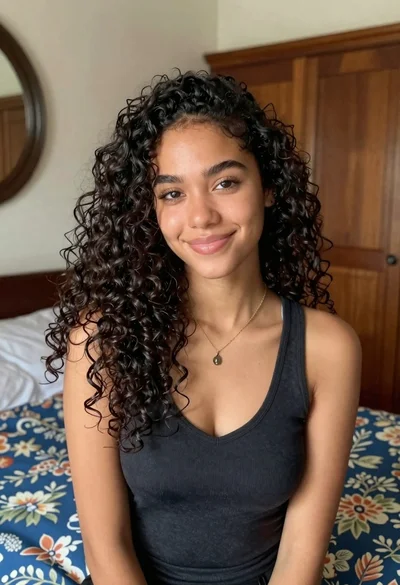
Medium close up portrait of young woman with dark curly hair indoors

Young woman in classroom looking over shoulder at camera

Brunette woman leaning against aged newspaper wall

Woman in red dress holding heart shaped balloon against white wall

Young woman with dark hair wearing black sweater indoors in bedroom setting

Young woman with brown hair in beige cardigan smiling indoors at camera
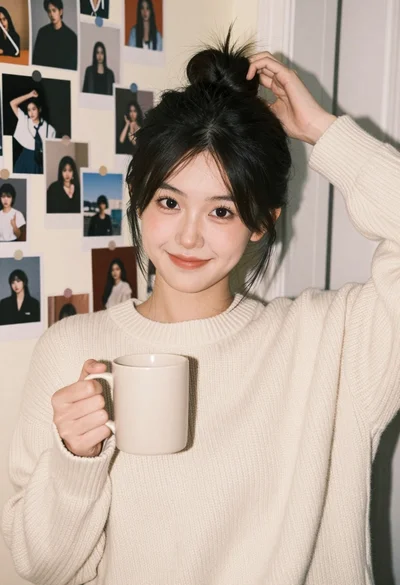
Young woman in cream sweater smiling by collage wall in cozy bedroom
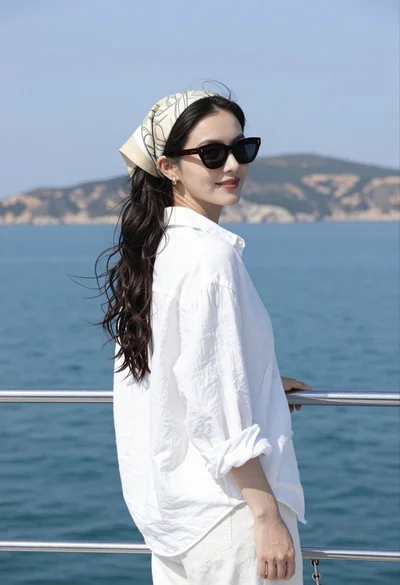
Young woman on boat railing looking back over shoulder by blue sea
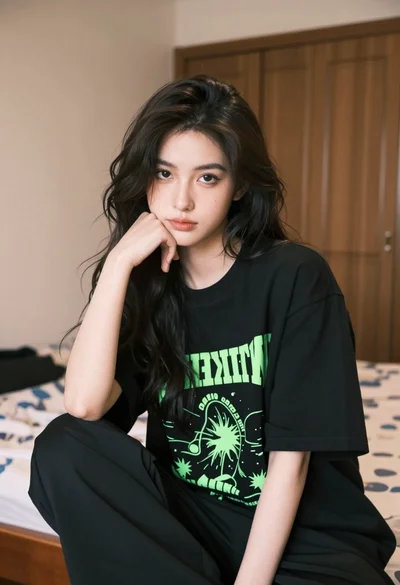
Young woman with dark wavy hair in black oversized tshirt seated indoors