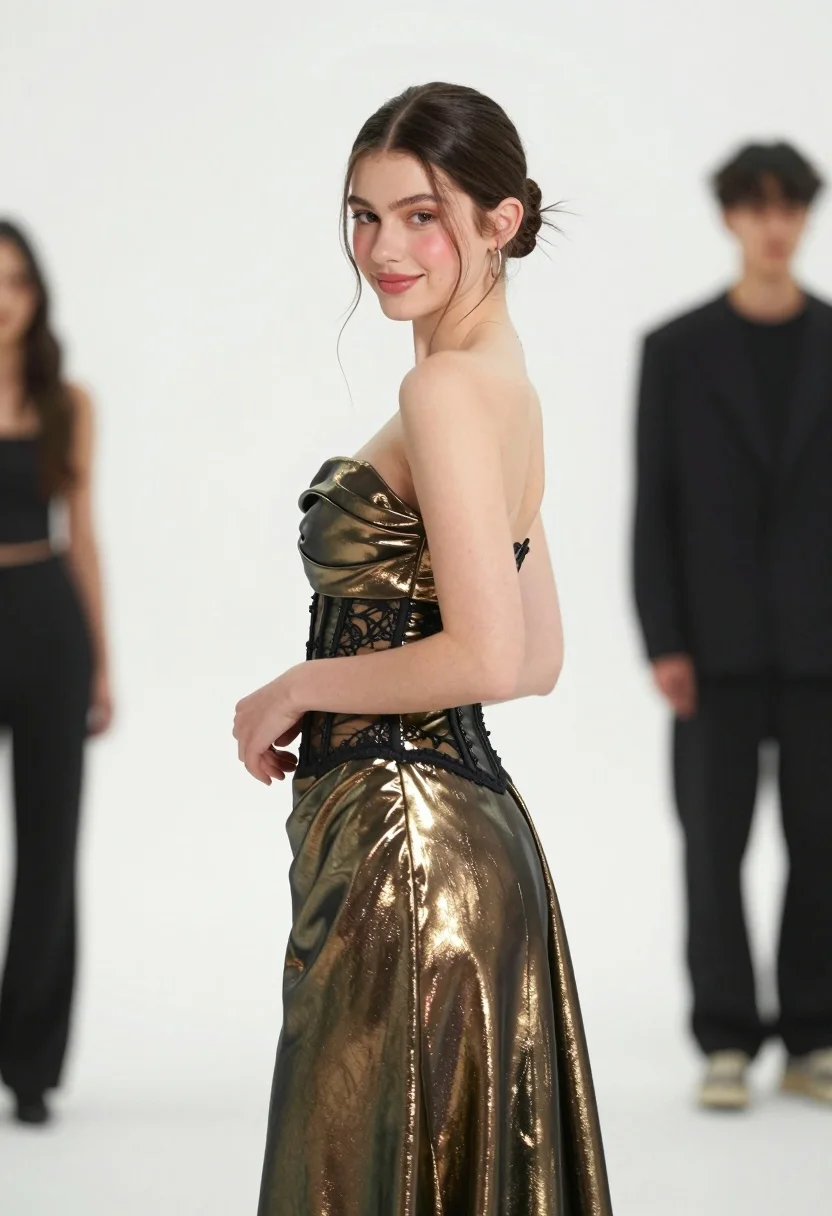
Young woman in bronze green gown looking back over shoulder studio portrait
Prompt
A young woman stands in a three-quarter pose against a plain white background, looking back over her shoulder with a soft smile.

Subject: A young woman with fair skin and dark hair styled in a neat low bun, featuring defined eyebrows, subtle makeup with rosy cheeks, and hoop earrings.

Clothing: She wears a strapless metallic gown in a bronze-green hue that features a draped neckline, a fitted corset-style bodice with black lace detailing at the waist, and a flowing skirt.

Action: Her body is angled away from the camera while she turns her head to face forward, with her hands gently clasped near her waist.

Environment: A minimalist studio setting with a seamless white background.

Subject: Two blurred figures stand in the background; one on the left is partially visible and another man in dark clothing stands on the right.

Camera: Shot with a shallow depth of field that keeps the main subject sharp while rendering the background figures as soft bokeh, suggesting a medium telephoto lens.

Lighting: Bright, even studio lighting illuminates the subject from the front, highlighting the metallic sheen of her dress and creating soft shadows.

Style Details: High-resolution fashion photography with a clean, polished aesthetic and a focus on elegant portraiture.
Description
This prompt is useful for creating high-end editorial beauty campaigns, luxury catalog imagery, and sophisticated character portraits. The combination of 'bright, even studio lighting' and the 'plain white background' ensures that the metallic sheen of the bronze-green gown remains the primary focus, preventing distracting environmental details while allowing the 'draped neckline' to catch light evenly for maximum visual impact.
Suggestions
- Change 'bronze-green hue' to 'emerald green' for a richer jewel tone.
- Swap 'hoop earrings' for 'diamond studs' to increase formality.
- Adjust 'medium telephoto lens' to '85mm portrait lens' for more flattering compression.
Category
Tags
3/4 AngleBrunetteFair SkinFemaleMedium ShotPortrait ShotRealisticStudio
Date added
August 5, 2026
Added by
PromptDexter Team
Related Prompts
More prompts with similar categories and tags.

Young woman in blue denim jacket posing against pale pink seamless background

Blonde woman in striped swimsuit seated on sofa indoors studio shot

Young woman in black graphic tshirt against white paneled wall

Portrait of woman in elaborate red feathered gown against vivid blue background

Glamorous woman posing in shimmering two piece outfit against green backdrop
Medium close up portrait of woman with brown wavy hair in magenta

Fair skinned woman in black blazer against white studio wall
Young woman in black dress against deep red studio background

Woman in sheer crystal gown looking over shoulder at event backdrop
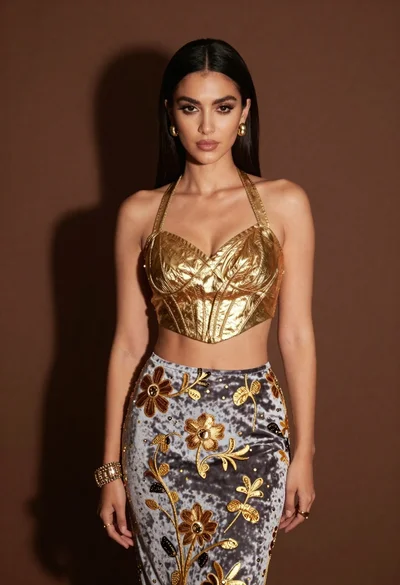
Glamorous woman in gold crop top and velvet skirt studio portrait