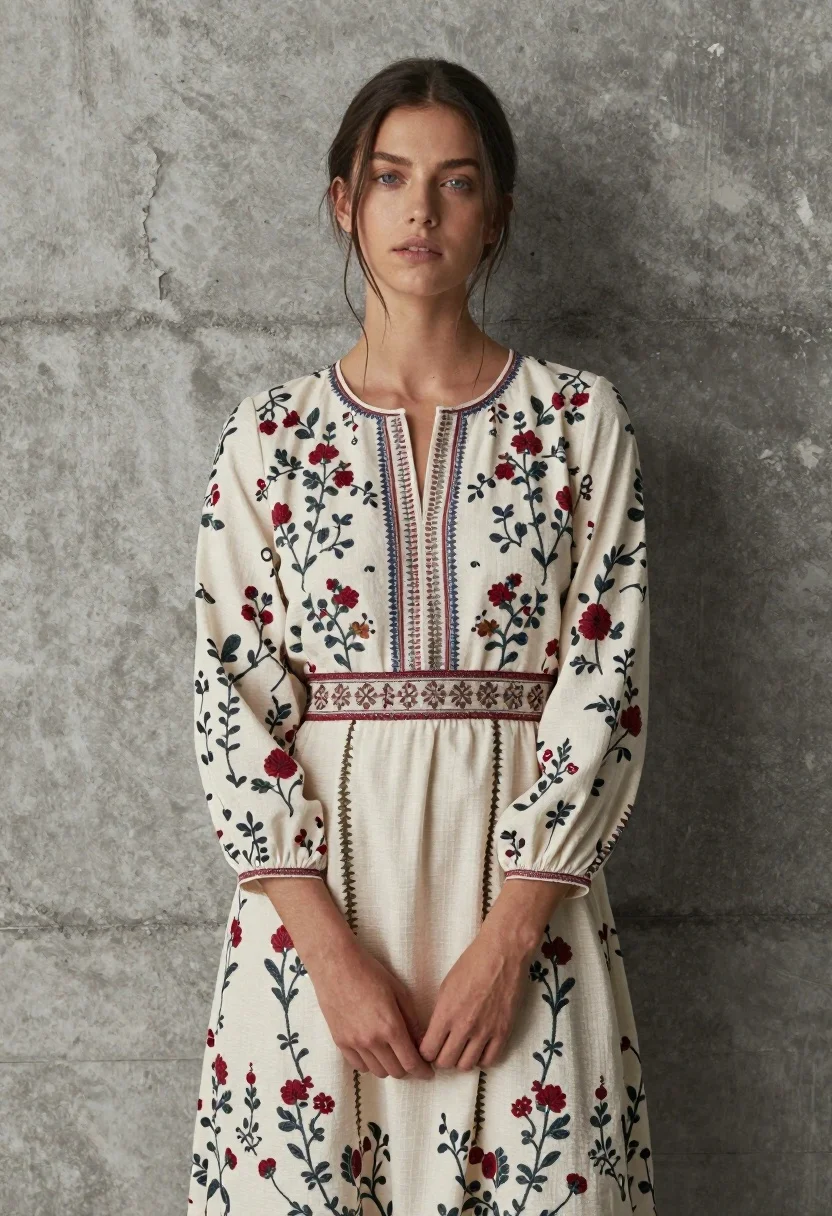
Young woman in floral dress against textured grey concrete wall
Prompt
A woman with dark hair pulled back stands against a textured grey concrete wall.

Subject: A young woman with fair skin and blue eyes looking slightly upward and to the left with a calm expression. Her dark hair is tied back loosely, allowing a few strands to fall across her forehead and neck.

Clothing: She wears a long-sleeved, cream-colored dress featuring an intricate floral and vine print in muted reds, blues, and greens. The neckline has a vertical embroidered pattern, and there is a decorative horizontal band around the waist with geometric embroidery.

Action: Her hands are clasped gently in front of her lower torso. She stands still in a three-quarter pose facing slightly to the right.

Environment: A rough, grey concrete wall serves as the background, showing signs of weathering and texture.

Lighting: Soft, diffused lighting illuminates the subject from the front-left, casting gentle shadows on the right side of her face and body while highlighting the details of the dress fabric.

Camera: Medium shot framing the subject from the mid-thigh up, with a shallow depth of field that keeps the focus sharp on her face and upper torso.

Style Details: High-resolution fashion photography with a naturalistic color palette and a clean, editorial aesthetic.
Description
This prompt is useful for creating lifestyle magazine features, e-commerce lookbooks showcasing print details, and personal portrait galleries requiring subtle background context. The combination of 'soft, diffused lighting' and the 'textured grey concrete wall' ensures that while the environment grounds the image in reality, the gentle illumination prevents harsh shadows from obscuring the intricate floral and vine print on the cream-colored dress.
Suggestions
- Change 'muted reds, blues, and greens' to 'deep jewel tones' for a richer color story.
- Swap 'textured grey concrete wall' for 'weathered terracotta brick' to alter the background feel.
- Adjust 'shallow depth of field' to 'moderate depth of field' if you want more context visible behind her.
Category
Tags
BrunetteCasual WearFair SkinFemaleMedium ShotOutdoorsPortrait ShotRealistic
Date added
June 19, 2026
Added by
PromptDexter Team
Related Prompts
More prompts with similar categories and tags.
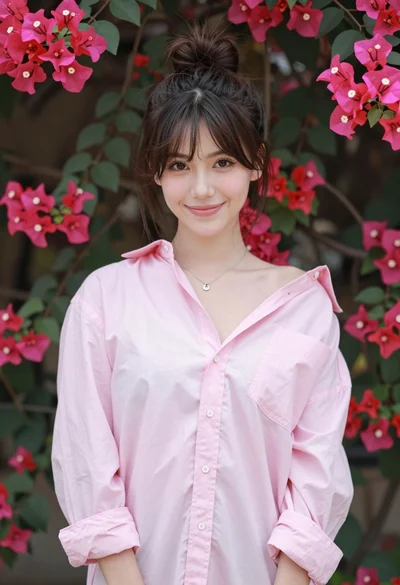
Young woman in pink shirt against vibrant bougainvillea flowers portrait

Young woman leaning against white wall with beige handbag under bright sunlight
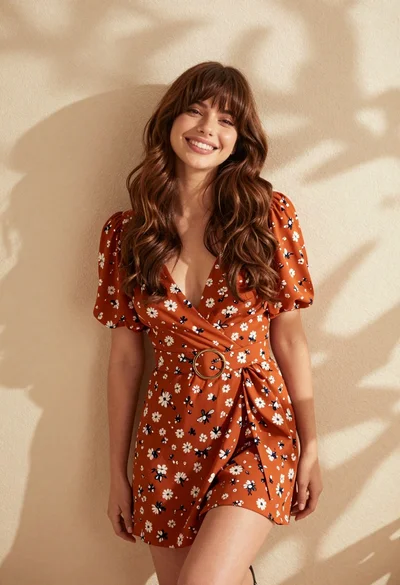
Smiling young woman in floral mini dress against soft textured beige wall

Portrait of woman with red hair in navy blouse and green skirt

Young woman in black and white patterned outfit on urban rooftop

Young woman in blue denim jacket posing against pale pink seamless background
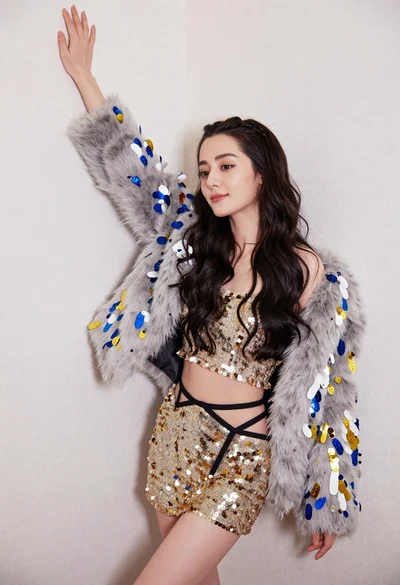
Glamorous woman posing in gold sequins against a white studio wall

Blonde woman in striped swimsuit seated on sofa indoors studio shot

Two women in red mini dresses posing indoors at an opulent setting

Young woman in black graphic tshirt against white paneled wall