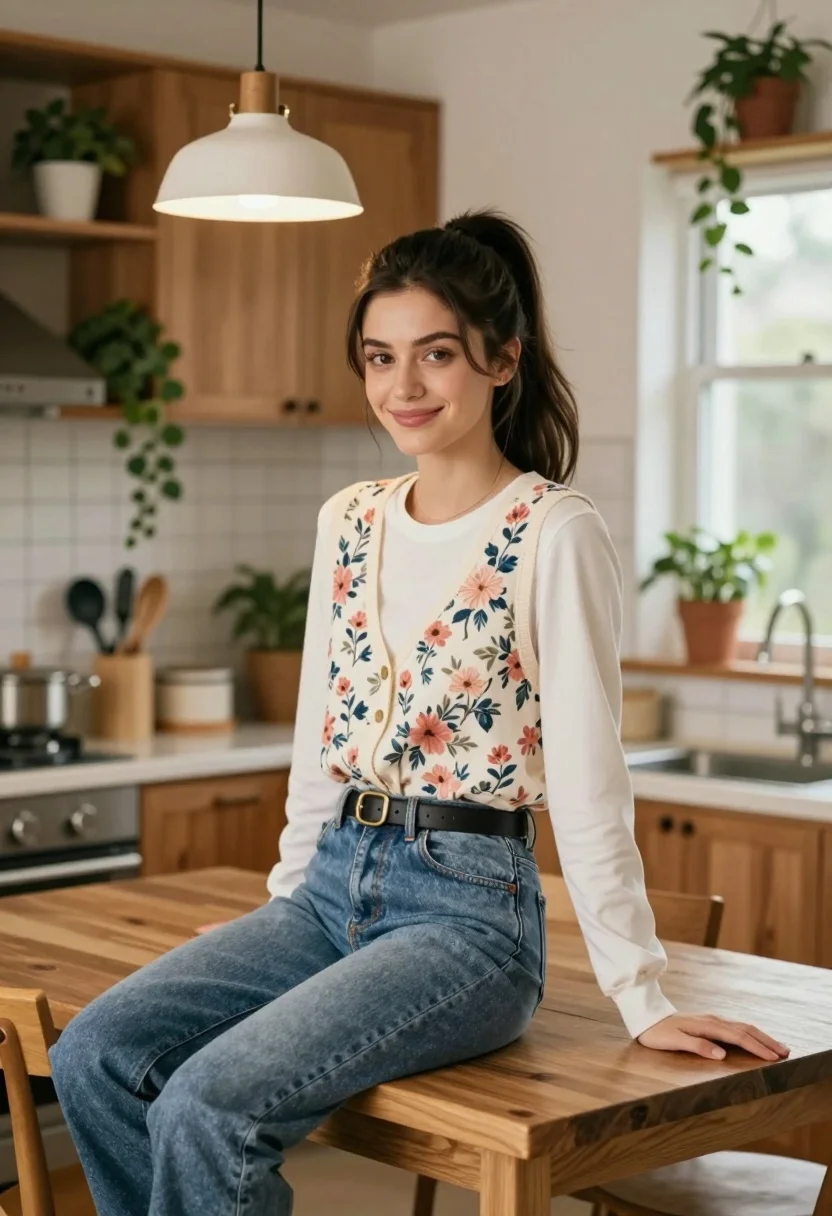
Young woman in floral vest sitting at wooden kitchen island indoors
Prompt
A young woman with dark hair tied in a high ponytail sits smiling on a wooden kitchen island.

Subject: A young woman with long dark brown hair styled in a high ponytail, featuring soft facial features and a warm smile.

Clothing: She wears a white long-sleeved shirt underneath a floral patterned vest with pink and blue flowers, paired with high-waisted blue denim jeans and a black leather belt with a gold buckle.

Action: She is seated casually on the edge of a wooden table, leaning slightly forward with one hand resting on the surface, looking directly at the camera.

Environment: A cozy domestic kitchen setting featuring warm wood cabinetry, a hanging pendant light fixture above, potted green plants on shelves and windowsills, and various kitchen utensils in containers.

Camera: Medium shot capturing the subject from the waist up with a shallow depth of field that softly blurs the background elements.

Lighting: Warm ambient lighting emanating from the overhead pendant lamp and soft natural light filtering through a window to the right, creating gentle highlights on her hair and face.

Style Details: Photorealistic portrait style with high fidelity rendering, warm color grading, and a clean composition emphasizing the subject against the home interior.
Description
This prompt is useful for creating lifestyle blog features, intimate character portraits, and domestic scene concept art. The combination of 'warm ambient lighting' from the pendant lamp and the 'shallow depth of field' ensures that while the kitchen setting provides context, the focus remains sharply on the subject's face and the visible texture of her floral vest.
Suggestions
- Change 'floral patterned vest with pink and blue flowers' to 'gingham patterned vest' for a different print.
- Adjust 'warm ambient lighting' to 'soft directional window light' for more contrast.
- Swap 'wooden kitchen island' for 'marble countertop' to change the material feel.
Category
Tags
BrunetteFemaleIndoorsMedium ShotRealistic
Date added
August 5, 2026
Added by
PromptDexter Team
Related Prompts
More prompts with similar categories and tags.
Young woman with brown hair sitting in a leather armchair indoors
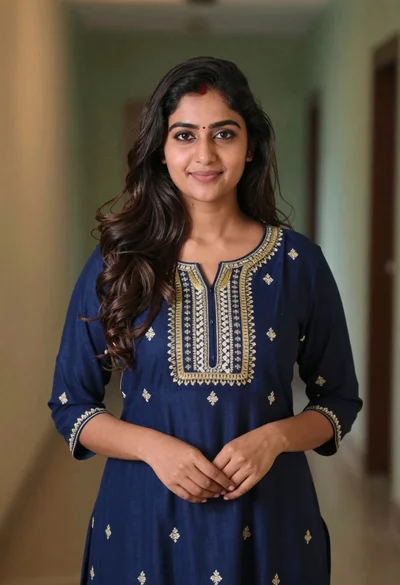
Young woman in navy embroidered traditional dress indoors medium shot
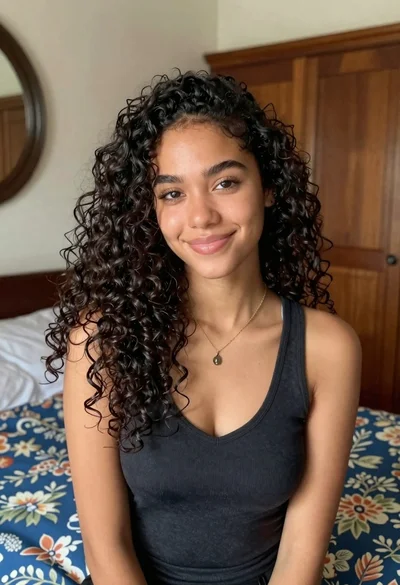
Medium close up portrait of young woman with dark curly hair indoors
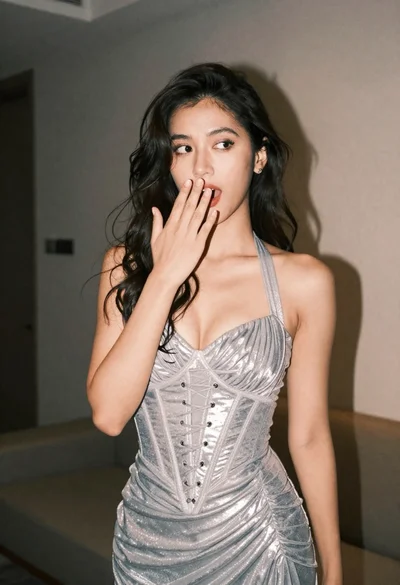
Woman in shimmering silver halter dress posing indoors with playful gesture
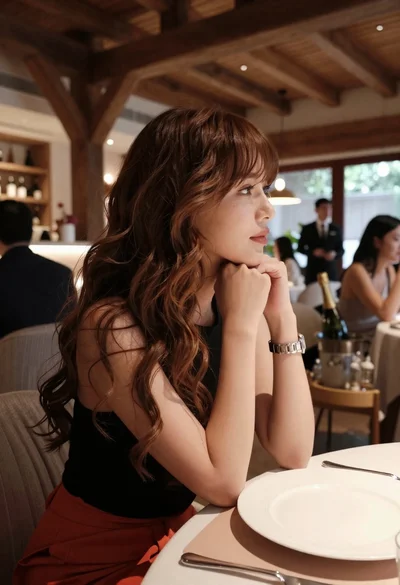
Profile portrait of woman at dining table in upscale restaurant setting
Young woman in striped sweatshirt sitting at restaurant table smiling
Young woman gathering dark wavy hair in black slip dress bedroom setting
Medium close up portrait of woman with dark hair indoors

Young woman with dark wavy hair sitting in modern bright indoor living
Confident woman with dark wavy hair in lavender top indoors