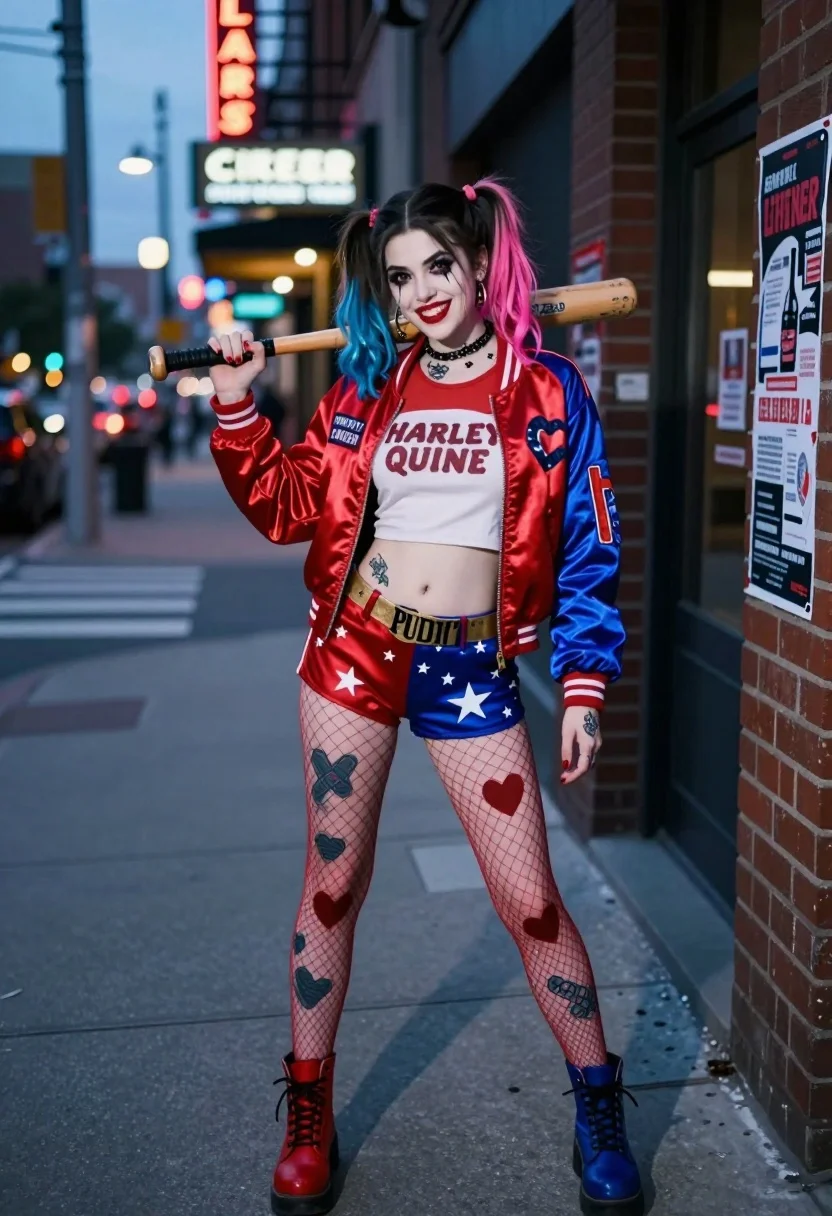
Young woman in joker inspired outfit holding bat on city sidewalk at
Prompt
A confident young woman stands on a city sidewalk holding a wooden baseball bat over her shoulder.

Subject: A young woman with dark hair styled in pigtails featuring blue and pink tips, wearing heavy black eye makeup with a heart drawn under her left eye, bright red lipstick, and visible tattoos on her arms and legs.

Clothing: She wears a red satin bomber jacket with blue sleeves and white stripes, printed with "PROPERTY OF JOKER" on the chest; underneath is a white crop top with red text reading "HARLEY QUINN"; she wears red shorts with white stars and a gold belt that says "PUDDIN'"; her legs are covered in fishnet stockings with heart and bandage designs; she wears mismatched boots, one red and one blue.

Action: She holds a wooden baseball bat over her right shoulder with both hands, smiling directly at the camera with a playful expression.

Environment: An urban street scene at dusk or night, featuring a brick wall covered in posters to her right, a distant neon sign for a liquor store, blurred city lights, and a paved road with crosswalk markings behind her.

Camera: Medium full-body shot taken from a slightly low angle, utilizing a shallow depth of field that keeps the subject sharp while blurring the background street elements.

Lighting: Soft ambient light mixed with cool blue tones from the evening sky and warm highlights reflecting off her satin jacket, creating a cinematic mood.

Style Details: Photorealistic digital art style with high detail on textures like fabric and skin, vibrant colors, and a polished, commercial aesthetic.
Description
This prompt is useful for creating character concept art for comic book adaptations, edgy fashion editorials, or narrative scene visualizations. The combination of 'soft ambient light mixed with cool blue tones' against the 'red satin bomber jacket' ensures that while the subject remains highly detailed and vibrant, the background elements like the 'blurred city lights' recede enough to keep focus on her playful expression and costume details.
Suggestions
- Change 'wooden baseball bat' to a chrome-plated prop for a more aggressive look.
- Swap 'blue and pink tips' in the hair description for electric purple highlights.
- Adjust 'dusk or night' to 'overcast afternoon' if you want softer shadows.
Category
Tags
BrunetteCasual WearFemaleFull BodyLow AngleMedium ShotRealisticStreetUrban
Date added
July 3, 2026
Added by
PromptDexter Team
Related Prompts
More prompts with similar categories and tags.
Young woman in two tone hoodie on european city sidewalk
Woman walking down a dark urban street at night in orange leather
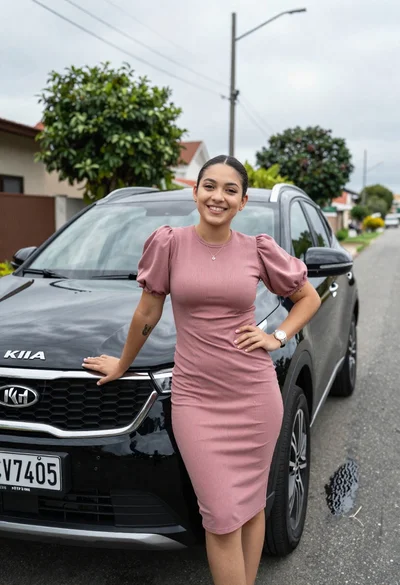
Smiling young woman leaning on black suv parked on paved street
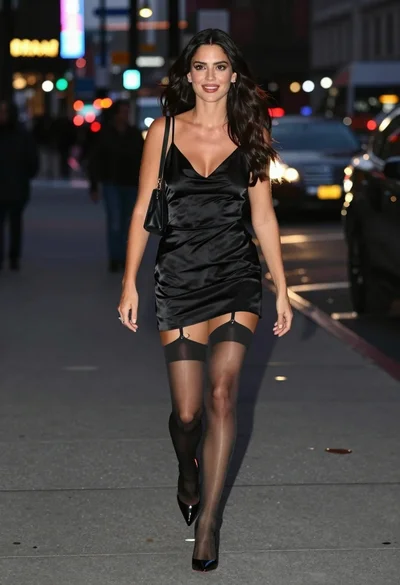
Glamorous woman walking down wet city sidewalk at night fashion shot
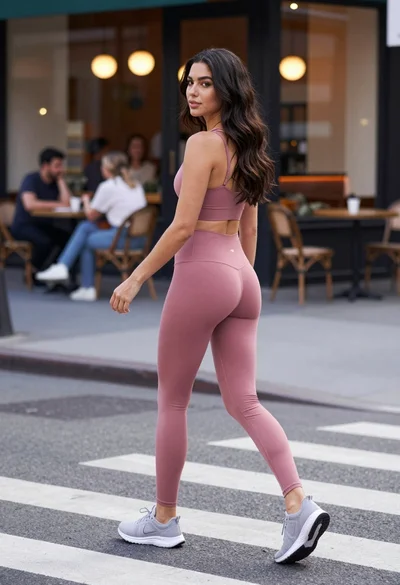
Fit woman in dusty pink athletic wear crossing city street looking back
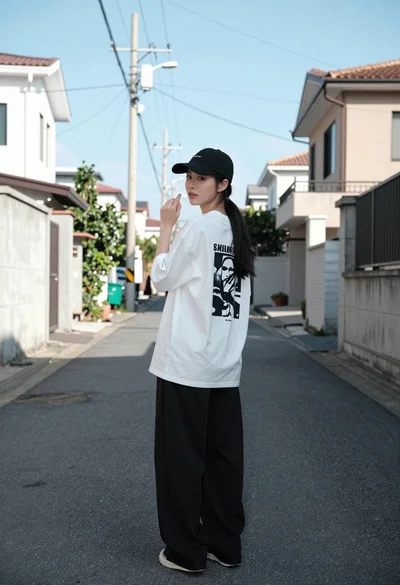
Young woman looking back over shoulder on quiet residential street
Young woman looking back over shoulder against bright yellow tiled urban facade
Young woman leaning against blue car hood in brown leather jacket
Blonde woman in black leather jacket on an urban street at dusk
Woman in flowing red gown standing on a city street at night