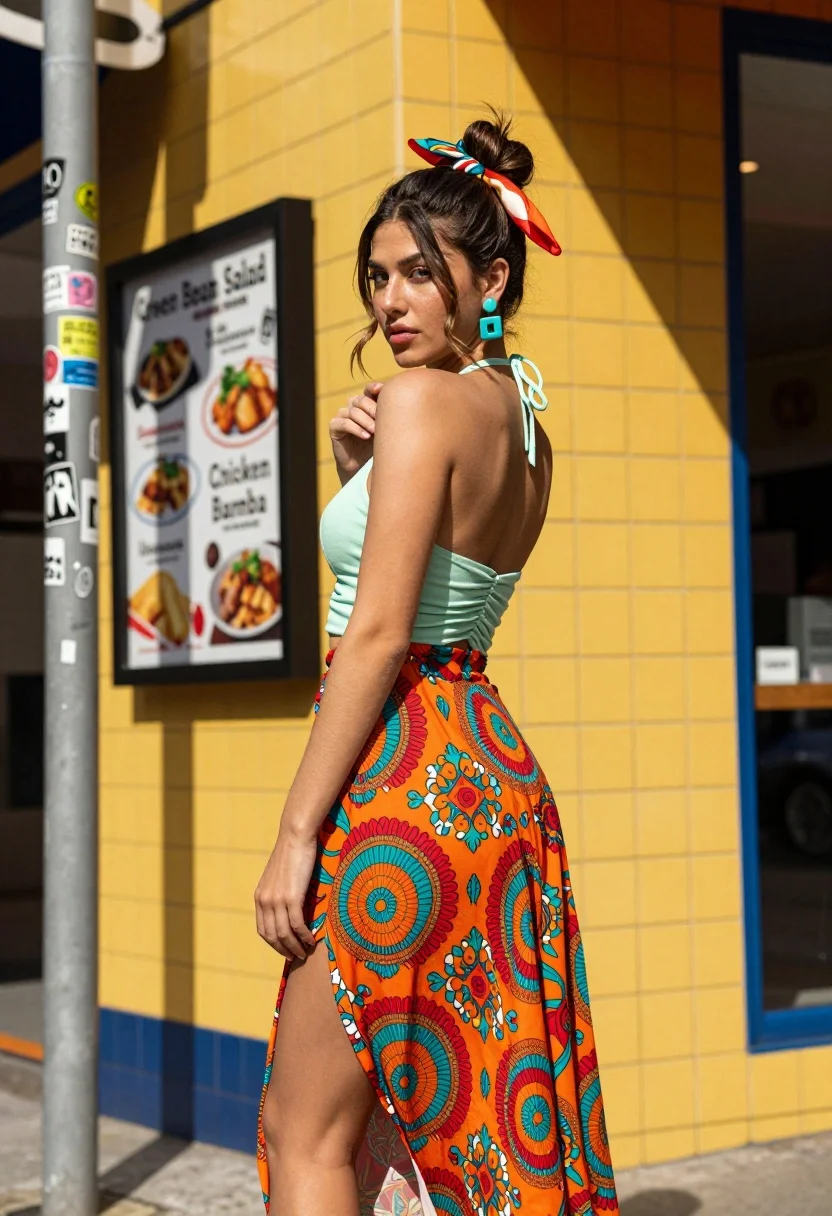
Young woman looking back over shoulder against bright yellow tiled urban facade
Prompt
A young woman stands in profile looking back over her shoulder with a confident expression against a bright yellow tiled wall.

Subject: A young woman with dark brown hair pulled up into a high messy bun secured with a colorful silk scarf, featuring prominent turquoise square earrings and a fair complexion.

Clothing: She wears a light mint green halter top with ruched detailing on the back and a flowing midi skirt with a high side slit, patterned with vibrant orange, red, and teal concentric circles and floral motifs.

Action: Her body is turned away from the camera while her head turns to face it, her left hand resting near her shoulder and her right arm hanging loosely by her side.

Environment: The setting is an urban street corner featuring a yellow tiled building facade with blue trim, a metal utility pole covered in stickers on the left, and a menu board listing food items like "Green Bean Salad" and "Chicken Bamba" mounted on the wall behind her.

Lighting: Bright, direct sunlight casts sharp, high-contrast shadows across the scene, highlighting the texture of the tiles and the folds in her clothing.

Camera: Shot from a low angle looking up at the subject to emphasize her height against the building, with a shallow depth of field that keeps the woman in sharp focus while slightly softening the background details.

Style Details: The image has a high-resolution, photorealistic quality with vibrant saturation and a cinematic composition reminiscent of fashion photography.
Description
This prompt is useful for creating editorial street style editorials, vibrant travel narratives, and lookbooks emphasizing architectural backdrops. The combination of 'bright yellow tiled wall' and 'low angle looking up at the subject' exaggerates verticality, while 'sharp, high-contrast shadows' provide graphic punch that complements the saturated colors in the patterned skirt.
Suggestions
- Change 'high messy bun' to 'sleek low ponytail' for a more polished look.
- Swap 'bright yellow tiled wall' for 'terracotta brick facade' for an earthy tone.
- Adjust 'vibrant saturation' to 'muted tones' if you want a vintage feel.
Category
Tags
Casual WearFair SkinFemaleFull BodyLow AngleMedium ShotPortrait ShotRealisticStreetUrban
Date added
August 5, 2026
Added by
PromptDexter Team
Related Prompts
More prompts with similar categories and tags.

Young woman in green jacket holding plush toy at festive carousel
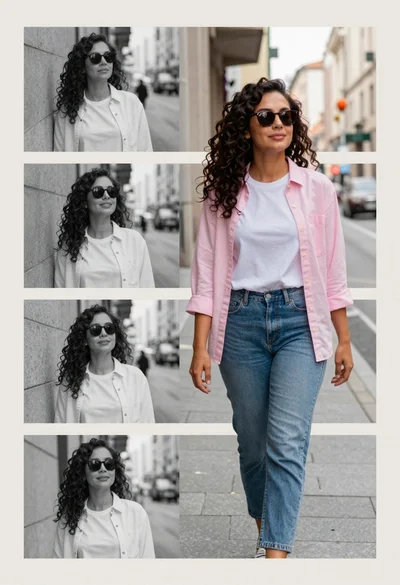
Collage portrait of a woman with curly hair in an urban setting
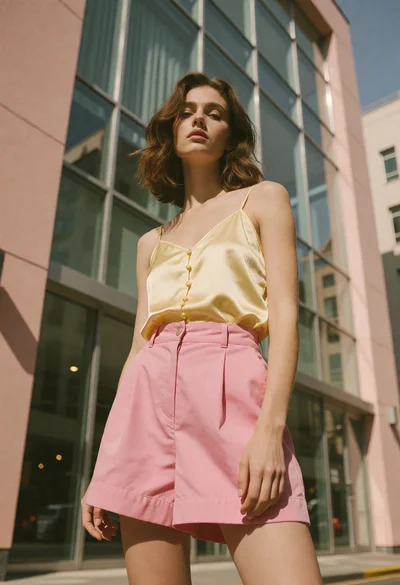
Young woman standing confidently against modern building glass windows

Woman walking down a dark urban street at night in orange leather
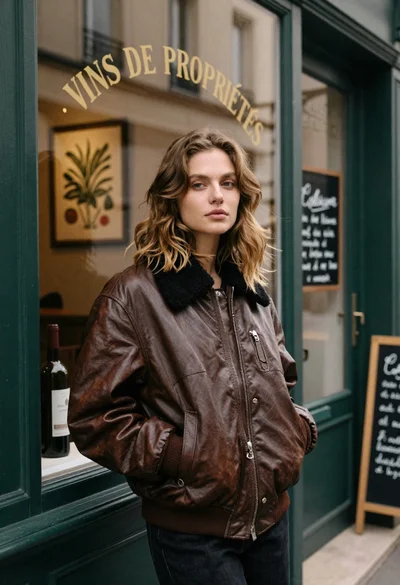
Fair skinned woman in brown leather jacket outside shop window
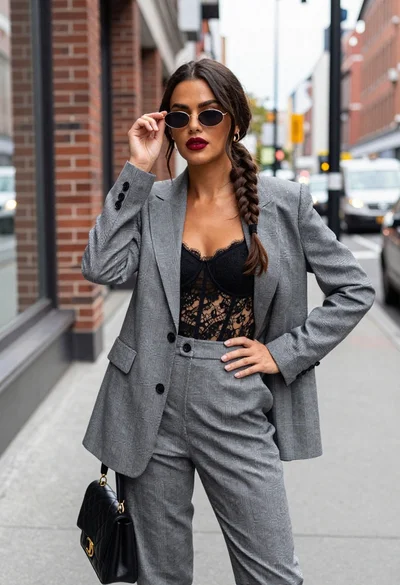
Stylish woman in grey plaid suit standing on city sidewalk

Young woman in white top and yellow shorts against textured beige wall

Woman in rust dress looking back over shoulder on stone staircase at
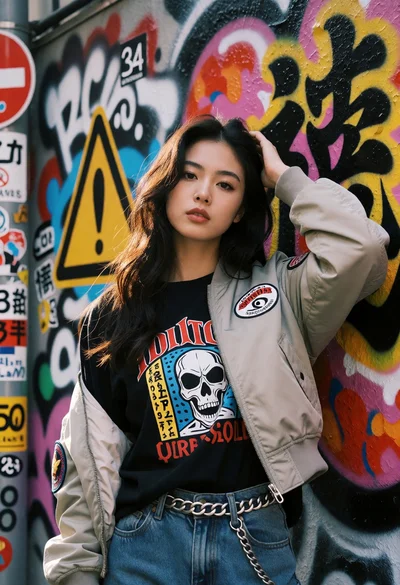
Young woman in black jacket posing against vibrant graffiti wall in tokyo
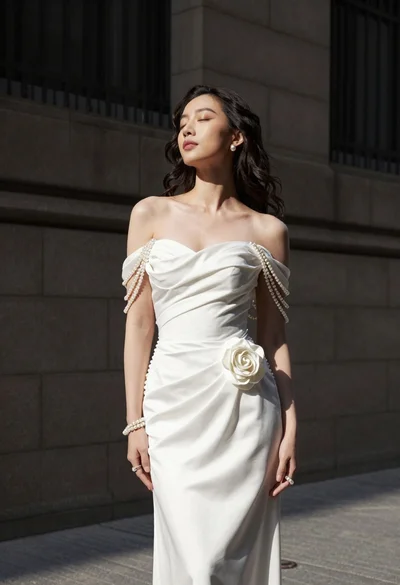
Woman in white gown standing against dark stone architectural wall outdoors