

Young woman in lavender dress leaning on grand indoor staircase railing
Prompt
A young woman with dark hair stands smiling on an indoor staircase.

Subject: A young woman with long, dark brown hair that is slightly tousled and blowing in the wind. She has a warm complexion and is looking off to her right side with a bright, engaging smile showing her teeth. Her expression is cheerful and confident.

Clothing: She is wearing a light purple or lavender sleeveless dress made of a textured, crinkled fabric. The dress features thin spaghetti straps that tie behind the neck and a gathered neckline with a small bow detail at the center chest.

Action: She is leaning casually against a dark wooden staircase railing with her left arm resting on it. Her body is angled slightly towards the camera while her head turns to the side.

Environment: The setting appears to be a grand interior, possibly a hotel lobby or mansion, featuring a sweeping staircase. Behind her is a wall covered in large, brown tiles with a dark, fan-like leaf pattern. Below the tiled section is a row of vertical silver metallic panels.

Camera: A medium shot captures the subject from the waist up, framed slightly to the side to include the railing and background architecture. The angle is eye-level, providing a clear view of her face and posture.

Lighting: The scene is illuminated by bright, soft indoor lighting that evenly lights her face and skin without harsh shadows, creating a polished and flattering look.

Style Details: The image has a high-quality, professional portrait aesthetic with vibrant colors and sharp focus on the subject against the detailed background.
Description
This prompt is useful for creating editorial fashion moodboards, architectural lifestyle photography, and sophisticated personal portraits. The combination of 'bright, soft indoor lighting' ensures that her face remains evenly lit without harsh shadows, which is crucial for showcasing the delicate texture of the 'crinkled fabric' while allowing the detailed 'dark wooden staircase railing' to remain visible in the composition.
Suggestions
- Change 'light purple or lavender' to 'dusty blue' for a cooler tone.
- Add 'bokeh background' to soften the tiled wall pattern.
- Swap 'medium shot' for 'full body shot' to incorporate more of the staircase.
Category
Tags
Brown SkinCasual WearFemaleIndoorsMedium ShotPortrait ShotRealistic
Date added
June 19, 2026
Added by
PromptDexter Team
Related Prompts
More prompts with similar categories and tags.

Young woman seated on grey sofa against pink wall fashion portrait

Smiling woman in floral kurta dress indoors with sheer dupatta drape

Blonde woman in striped swimsuit seated on sofa indoors studio shot

Young woman in zebra print dress indoors near wooden dresser
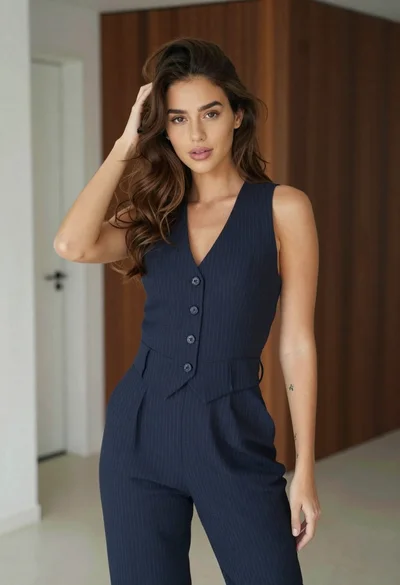
Young woman in navy jumpsuit posing indoors with soft expression

Young woman in black graphic tshirt against white paneled wall

Blonde woman in cream sweater sitting on beige couch
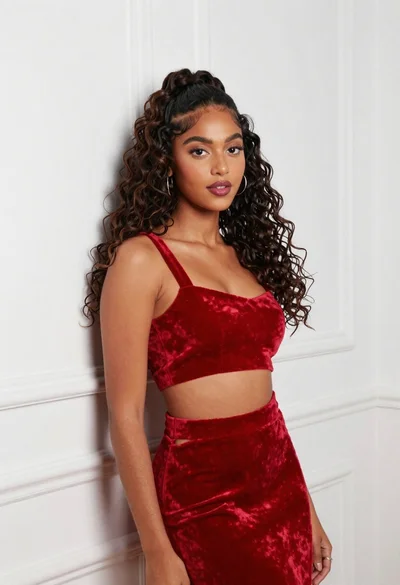
Young woman in red velvet outfit against white paneled interior wall

Glamorous blonde woman in black satin dress inside softly lit bedroom
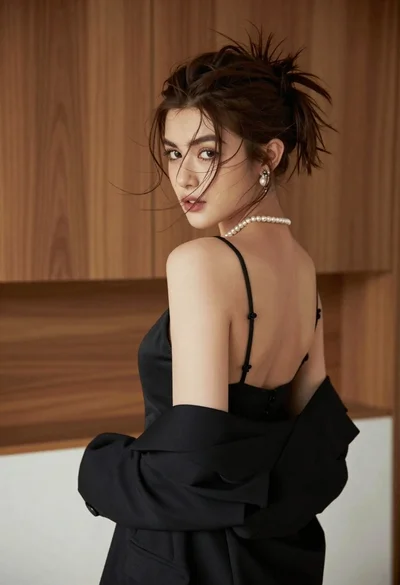
Young woman looking back over shoulder in black dress indoors
