
Young woman in mint green sweater posing inside social media frame
Prompt
A full-body studio portrait of a woman posing inside a large white social media interface frame against a soft gradient background.

Subject: A young woman with long wavy brown hair and a neutral expression, standing confidently with one hand raised to touch the top edge of the frame.

Clothing: She wears a light mint green ribbed knit sweater tucked into high-waisted white trousers, paired with white platform sneakers and gold hoop earrings.

Action: The subject stands upright with her left arm bent at the elbow to hold the top corner of the social media frame, while her right arm hangs loosely by her side.

Environment: A seamless studio backdrop featuring a smooth gradient transitioning from mint green on the left to light blue on the right.

Camera: Shot with a full-body perspective using a medium telephoto lens for a clean, professional look with minimal background distortion.

Lighting: Bright and even studio lighting that creates soft shadows and highlights the texture of the knit sweater without harsh contrast.

Text/Graphics: The white frame includes a profile picture in the top left corner, a verified checkmark next to the handle @shardha_123, three dots in the top right, and icons for likes, comments, shares, and bookmarks at the bottom with text reading AICreation and GoogleGeminiPrompts.

Style Details: High-quality commercial photography style with clean lines, vibrant pastel color grading, and a polished digital aesthetic.
Description
This prompt is useful for creating mockups of social media marketing campaigns, lifestyle brand advertisements, and portfolio pieces demonstrating digital integration. The combination of 'bright and even studio lighting' with the specified 'mint green ribbed knit sweater' ensures that the subject remains clearly visible against the gradient backdrop without harsh shadows obscuring the texture, which is crucial for commercial clarity.
Suggestions
- Change 'ribbed knit sweater' to 'cashmere turtleneck' for a more luxurious feel.
- Adjust the background gradient from mint green to light blue to a dusty rose to peach for warmer tones.
- Swap 'medium telephoto lens' for '85mm portrait lens' to enhance subject separation.
Category
Tags
Brown HairCasual WearFemaleFull BodyLight SkinMedium ShotRealisticStudio
Date added
June 21, 2026
Added by
PromptDexter Team
Related Prompts
More prompts with similar categories and tags.

Photorealistic portrait of woman in red gold armor holding shield studio shot

Smiling young woman in white ruffled dress between green topiary bushes

Young woman in pink camisole standing in sunlit rolling hills
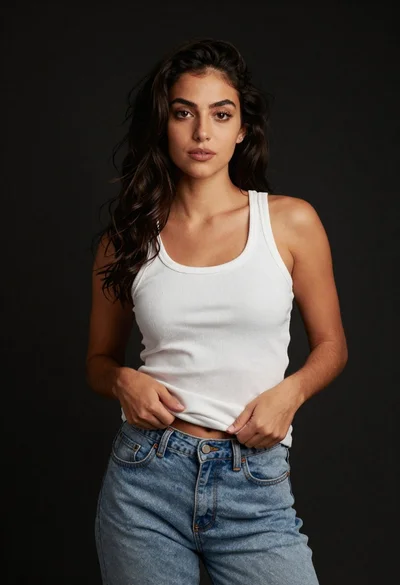
Young woman in white tank top and denim jeans against black background
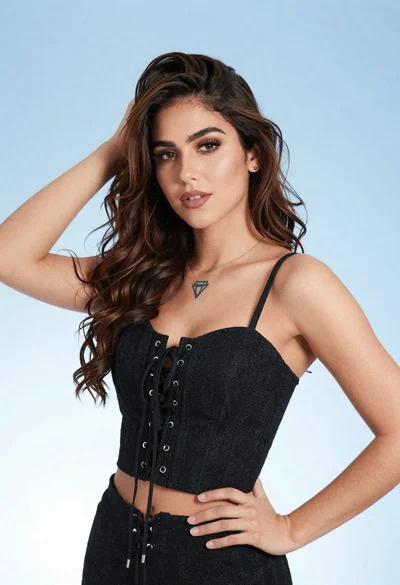
Portrait of young woman in black corset top against soft blue background

Woman with brown hair seated on red bench against weathered white wall

Smiling young woman in sweater vest within sunny autumn park setting

Woman seated in armchair near large windows with greenery