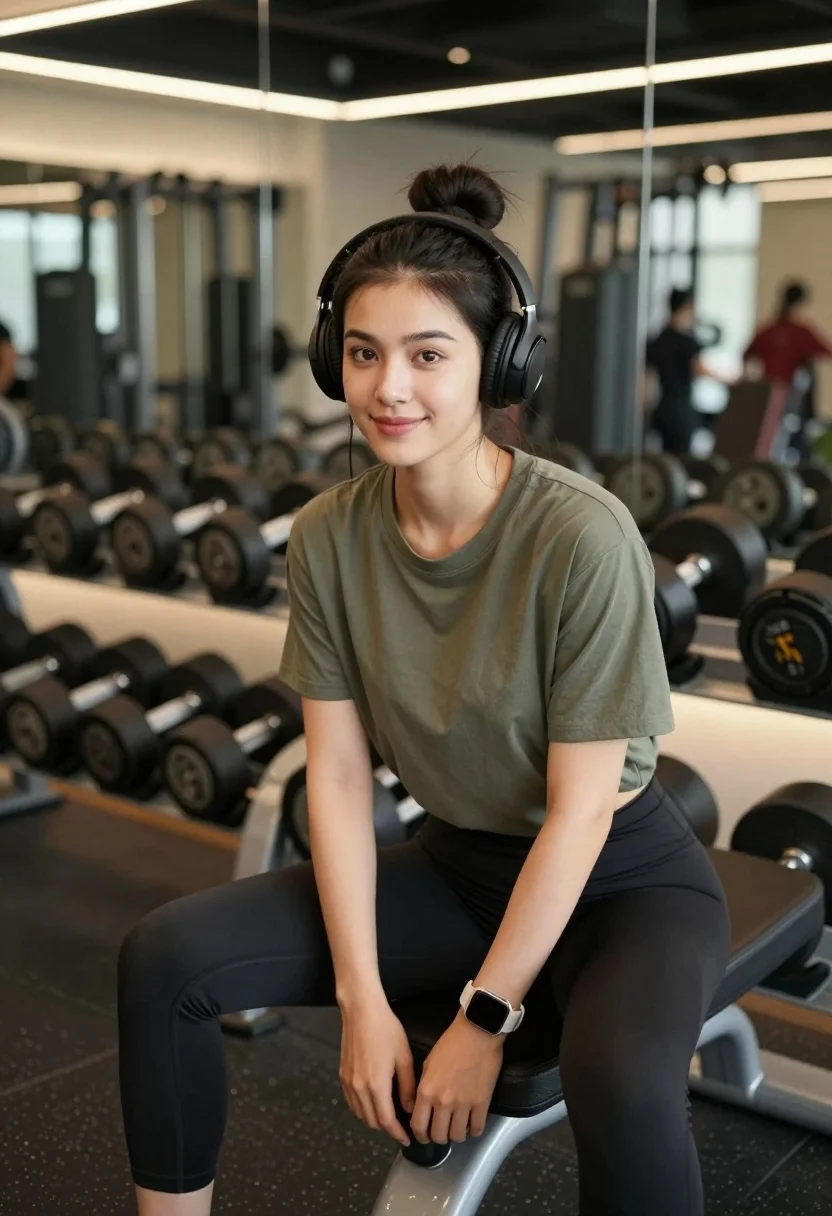
Young woman in olive shirt sitting among dumbbells in modern gym setting
Prompt
A young woman with dark hair tied in a high bun sits on a rack of dumbbells inside a modern gym.

Subject: A young woman with fair skin and dark brown eyes, smiling gently at the camera while wearing large black over-ear headphones.

Clothing: She wears a loose-fitting olive green short-sleeved t-shirt and tight black leggings, accessorized with a smartwatch on her left wrist and a black weightlifting strap on her right wrist.

Action: She is seated in a relaxed pose with her hands resting loosely between her knees, looking directly forward with a calm expression.

Environment: The setting is a well-equipped gym featuring rows of dumbbells on racks behind her, large mirrors reflecting the equipment, and dark flooring.

Camera: Shot from a medium distance with a shallow depth of field that keeps the subject sharp while blurring the background gym equipment and reflections.

Lighting: Soft, ambient indoor lighting creates a warm atmosphere with gentle highlights on her face and soft shadows around the room.

Style Details: The image has a clean, realistic photographic quality with natural color tones and a focus on fitness lifestyle aesthetics.
Description
This prompt is useful for creating fitness lifestyle blogs, athletic portraiture for brand campaigns, and editorial content showcasing wellness routines. The combination of 'soft, ambient indoor lighting' and the 'shallow depth of field' ensures that while the background gym equipment provides context, the subject remains the sharp focal point, preventing visual clutter from distracting from her calm expression.
Suggestions
- Change 'olive green short-sleeved t-shirt' to 'charcoal grey athletic tank top' for a more intense look.
- Swap 'dumbbells on racks' for 'yoga mats and resistance bands' to shift the focus slightly.
- Adjust 'soft, ambient indoor lighting' to 'directional window light' for stronger facial contours.
Category
Tags
Casual WearFair SkinFemaleIndoorsMedium ShotPortrait ShotRealistic
Date added
August 5, 2026
Added by
PromptDexter Team
Related Prompts
More prompts with similar categories and tags.
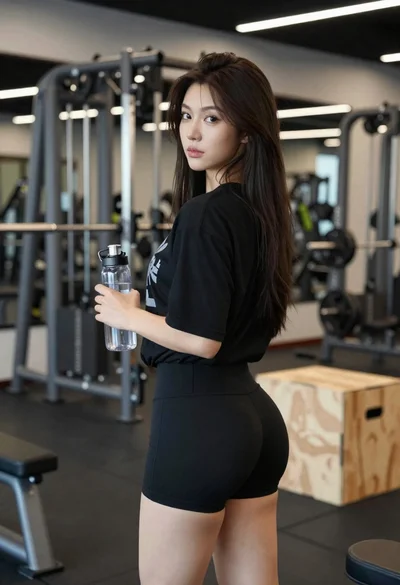
Young woman in black athletic wear looking over shoulder in modern gym
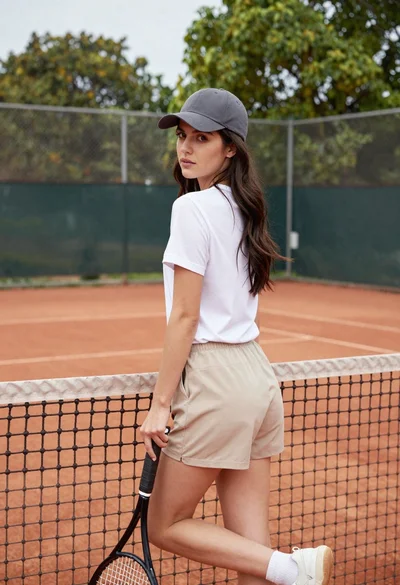
Young woman in white tshirt and cap leaning on tennis net
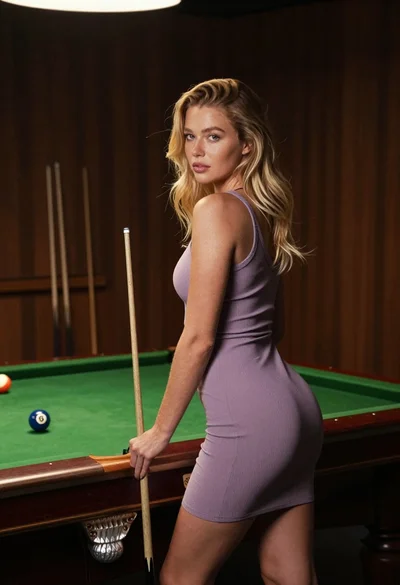
Fair skinned blonde woman in mauve dress leaning on pool table indoors
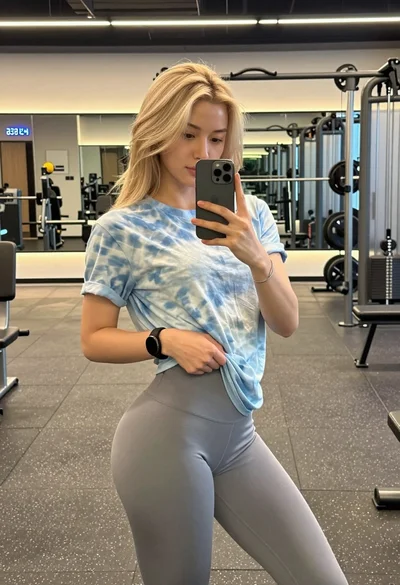
Blonde woman taking mirror selfie in modern gym setting
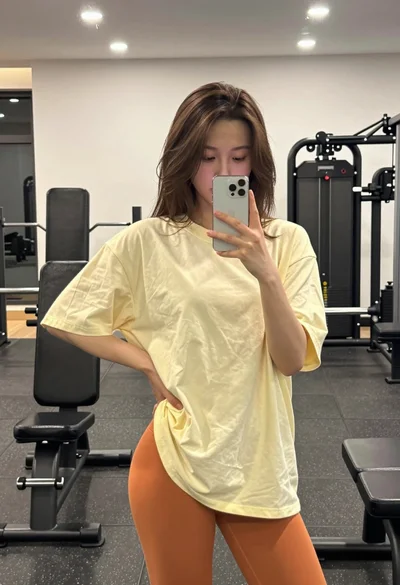
Young woman taking a mirror selfie in a gym setting indoors
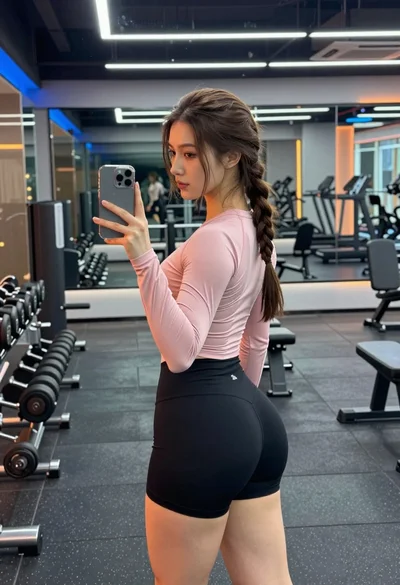
Young woman taking mirror selfie in modern gym setting with athletic wear
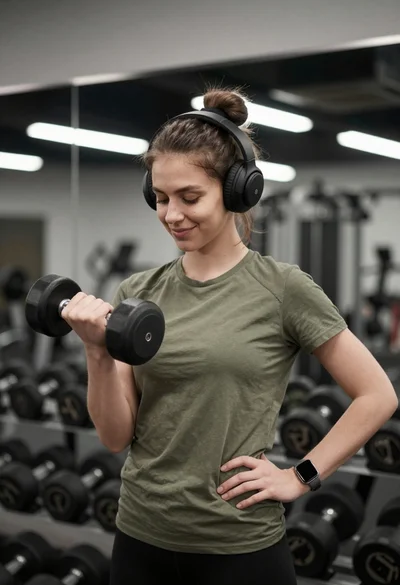
Young woman lifting dumbbell in modern gym setting with headphones
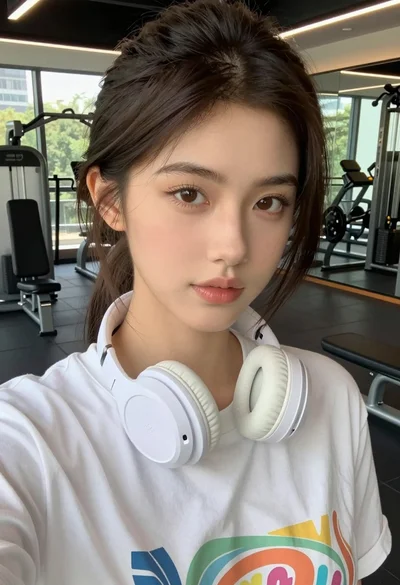
Close up selfie of young woman in white t shirt at modern
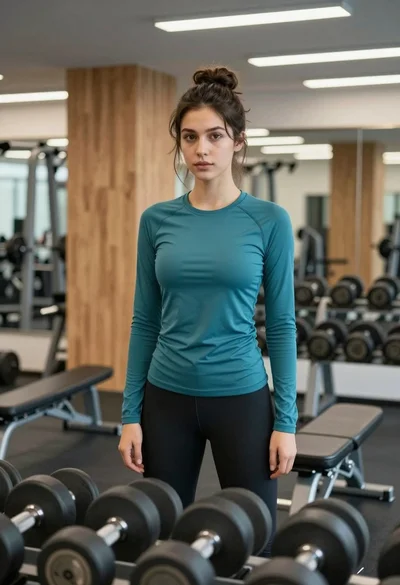
Young woman standing confidently in a modern gym setting with dumbbells
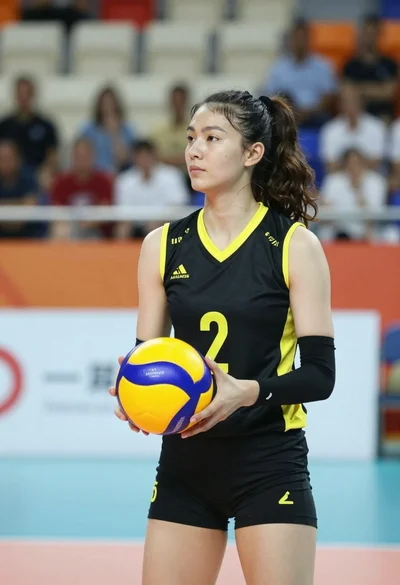
Young female volleyball player holding ball on an indoor court