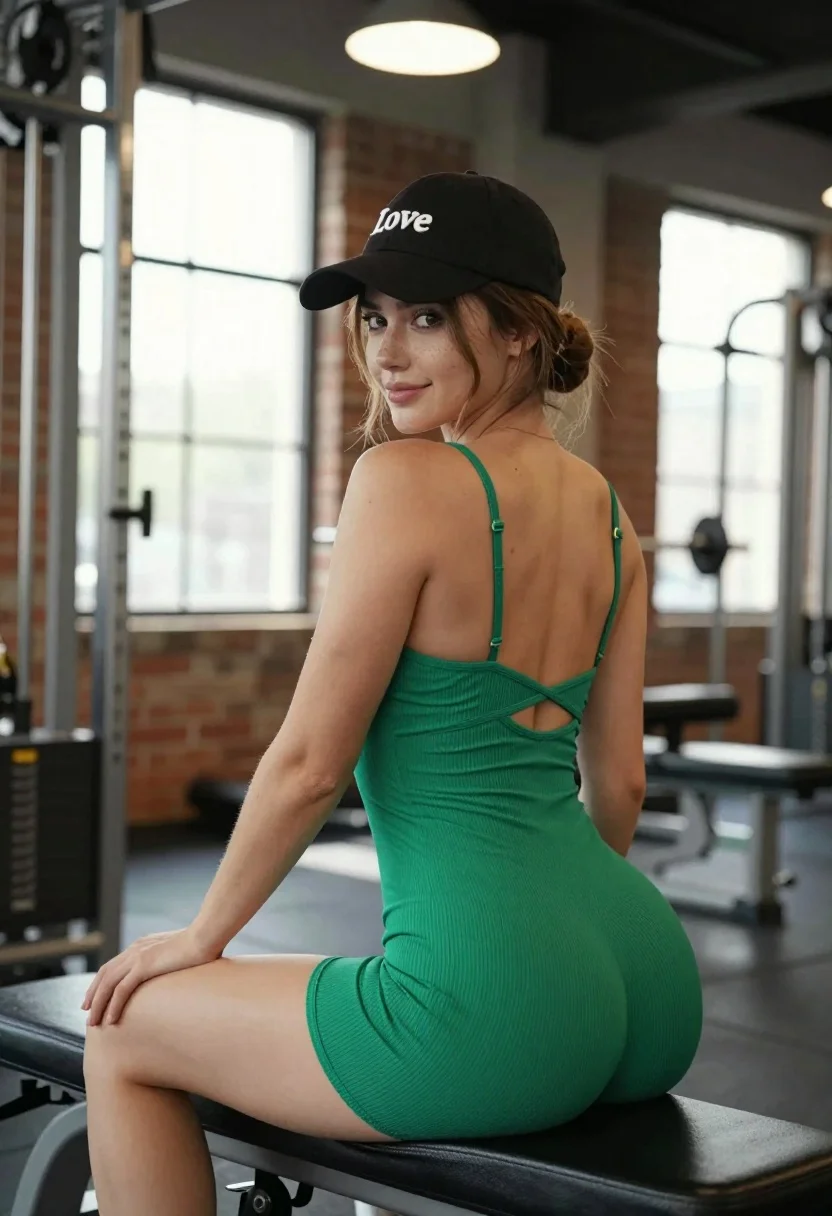
Young woman in emerald bodysuit sitting on gym bench looking back over
Prompt
A woman sits sideways on a black gym bench in a fitness studio, looking back over her shoulder with a soft smile.

Subject: A young woman with fair skin and light brown hair pulled back into a low bun, featuring visible freckles across her nose and cheeks.

Clothing: She wears a matching emerald green ribbed bodysuit with thin spaghetti straps that cross in an open-back design, paired with a black baseball cap embroidered with the word "Love" in white script.

Action: She leans forward with both arms resting on the back of the bench, her body angled away from the camera while she turns her head to face it directly.

Environment: The setting is a gym interior featuring exposed brick walls, large windows letting in bright daylight, and blurred weightlifting equipment in the background.

Camera: Shot from a low angle with a shallow depth of field that keeps the subject sharp while blurring the gym machinery behind her.

Lighting: A warm overhead pendant light illuminates the top of the frame, contrasting with the cool natural light coming through the windows to create soft highlights on her skin and clothing.

Style Details: The image has a high-quality, commercial photography aesthetic with rich color saturation and smooth textures.
Description
This prompt is useful for creating fitness brand advertisements, lifestyle editorial features about wellness routines, and athletic portraiture for mood boards. The combination of 'low angle' perspective and 'shallow depth of field' ensures the subject pops against the background clutter, while the contrast between the 'warm overhead pendant light' and 'cool natural light' adds visual interest that prevents the scene from looking flat.
Suggestions
- Change 'emerald green ribbed bodysuit' to a different jewel tone like 'sapphire blue' for variety.
- Swap 'black baseball cap' for a neutral color like 'charcoal grey' to let the bodysuit stand out more.
- Adjust 'low angle' to 'eye-level shot' if you want a less imposing portrait.
Category
Tags
BrunetteCasual WearFair SkinFemaleIndoorsLow AngleMedium ShotPortrait ShotRealistic
Date added
July 12, 2026
Added by
PromptDexter Team
Related Prompts
More prompts with similar categories and tags.
Young woman in olive shirt sitting among dumbbells in modern gym setting
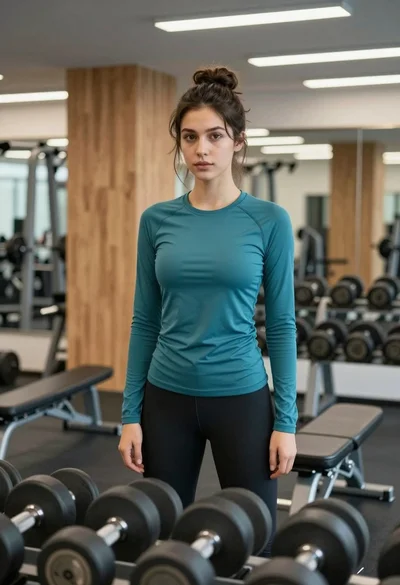
Young woman standing confidently in a modern gym setting with dumbbells
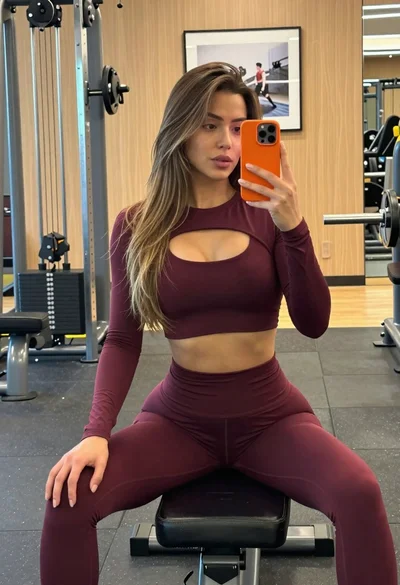
Fit woman taking mirror selfie in maroon athletic wear at gym
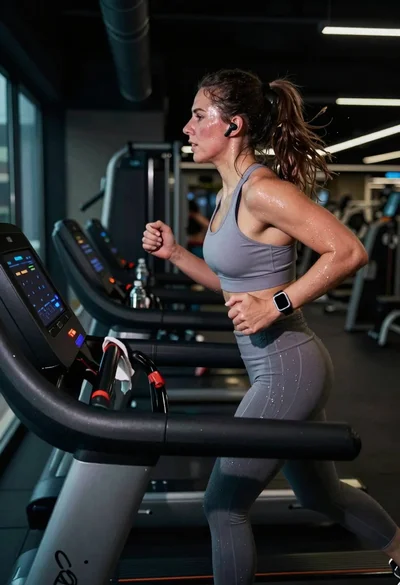
Exhausted female athlete sprinting on treadmill in dim modern gym
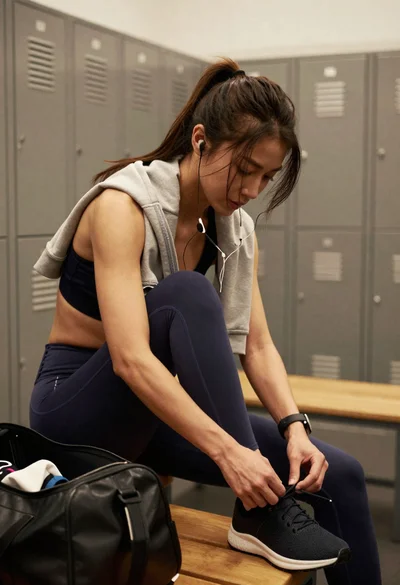
Fit female athlete tying shoelaces in modern gym locker room
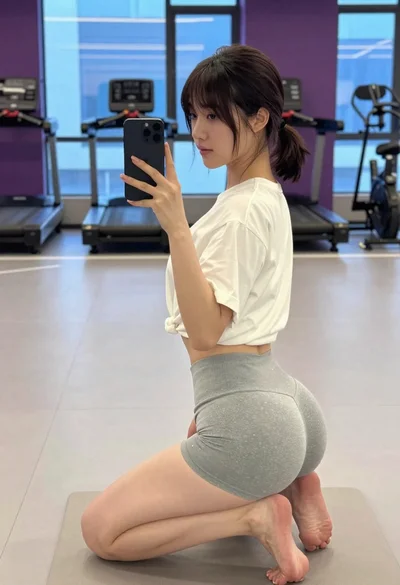
Young woman taking mirror selfie in modern gym setting
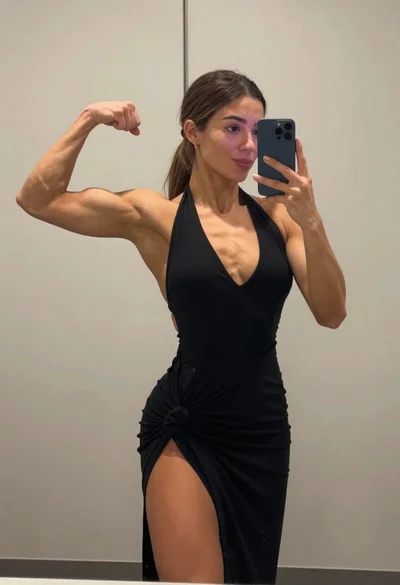
Muscular woman taking a mirror selfie flexing bicep in an indoor room
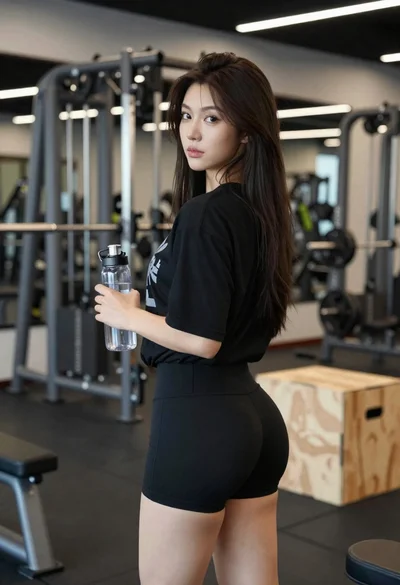
Young woman in black athletic wear looking over shoulder in modern gym
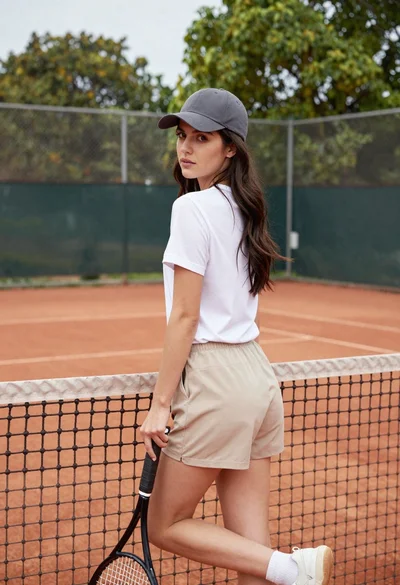
Young woman in white tshirt and cap leaning on tennis net
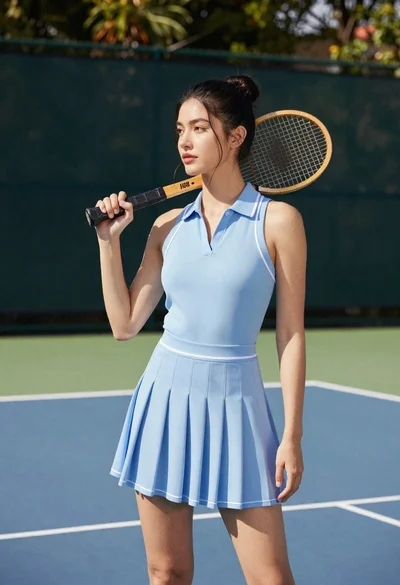
Young woman in blue dress holding wooden tennis racket on outdoor court