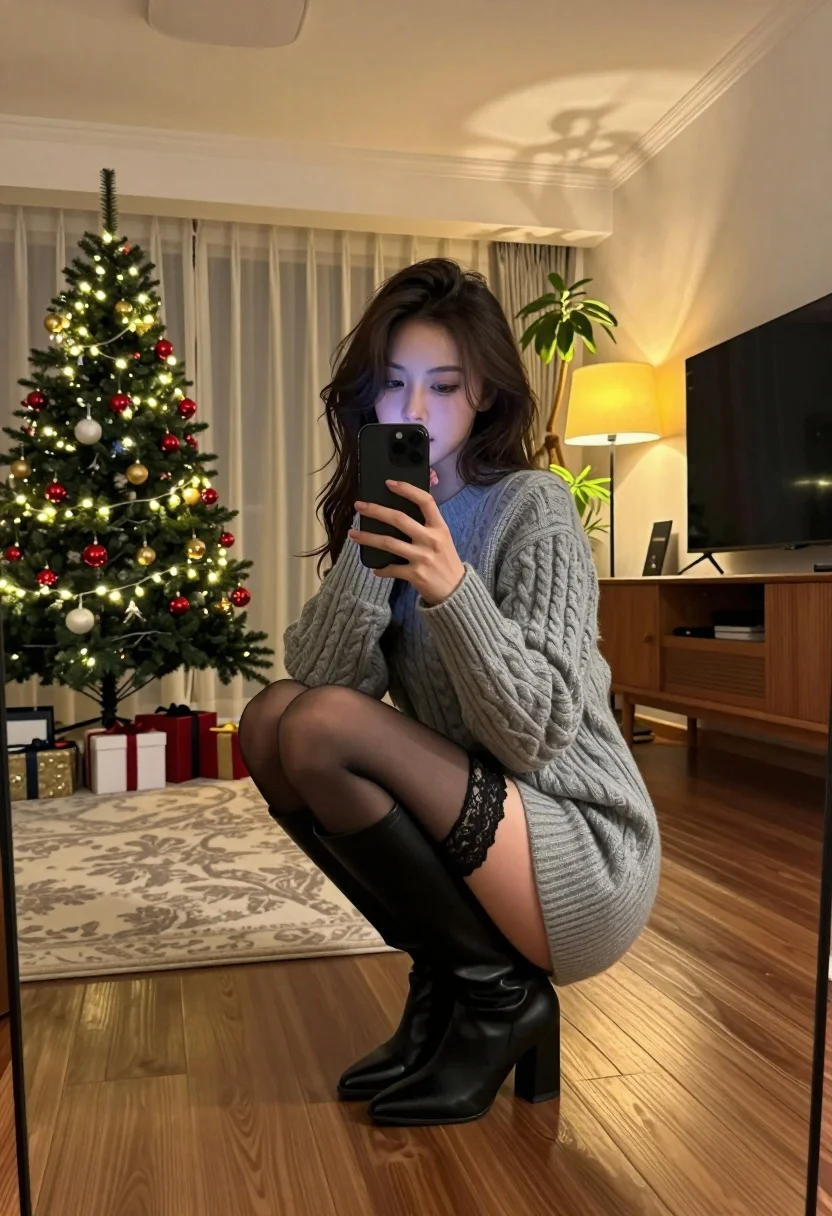
Young woman taking mirror selfie in cozy living room setting
Prompt
A woman crouching in a cozy living room while taking a mirror selfie with her smartphone.

Subject: A young woman with dark wavy hair and fair skin looking into the camera of her phone.

Clothing: She wears a thick grey cable-knit sweater dress, black lace garter straps on her thighs, sheer black tights, and tall black leather boots with block heels.

Action: She is crouching low to the ground, holding a black smartphone up to capture a mirror selfie, with one hand near her mouth in a thoughtful pose.

Environment: The room features polished wooden floors, a beige patterned rug, a large lit Christmas tree with red and gold ornaments on the left, wrapped gifts underneath, a wooden sideboard with a TV, a floor lamp casting warm light, and a potted plant in the corner.

Camera: Shot from a low angle looking up at the subject through a mirror reflection, creating a vertical composition that emphasizes the height of the room.

Lighting: Warm ambient lighting dominated by the glow of the Christmas tree lights and the yellow lamp, creating soft shadows and a cozy holiday atmosphere.

Style Details: High-quality photography with realistic textures, warm color grading, and a focus on interior design aesthetics.
Description
This prompt is useful for creating intimate lifestyle blogs, seasonal fashion editorials, and personal social media content showcasing home decor. The combination of 'low angle looking up at the subject through a mirror reflection' establishes an immediate sense of voyeurism suitable for selfies, while the specified 'warm ambient lighting dominated by the glow of the Christmas tree lights' ensures the entire scene feels cohesive and seasonally inviting.
Suggestions
- Change 'thick grey cable-knit sweater dress' to 'oversized cream knit cardigan' for a softer look.
- Replace 'red and gold ornaments' with 'cool blue and silver ornaments' to shift the mood.
- Adjust 'low angle looking up at the subject through a mirror reflection' to 'eye-level shot capturing the full length of the outfit'.
Category
Tags
Fair SkinFemaleIndoorsLow AngleMedium ShotRealisticSelfie
Date added
July 12, 2026
Added by
PromptDexter Team
Related Prompts
More prompts with similar categories and tags.
Young woman in orange crop top squatting for mirror selfie indoors
Young blonde woman taking a selfie in a cozy warmly lit bedroom
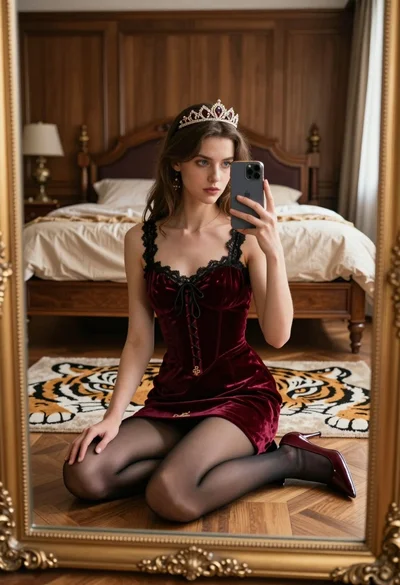
Young woman taking mirror selfie in luxurious bedroom setting
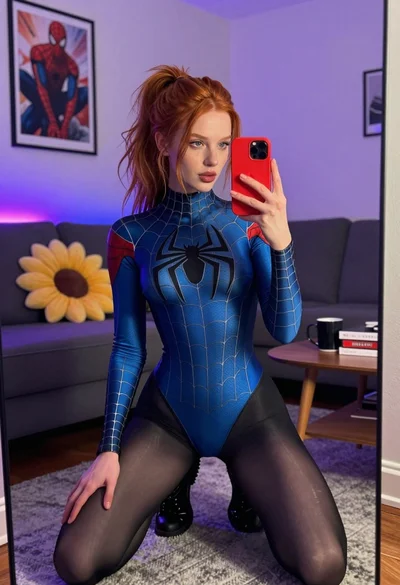
Red haired woman in spider man bodysuit taking a mirror selfie indoors

Glamorous woman taking mirror selfie in sheer sequined top
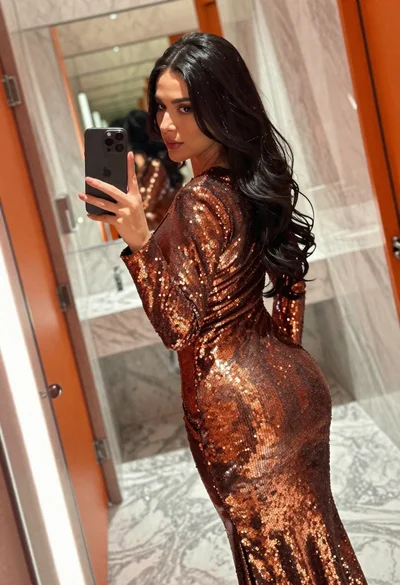
Woman in copper sequin dress taking a mirror selfie in luxurious bathroom

Blonde woman taking mirror selfie in luxurious bathroom setting

Blonde woman mirror selfie wearing elaborate floral bodysuit indoors

Woman in blue ballgown with platinum hair taking a selfie

Close up selfie of woman in straw hat inside vehicle interior