
Young woman in red mini dress seated on green bench against weathered
Prompt
A woman sits on a green bench against a weathered wall.

Subject: A young woman with long brown hair pulled back into a ponytail, featuring fair skin and a neutral expression while looking slightly to the side.

Clothing: She wears a vibrant red spaghetti-strap mini dress with a deep V-neckline and a draped bodice, cinched at the waist by a wide gold chain-link belt. Her footwear consists of black high-heeled sandals with white cutout straps and ankle ties.

Action: The woman is seated in profile on a green bench, leaning back against the wall with her legs extended forward, her hands resting gently on her stomach near the belt.

Environment: The setting is an outdoor urban space featuring a rough, textured beige stucco wall that shows signs of age and weathering, with a dark concrete ground surface.

Camera: The shot is taken from a low angle looking up at the subject, utilizing a medium-full length framing to capture her entire seated form against the vertical background.

Lighting: Soft natural daylight illuminates the scene evenly, casting gentle shadows that highlight the texture of the wall and the folds in the dress without harsh contrast.

Style Details: The image possesses a polished fashion photography aesthetic with high color saturation on the red dress and a clean, realistic rendering quality.
Description
This prompt is useful for creating editorial street style features, catalog lookbooks focusing on vibrant garments, and narrative character portraits set in urban environments. The combination of 'low angle looking up' with 'soft natural daylight' ensures the subject dominates the frame while the 'rough, textured beige stucco wall' provides enough visual grit to ground the highly saturated 'vibrant red spaghetti-strap mini dress', preventing the image from feeling too sterile.
Suggestions
- Change 'green bench' to 'distressed wooden bench' for more varied texture.
- Swap 'gold chain-link belt' for 'black patent leather belt' to match the sandals.
- Adjust 'soft natural daylight' to 'overcast diffused light' for less contrast.
Category
Tags
Brown HairCasual WearFair SkinFemaleFull BodyLow AngleMedium ShotRealisticUrban
Date added
June 19, 2026
Added by
PromptDexter Team
Related Prompts
More prompts with similar categories and tags.

Young woman leaning against white wall with beige handbag under bright sunlight
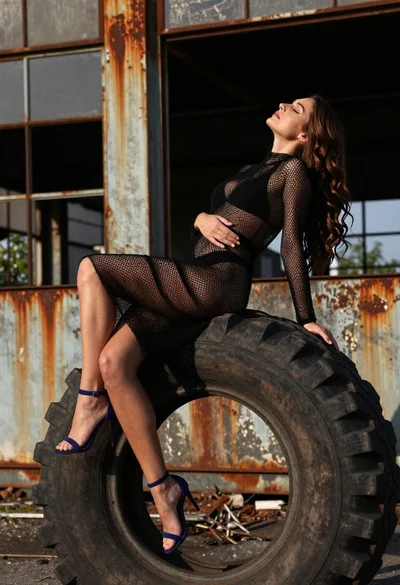
Woman on black tire in abandoned industrial setting low angle shot
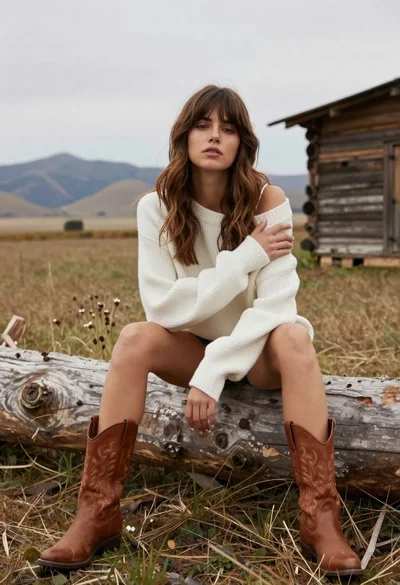
Young woman in white sweater sitting on log in grassy field

Smiling young woman leaning on black suv parked on paved street
Blonde woman in black dress sitting on steps of classic building

Young woman in green jacket holding plush toy at festive carousel
Smiling young woman in knit cardigan standing in an outdoor market
Young woman in black leather jacket leaning against a tree on city
Confident woman in red jacket and white bodysuit against a white studio
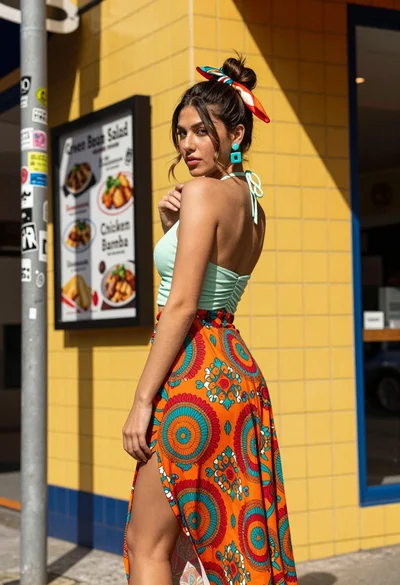
Young woman looking back over shoulder against bright yellow tiled urban facade