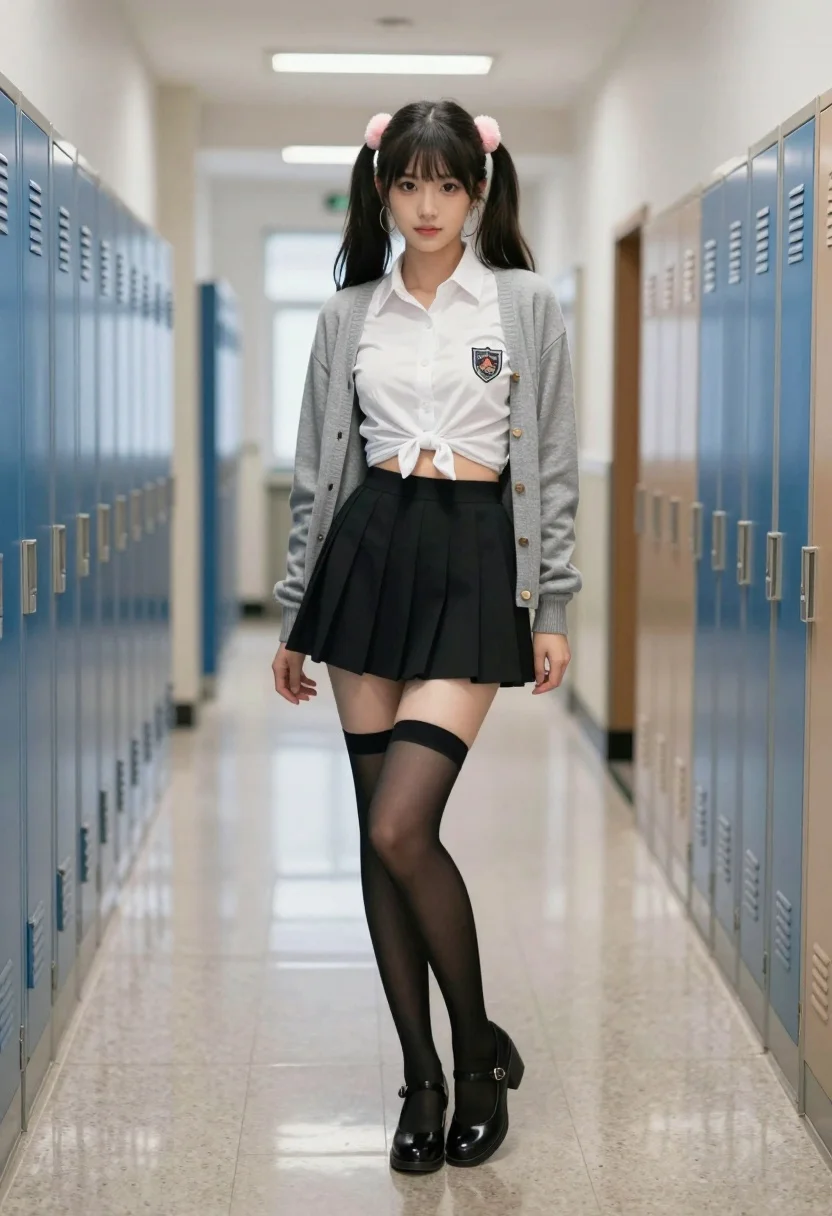
Young woman in school hallway wearing white shirt and black mini skirt
Prompt
A young woman stands confidently in the center of a long school hallway lined with lockers on both sides.

Subject: A young woman with dark hair styled into two high pigtails adorned with pink fluffy hair accessories and large hoop earrings. She has a fair complexion and is looking directly at the camera with a neutral expression.

Clothing: She wears a white button-up shirt tied in a knot at the front to expose her midriff, layered under an open grey cardigan sweater. A crest emblem is visible on the left side of her shirt. She wears a black pleated mini-skirt and sheer black thigh-high stockings with elastic bands at the top. Her footwear consists of black Mary Jane style shoes with low block heels.

Action: She stands with her legs crossed at the ankles, one hand resting lightly on her hip while the other hangs by her side.

Environment: The setting is a school corridor featuring rows of blue and tan metal lockers lining both walls. The floor is made of polished terrazzo or tile that reflects the overhead lighting.

Lighting: The scene is illuminated by bright, cool-toned fluorescent lights from the ceiling, creating strong reflections on the shiny floor and casting soft shadows behind the subject.

Camera: The shot is taken at eye level with a straight-on perspective down the length of the hallway, utilizing a depth of field that keeps the subject sharp while slightly blurring the background lockers to emphasize her presence.

Style Details: The image features high-definition realism with smooth skin textures and detailed fabric rendering, resembling a professional digital photograph or high-quality 3D render.
Description
This prompt is useful for creating character concept art, narrative scene illustrations, and fashion editorials depicting youthful academic settings. The combination of 'bright, cool-toned fluorescent lights' casting strong reflections on the polished terrazzo floor grounds the image in a specific, artificial reality, while the 'slightly blurring the background lockers' ensures that the subject remains the undeniable focal point despite the repetitive environment.
Suggestions
- Change 'pink fluffy hair accessories' to 'pastel blue ribbons' for a different color palette.
- Swap 'grey cardigan sweater' for 'navy blazer' to alter the formality.
- Adjust 'low block heels' to 'patent leather loafers' for a more traditional look.
Category
Tags
Fair SkinFemaleFull BodyRealistic
Date added
July 3, 2026
Added by
PromptDexter Team
Related Prompts
More prompts with similar categories and tags.
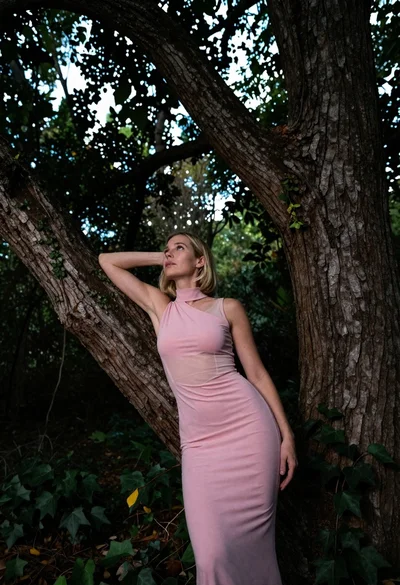
Low angle shot of blonde woman leaning against a tree in lush
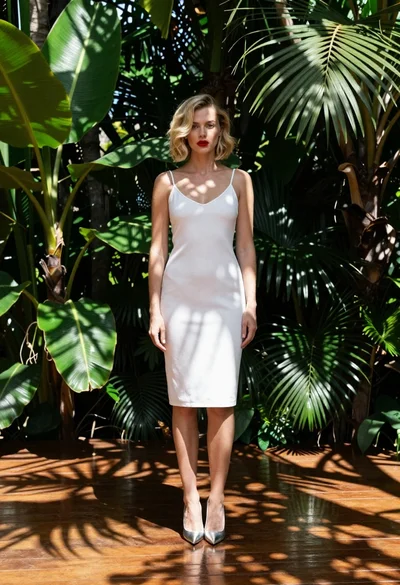
Fair blonde woman in white slip dress tropical garden setting fashion shot
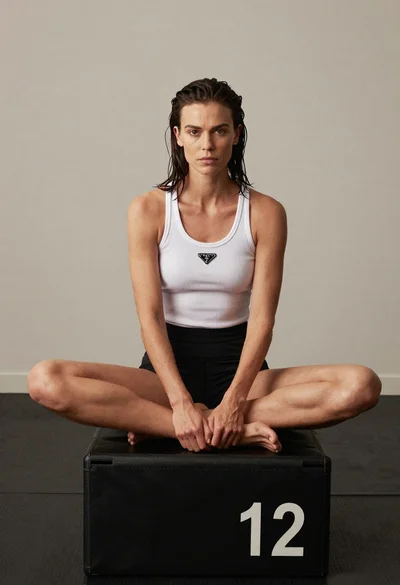
Fair skinned woman in white tank top sitting on black plyometric box

Woman with red hair in dark bikini on balcony overlooking blue ocean
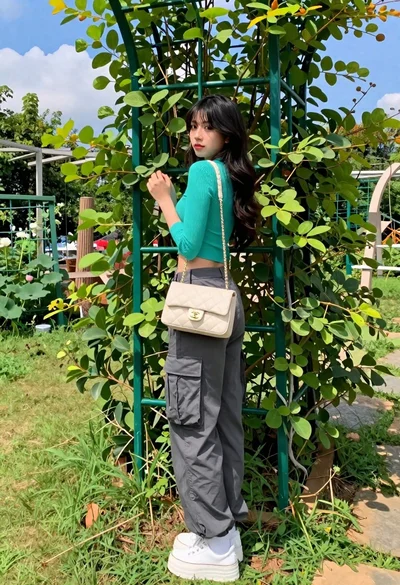
Young woman in teal crop top posing in lush green garden setting

Young woman in pink camisole standing in sunlit rolling hills

Fair skinned woman taking a high angle selfie on green lawn

Close up portrait of blonde woman with champagne against purple balloons

Young woman in navy jumpsuit sitting on beige sofa indoors
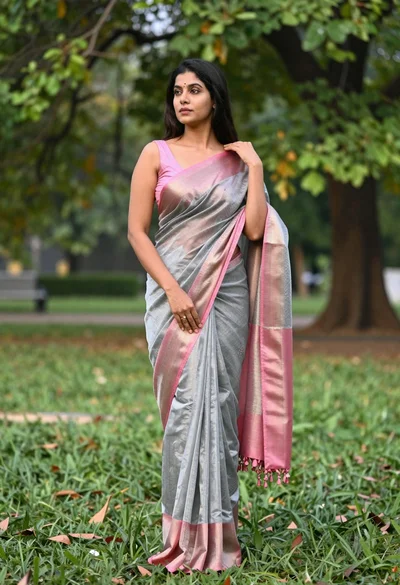
Full length portrait of woman in saree standing in lush green park