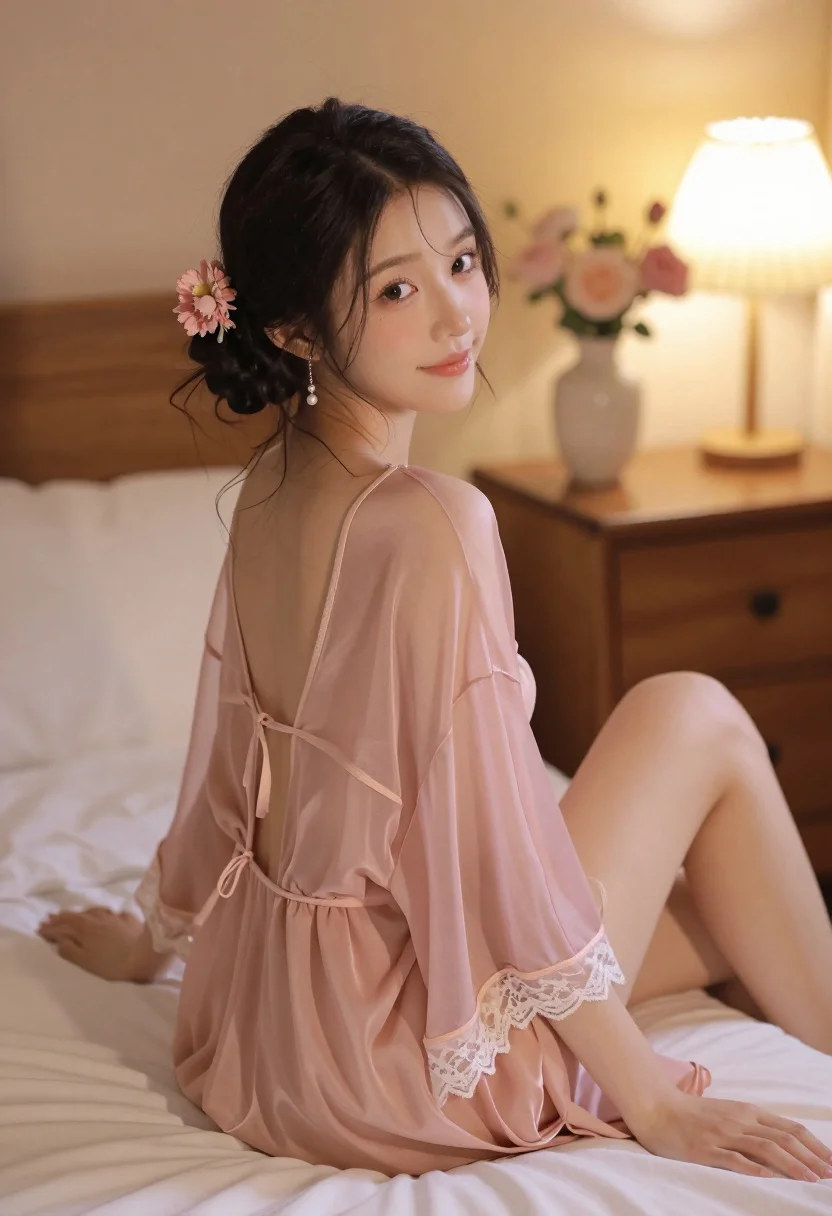
Young woman in sheer pink robe sitting on bed looking back over
Prompt
A young woman with dark hair styled in an updo adorned with pink flowers and dangling pearl earrings sits on a bed, looking back over her shoulder with a soft smile.

Subject: A young woman with fair skin and a gentle expression, viewed from behind as she turns her head to look at the camera.

Clothing: She wears a sheer, translucent pink robe or dress with delicate lace trim along the hem and straps that tie around her neck and waist.

Action: Sitting on a bed with legs bent, leaning slightly forward while turning her upper body to face the viewer.

Environment: A cozy bedroom setting with soft white bedding, a wooden nightstand in the background holding a vase of flowers and a lit lamp.

Lighting: Warm, golden ambient light emanating from a bedside lamp, creating a soft glow on the subject's skin and casting gentle shadows.

Camera: Medium shot capturing the subject from behind at a slight angle, with a shallow depth of field that blurs the background softly.

Style Details: Soft-focus aesthetic with dreamy color grading, emphasizing pastel pinks and warm tones for an intimate atmosphere.
Description
This prompt is useful for creating romantic boudoir photography, bridal editorial spreads, and intimate portraiture for lifestyle branding. The combination of 'sheer, translucent pink robe' against 'soft white bedding,' coupled with the 'warm, golden ambient light,' establishes an immediate sense of delicate intimacy that avoids harsh contrasts, making it ideal for soft-focus, romantic narratives.
Suggestions
- Change 'pink flowers' to 'white peonies' for a more classic bridal feel.
- Adjust 'golden ambient light' to 'soft window light' for a cooler tone.
- Swap 'wooden nightstand' for 'velvet chaise lounge' to change the texture of the background.
Category
Tags
BedroomFair SkinFemaleIndoorsMedium ShotRealistic
Date added
July 3, 2026
Added by
PromptDexter Team
Related Prompts
More prompts with similar categories and tags.

Blonde woman seated sideways in black mini dress by window

Fair skinned woman in dark velvet slip dress sitting on hotel bed

Woman in olive green silk dress reading a book on bed
Woman in olive green silk dress and long black hair reading book on bed

Young woman with blonde pigtails holding hair while sitting on a pink
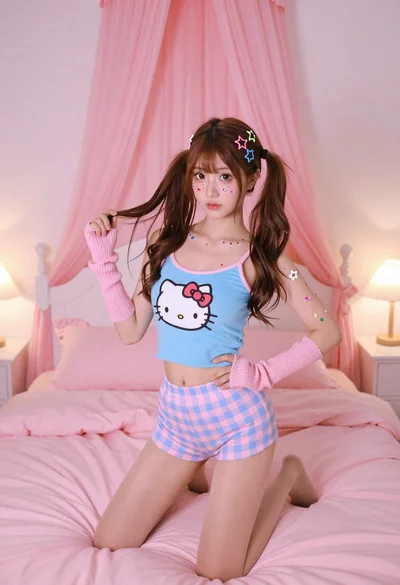
Young woman in blue tank top kneeling on pink bed holding hair

Young woman in pink room sitting on bed wearing hello kitty shirt

Young woman in pink camisole sitting on bed with morning sunlight

Young east asian woman in blue lingerie on bed with city lights

Young woman in light slip dress sitting on bed hugging pillow indoors