
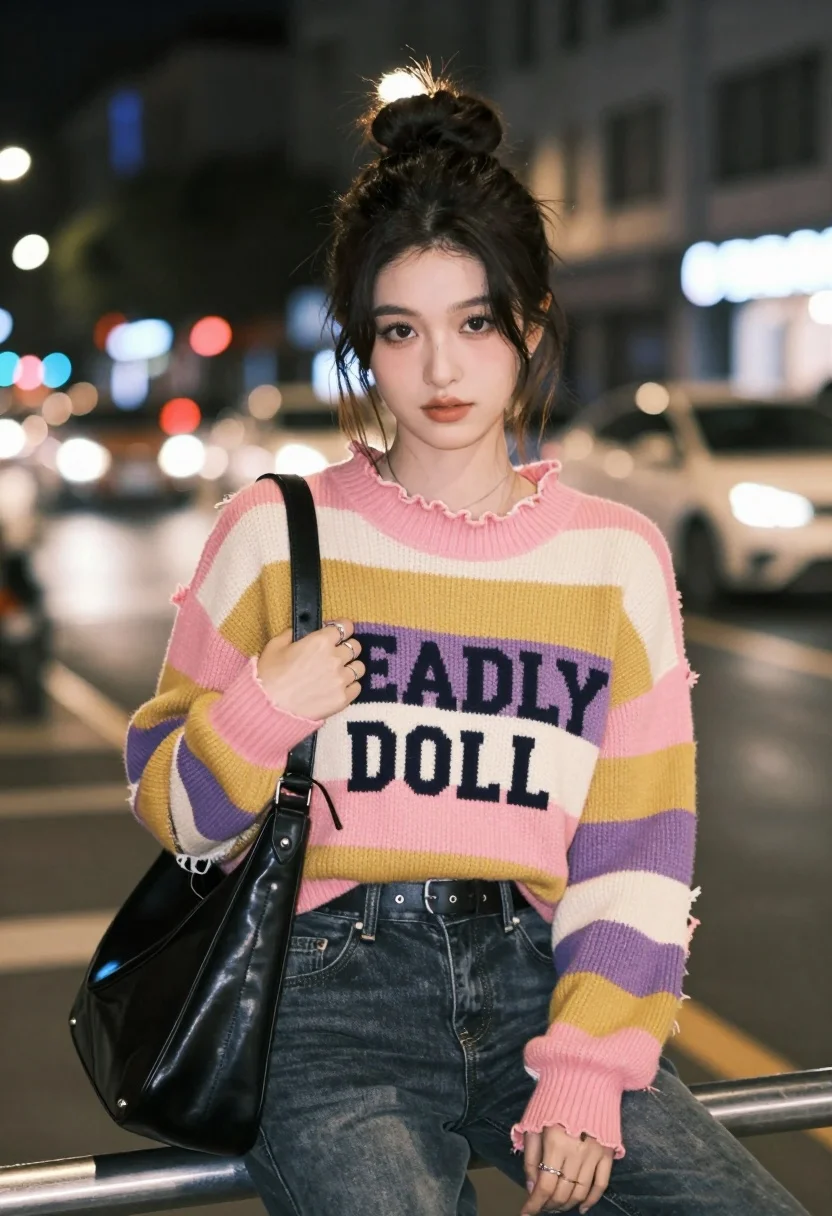
Young woman in striped sweater sitting on railing at night urban street
Prompt
A young woman with dark hair styled in a messy bun sits on a railing at night, looking directly at the camera with a soft expression.

Subject: A young woman with fair skin and dark brown eyes, her hair pulled up into a textured high bun with loose strands framing her face.

Clothing: She wears a chunky knit sweater featuring horizontal stripes in pink, mustard yellow, purple, and cream, with a ruffled neckline and distressed hem; the front displays the text "DEADLY DOLL" in large block letters. She is wearing dark denim jeans secured with a black leather belt and has multiple silver rings on her fingers.

Action: She sits facing forward, holding a black leather shoulder bag against her chest with her right hand while her left hand rests casually on her thigh.

Environment: The setting is an urban street at night with blurred city lights, car headlights, and building windows in the background creating a bokeh effect.

Camera: Shot from a medium close-up perspective with a shallow depth of field that keeps the subject sharp while blurring the busy street scene behind her.

Lighting: Illuminated by soft ambient street lighting that highlights her face and sweater against the darker night surroundings.

Style Details: The image has a cinematic, high-quality portrait aesthetic with vibrant colors and a focus on street fashion style.
Description
This prompt is useful for creating editorial street style photography, character concept art for film, and moody personal portraiture. The combination of 'soft ambient street lighting' against the 'blurred city lights' ensures the subject remains the focal point while the shallow depth of field prevents the busy background from distracting from the detailed texture of the 'chunky knit sweater'.
Suggestions
- Change 'pink, mustard yellow, purple, and cream' to a monochromatic palette for a more cohesive look.
- Add 'film grain' to the style details for an aged cinematic feel.
- Swap 'black leather shoulder bag' for a clear acrylic bag to change the material contrast.
Category
Tags
BrunetteFair SkinFemalePortrait ShotRealisticStreetUrban
Date added
August 5, 2026
Added by
PromptDexter Team
Related Prompts
More prompts with similar categories and tags.
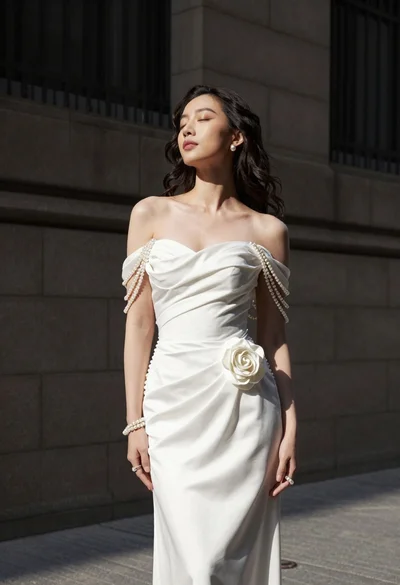
Woman in white gown standing against dark stone architectural wall outdoors
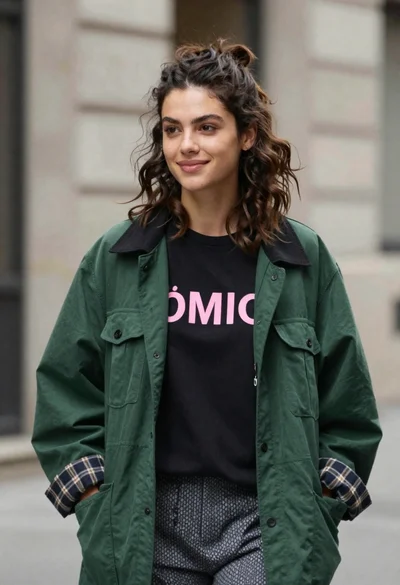
Young woman in black t shirt and green jacket on an urban
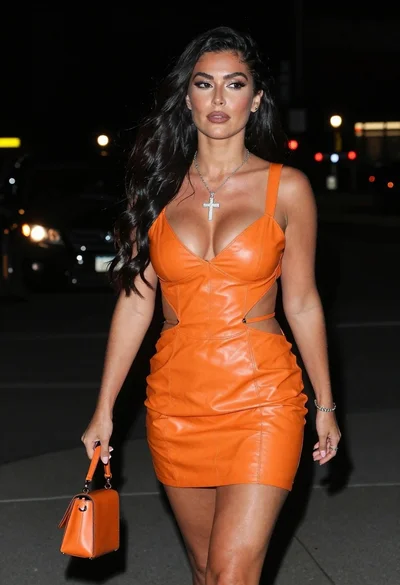
Woman walking down a dark urban street at night in orange leather
Fair skinned woman in brown leather jacket outside shop window
Close up portrait of young woman in maroon coat on urban street
Woman in military uniform on snowy cobblestone street
Portrait of blonde woman in suede coat against dark graffiti wall

Young woman in green jacket holding plush toy at festive carousel
Collage portrait of a woman with curly hair in an urban setting
Stylish woman in grey plaid suit standing on city sidewalk
