Young woman in white dress holding rope swing outdoors with sunlight
Prompt
A woman with voluminous curly dark hair gazes directly at the camera while holding a thick rope swing.

Subject: A young woman with deep brown eyes and a fair complexion featuring natural skin texture and freckles.

Clothing: She wears a simple white sleeveless dress with thin spaghetti straps that expose her back.

Action: Her right arm is raised high to grip the top of the rope, while her left hand holds the rope lower down near her waist; she leans slightly away from the camera with an open-mouthed expression.

Environment: The setting is outdoors in a sun-dappled natural area featuring trees and foliage, with a blurred background suggesting a body of water or bright open space.

Camera: Shot with a medium close-up framing that captures the subject from the waist up, utilizing a shallow depth of field to blur the background elements.

Lighting: Bright natural sunlight filters through the leaves creating high contrast dappled shadows on her skin and hair.

Style Details: The image has a soft, cinematic quality with warm tones and a focus on organic textures like the rough rope and curly hair.
Description
This prompt is useful for creating lifestyle portraiture, fine art photography prints, and evocative editorial spreads capturing movement. The combination of 'bright natural sunlight' filtering through leaves to create high contrast dappled shadows enhances the organic textures of the 'rough rope' and 'curly hair,' grounding the subject in a specific, atmospheric moment rather than a flat studio setup.
Suggestions
- Change 'voluminous curly dark hair' to 'wet, windswept brown hair' for more drama.
- Swap 'white sleeveless dress' for 'cream gauze dress' to soften the contrast.
- Adjust 'shallow depth of field' to 'bokeh effect' for an even softer background blur.
Category
Tags
Brown HairFair SkinFemaleMedium ShotNatureOutdoorsRealistic
Date added
June 19, 2026
Added by
PromptDexter Team
Related Prompts
More prompts with similar categories and tags.

Young woman in pink camisole standing in sunlit rolling hills

Young woman in olive saree leaning on railing outdoors during golden hour

Young woman with dark hair at wooden table in open air setting

Young woman in patterned dress looking back over grassy hills
Young woman playfully sticking tongue out holding dark hair outdoors in daylight
Young woman holding pink smoothie outdoors near palm trees sunny day
Young woman with brown hair sitting on bench near green bushes outdoors
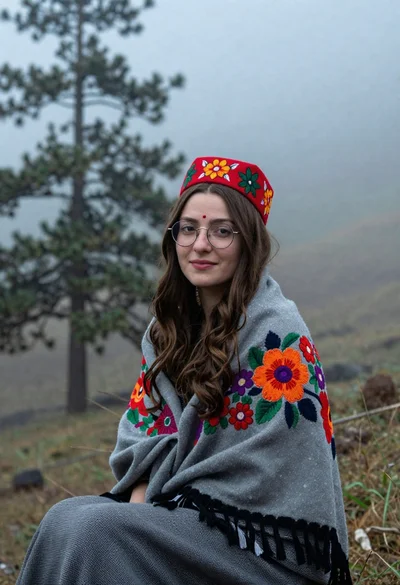
Young woman with brown hair and traditional shawl in misty mountains
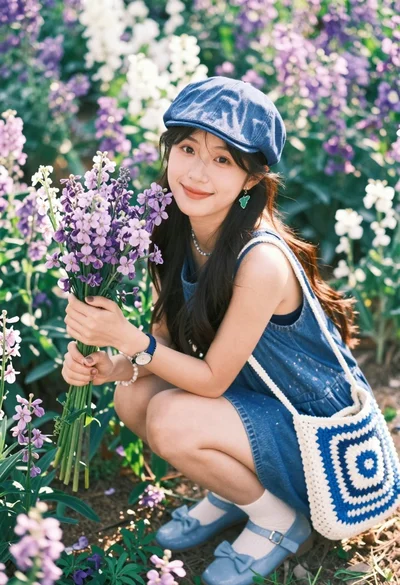
Smiling young woman in denim cap holding flowers in a garden
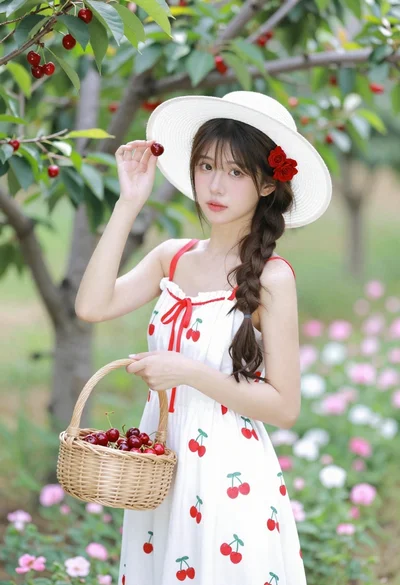
Young woman in white sundress holding cherry basket in blooming orchard