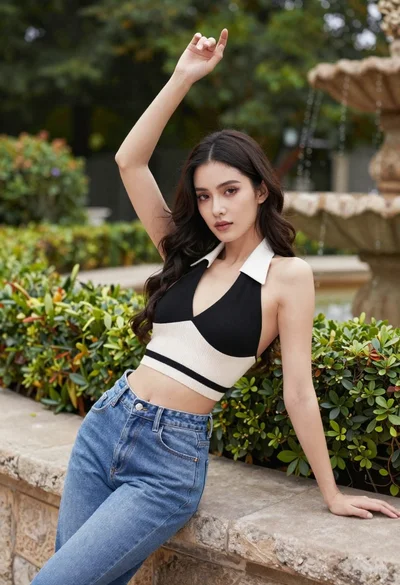
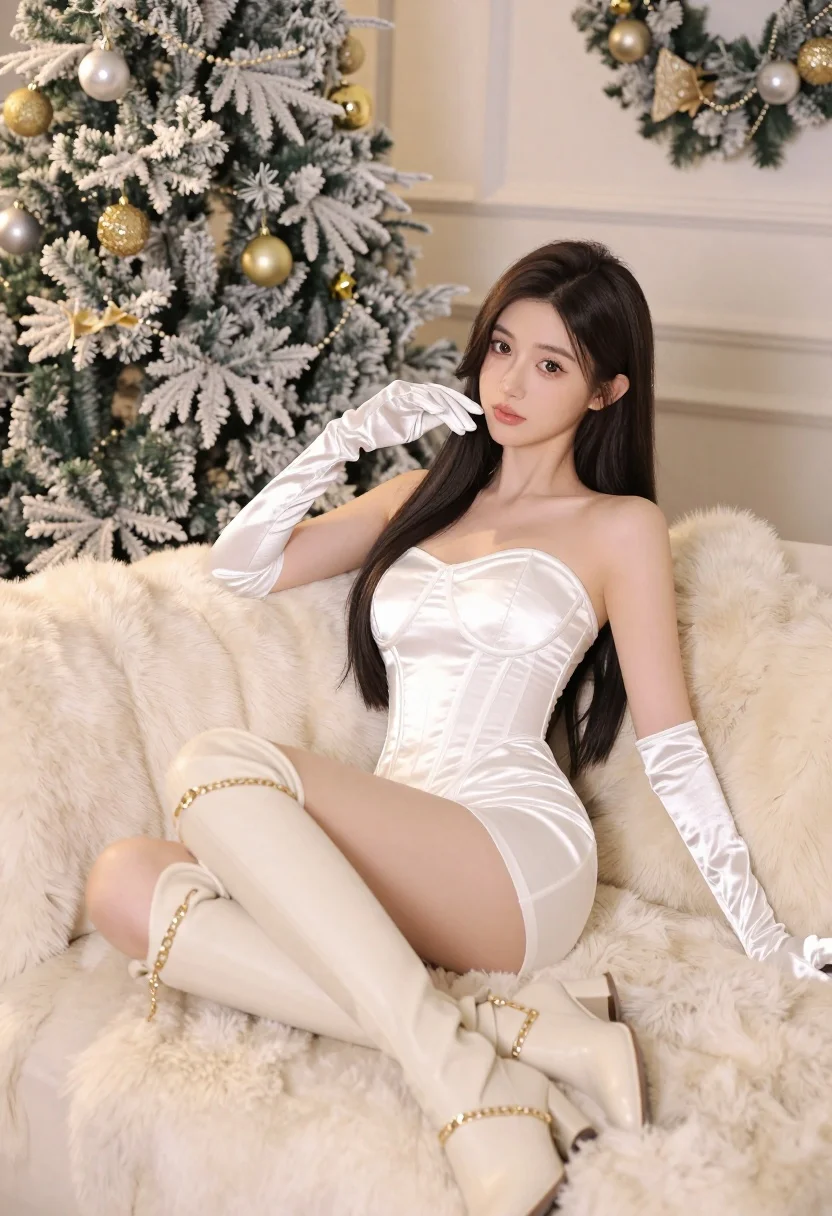
Young woman in white satin dress reclining on cream fur sofa holiday
Prompt
A woman with long dark hair reclines elegantly on a plush cream-colored fur sofa in a festive holiday setting.

Subject: A young woman with long, straight dark brown hair and fair skin, looking directly at the camera with a soft, neutral expression.

Clothing: She wears a short, strapless white satin dress with a structured corset bodice, paired with matching long white satin gloves and cream-colored thigh-high boots featuring gold chain detailing.

Action: She is seated in a relaxed pose, leaning back against the sofa cushions with one hand resting on her hair and the other on the arm of the sofa.

Environment: The setting is an indoor room decorated for Christmas, featuring a large flocked Christmas tree adorned with gold and silver ornaments to the left, and a matching wreath hanging on the beige wall behind her.

Camera: The shot is framed as a medium close-up from a slightly low angle, emphasizing the subject's presence against the holiday backdrop.

Lighting: Soft, warm lighting illuminates the scene evenly, creating gentle highlights on the satin dress and fur textures while maintaining a cozy atmosphere.

Style Details: The image has a high-quality, polished aesthetic with smooth skin tones and rich color saturation typical of professional portrait photography.
Description
This prompt is useful for generating luxury holiday catalog imagery, editorial bridal features, or sophisticated festive portraits. The combination of 'white satin dress' against the 'plush cream-colored fur sofa' utilizes soft highlights and rich color saturation to emphasize luxurious textures, while the 'slightly low angle' composition ensures the subject dominates the frame despite the busy Christmas decorations.
Suggestions
- Change 'gold and silver ornaments' to 'deep emerald and ruby ornaments' for a richer holiday palette.
- Swap 'cream-colored fur sofa' for 'velvet chaise lounge' to alter the material feel.
- Adjust 'soft, warm lighting' to 'dramatic chiaroscuro' for higher contrast.
Category
Tags
Brown HairFair SkinFemaleLow AnglePortrait ShotRealistic
Date added
July 12, 2026
Added by
PromptDexter Team
Related Prompts
More prompts with similar categories and tags.
Woman in black saree sitting indoors near bright window light
Woman in bright yellow slip dress posing near white sofa interior
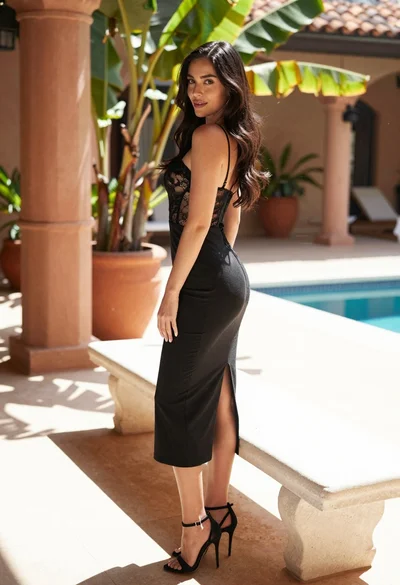
Woman in black slip dress leaning on white stone bench outdoors
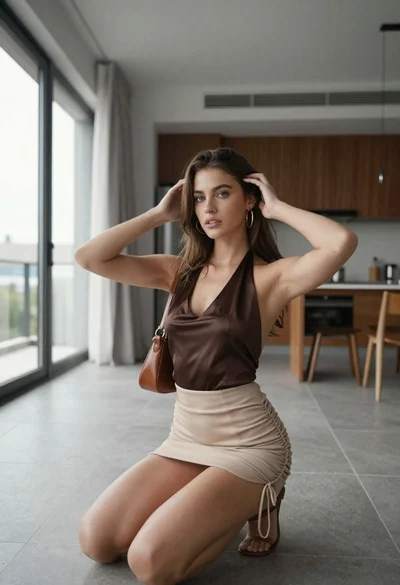
Young woman in silk top and mini skirt posing in modern apartment
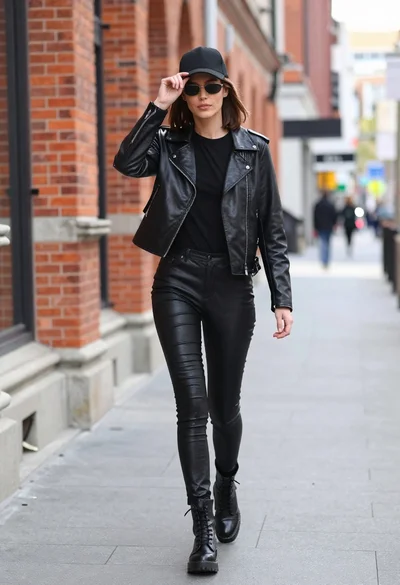
Stylish woman in black leather outfit walking on urban city sidewalk
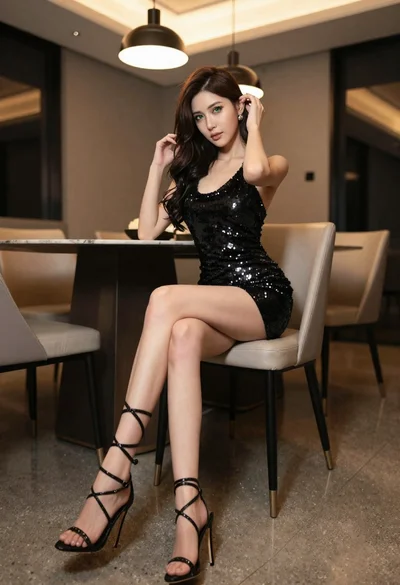
Elegant woman in black sequin dress sitting in modern dining room
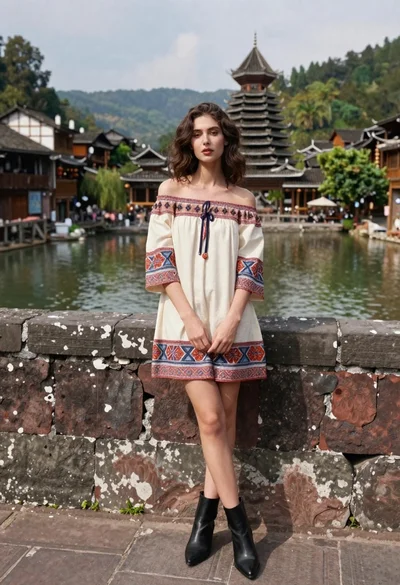
Young woman in patterned dress leaning against stone wall by river
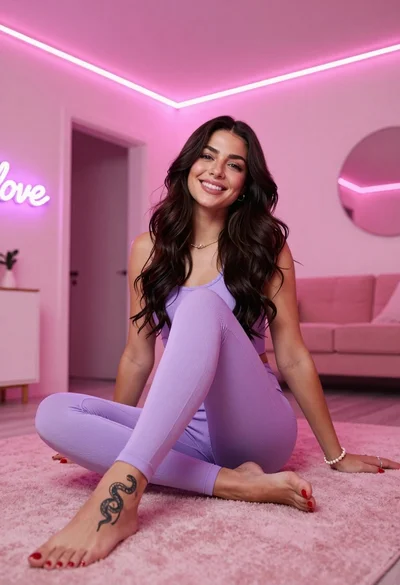
Smiling woman in purple athletic wear sitting on pink surface indoors
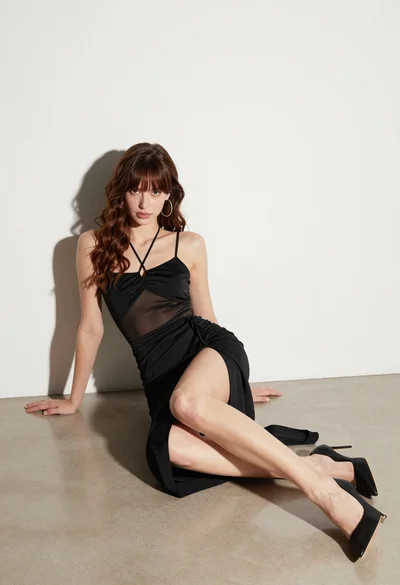
Young woman in black dress seated on beige floor in minimalist studio
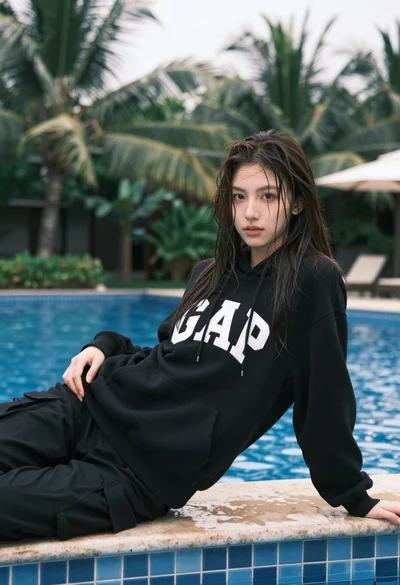
Young woman with wet dark hair reclining by tropical swimming pool edge
