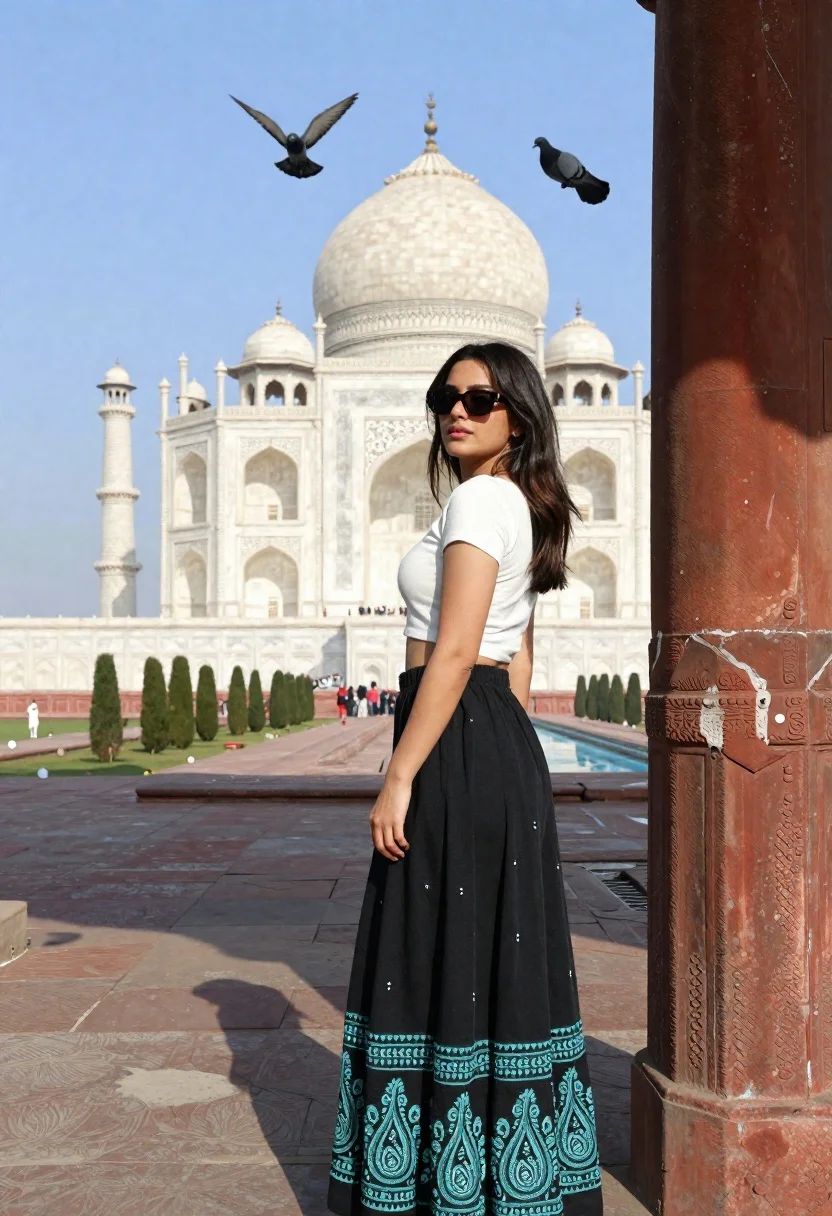
Young woman in white top and black skirt at taj mahal
Prompt
A woman stands leaning against a stone pillar with the Taj Mahal in the background under a clear blue sky.

Subject: A young woman with long dark hair wearing dark sunglasses and looking over her shoulder at the camera.

Clothing: She wears a white short-sleeved crop top and a long black skirt featuring intricate teal paisley embroidery along the hem and sides.

Action: The woman leans casually against a large stone column, with one hand resting near her hip and several pigeons flying around her head.

Environment: The iconic white marble dome of the Taj Mahal is visible in the distance across a wide courtyard, framed by a stone pillar in the foreground.

Camera: Medium shot capturing the subject from the waist up with the architectural landmark centered in the background.

Lighting: Bright natural daylight illuminates the scene, casting soft shadows and highlighting the white marble of the monument.

Style Details: Photorealistic travel photography with vibrant colors and a clear focus on the contrast between the modern fashion and historic architecture.
Description
This prompt is useful for creating destination lifestyle blogs, cultural fusion editorial spreads, and high-end travel magazine features. The combination of 'white short-sleeved crop top' against the 'intricate teal paisley embroidery' allows the model to emphasize modern fashion elements while using the 'Taj Mahal in the background' as a recognizable, contrasting anchor point.
Suggestions
- Change 'teal paisley embroidery' to 'gold and maroon paisley embroidery' for richer color contrast.
- Add 'shallow depth of field' to blur the distant monument slightly.
- Swap 'Bright natural daylight' for 'late afternoon diffused sunlight' for softer shadows.
Category
Tags
Black HairFair SkinFemaleMedium ShotOutdoorsPortrait ShotRealisticTraditional WearUrban
Date added
June 21, 2026
Added by
PromptDexter Team
Related Prompts
More prompts with similar categories and tags.
Smiling indian woman in traditional white saree standing before an ornate temple

Young woman in denim dress standing on balcony before hawa mahal

Woman in traditional thai dress standing before a grand golden temple
Young woman in stylish outfit standing near tokyo tower on city street
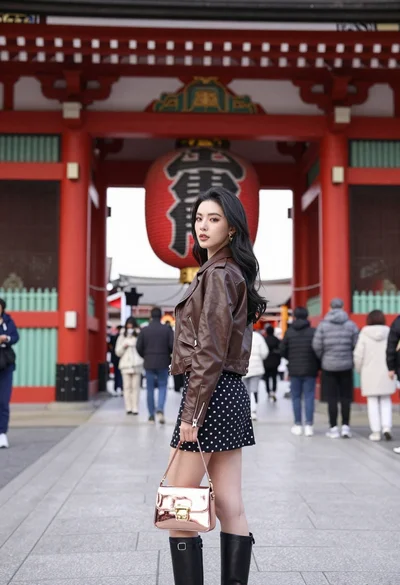
Young woman in leather jacket standing before traditional japanese temple gate
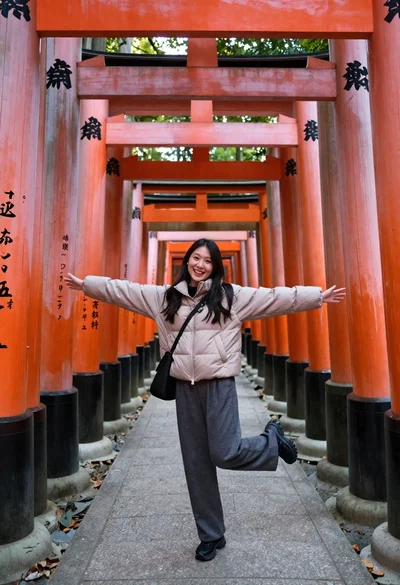
Young woman in puffer jacket posing inside a tunnel of orange torii

Smiling young woman in pink cardigan standing before a grand castle

Smiling young woman in pink top and white skirt before sandstone palace