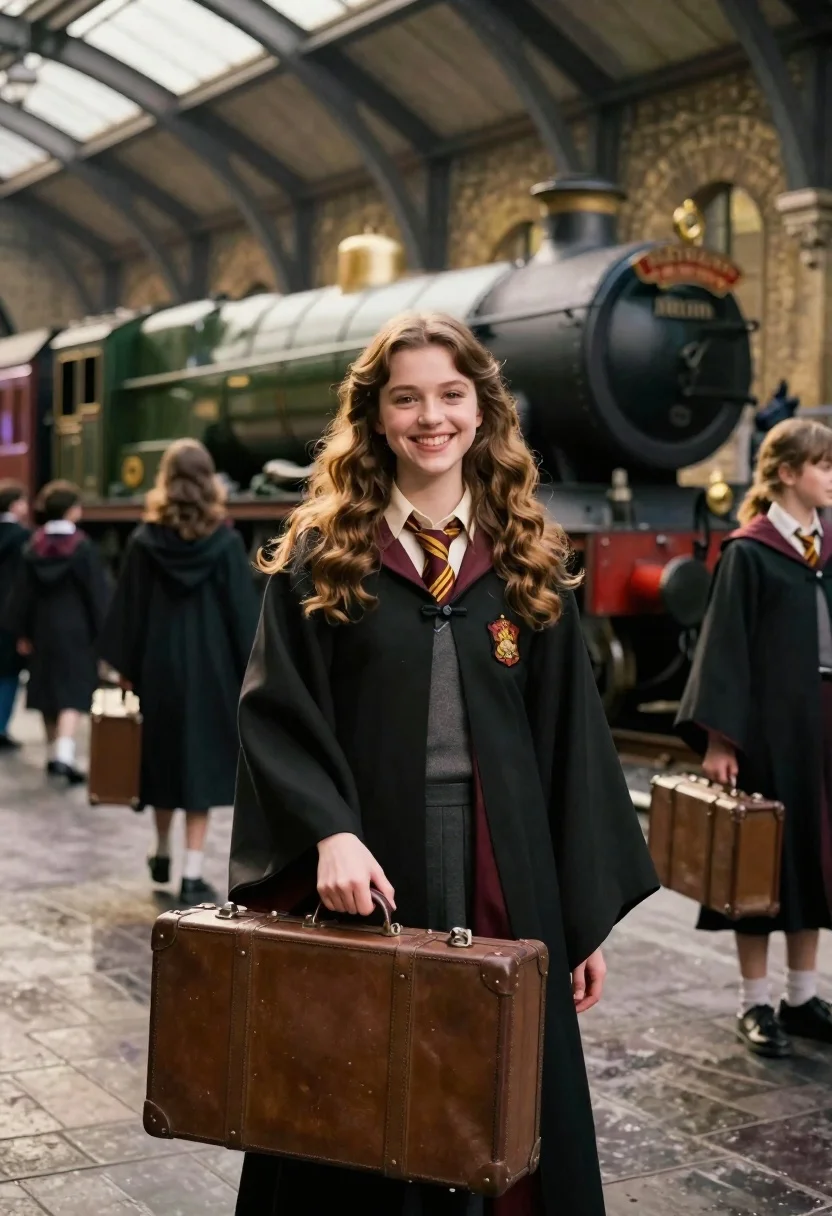
Young woman in wizard robe holding suitcase at grand train station
Prompt
A young woman with long wavy brown hair smiles brightly at the camera while holding a vintage brown suitcase in a grand train station.

Subject: A young woman with long, wavy light brown hair and a bright, happy smile looking directly at the viewer.

Clothing: She wears a black wizarding robe over a maroon shirt and white collared undershirt, featuring a crest on the chest.

Action: She stands facing forward holding a large vintage suitcase by its handle with both hands.

Environment: A high-ceilinged train station with brick arches and metal beams, dominated by a large steam locomotive labeled Hogwarts Express in the background.

Camera: Eye-level medium shot capturing the subject from the waist up with a shallow depth of field that keeps her sharp while blurring the train and background figures.

Lighting: Warm ambient light filters through the station roof, creating soft highlights on her hair and face with gentle shadows.
Second

Subject: Several other students in robes are visible in the background walking away or standing near the train.

Objects: A large vintage brown suitcase with metal latches is held by the main subject, and another student carries a similar suitcase in the background.

Interaction: The scene depicts students preparing to board the Hogwarts Express train, capturing a moment of anticipation and excitement.

Text/Graphics: The words Hogwarts Express are visible on the side of the steam locomotive in the background.

Style Details: Cinematic photography with high dynamic range, warm color grading, and a magical atmosphere reminiscent of fantasy film production.
Description
This prompt is useful for creating cinematic character introductions, narrative scene setting for fantasy films, and promotional artwork for fictional travel destinations. The combination of 'black wizarding robe' against the industrial backdrop of 'brick arches and metal beams,' coupled with a 'shallow depth of field,' grounds the magical subject in a believable, tangible reality while ensuring the focus remains sharply on her bright smile.
Suggestions
- Change 'light brown hair' to 'raven black hair' for stronger contrast.
- Swap 'vintage brown suitcase' for 'leather trunk' to imply more weight.
- Adjust 'Warm ambient light' to 'dramatic shafts of sunlight' for higher contrast.
Category
Tags
Black HairBrown HairCasual WearFemaleMedium ShotRealistic
Date added
June 19, 2026
Added by
PromptDexter Team
Related Prompts
More prompts with similar categories and tags.
Hooded figure in grey sweatshirt lit by dramatic golden backlighting haze
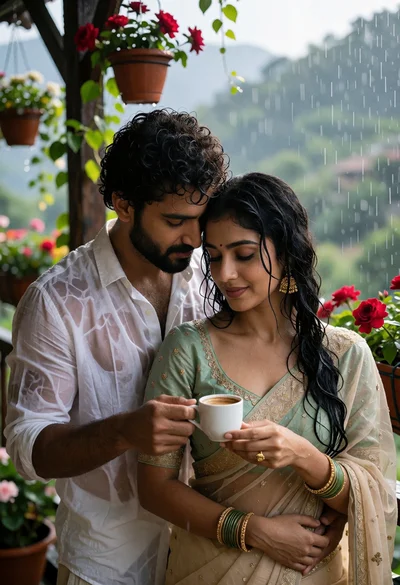
Romantic couple embracing in the rain on a balcony overlooking misty hills

Young east asian woman on railing in busy japanese city street at
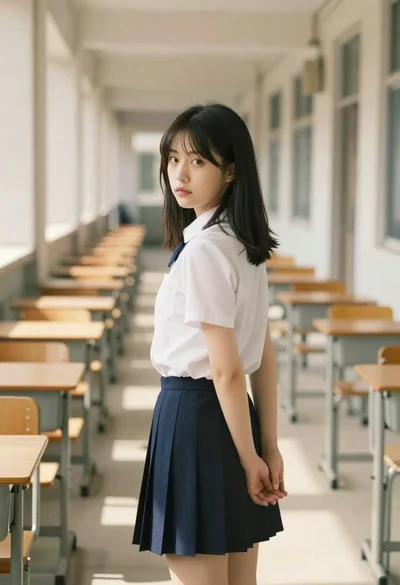
Young woman in school uniform looking back over shoulder down hallway

Young woman in white blouse leaning against beige wall near mirror
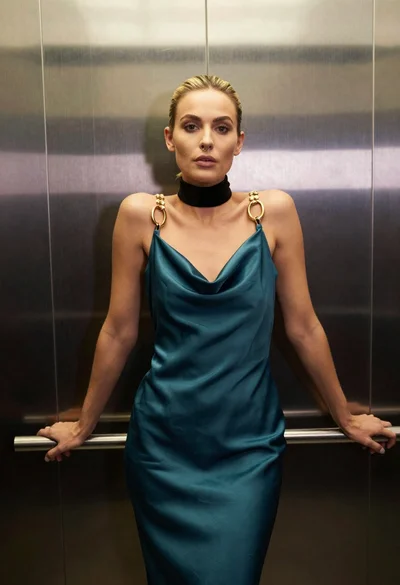
Blonde woman in teal slip dress leaning on elevator handrail

Woman in green satin slip dress standing in sunlit elegant interior room

Young man in leather jacket standing on wet city sidewalk at night
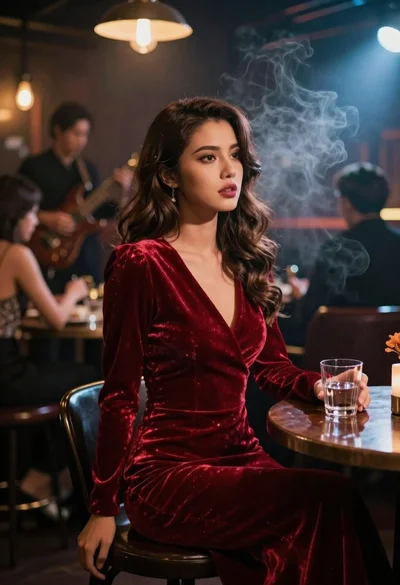
Woman in red velvet dress sitting at table in smoky jazz club
Young woman in beige mini dress looking back at camera on subway