
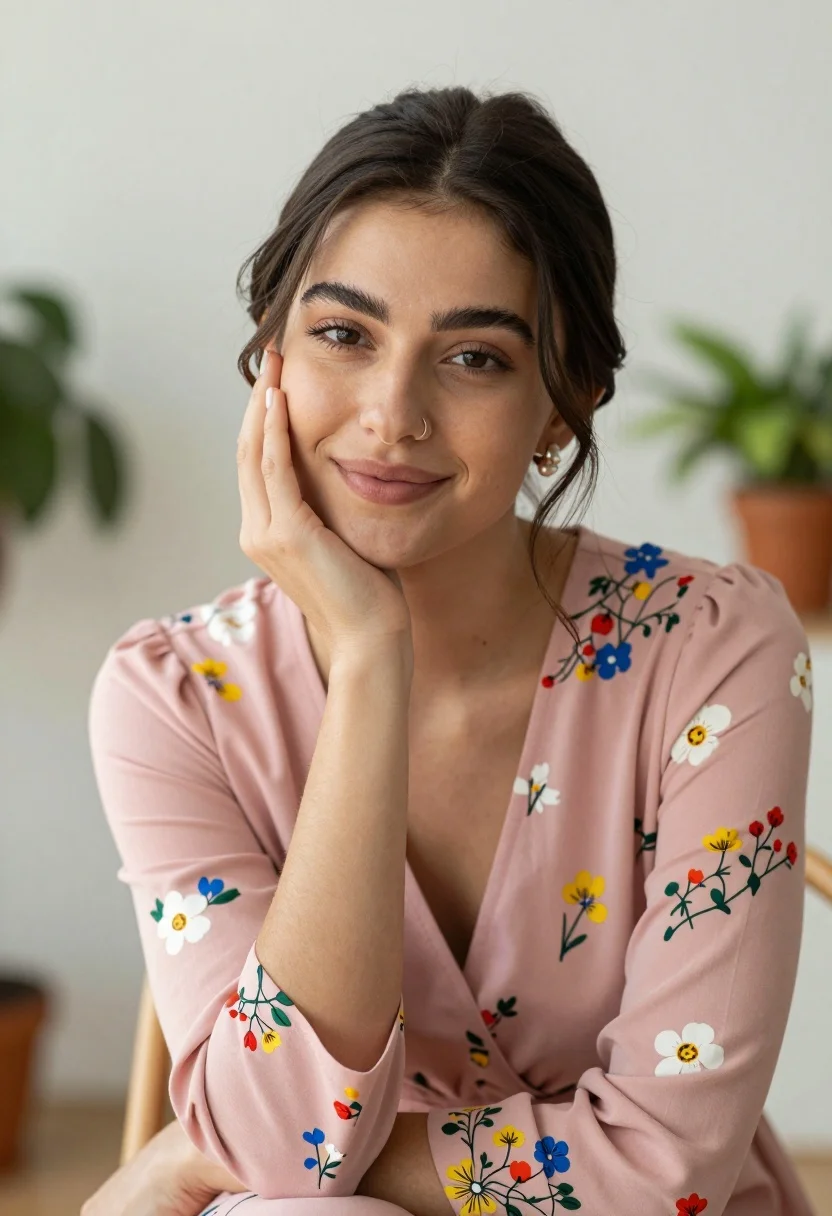
Young woman with dark hair in pink floral dress indoors portrait
Prompt
A young woman with dark hair pulled back smiles gently at the camera while resting her cheek on her hand.

Subject: A young woman with fair skin and dark brown hair styled in a loose low bun with wisps framing her face, featuring defined eyebrows, a nose ring, and pearl earrings.

Clothing: She wears a long-sleeved dusty pink dress adorned with a colorful floral pattern of blue, yellow, white, and red flowers.

Action: Her right hand supports her cheek in a relaxed pose while her left arm is crossed over her body; she has a soft, pleasant expression with a slight smile.

Environment: The setting is an indoor room with a bright, neutral-toned background featuring blurred green potted plants visible on the left and right sides.

Camera: Shot as a medium close-up portrait with a shallow depth of field that keeps the subject in sharp focus while blurring the background elements softly.

Lighting: Soft, diffused natural light illuminates the scene from the front, creating gentle highlights on her skin and dress without harsh shadows.

Style Details: The image has a clean, high-quality photographic aesthetic with smooth textures and a warm, inviting color palette.
Description
This prompt is useful for creating intimate portrait photography, lifestyle editorial spreads, and personal branding content that requires soft focus. The combination of 'soft, diffused natural light' and the 'shallow depth of field' ensures the subject remains sharply defined against a softly blurred background, which prevents distracting details from pulling focus away from her gentle expression.
Suggestions
- Change 'dusty pink dress' to 'terracotta floral maxi dress' for an earthier tone.
- Swap 'blue, yellow, white, and red flowers' for 'deep indigo and gold flowers' for a richer palette.
- Adjust the background by specifying 'exposed brick wall' instead of plants.
Category
Tags
BrunetteCasual WearFair SkinFemaleIndoorsMedium ShotPortrait ShotRealistic
Date added
August 5, 2026
Added by
PromptDexter Team
Related Prompts
More prompts with similar categories and tags.

Young woman in red velvet gown standing indoors against white wall
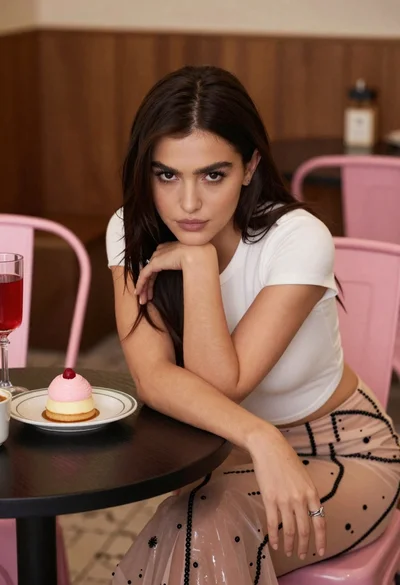
Young woman leaning over table in cafe with dessert and drink
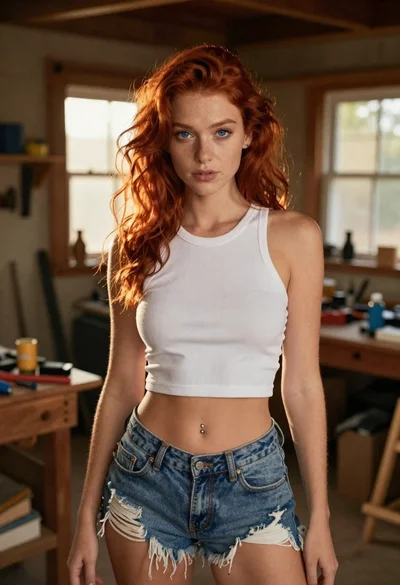
Red haired woman in workshop with tools background
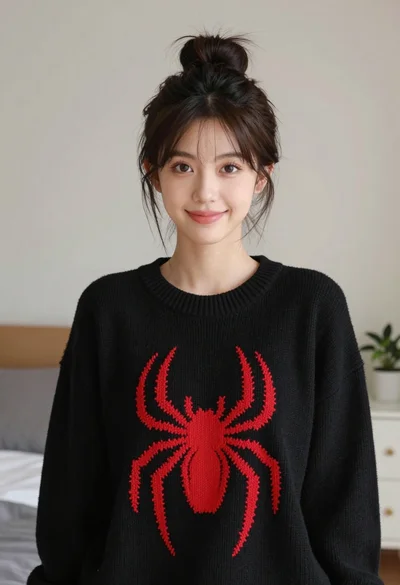
Young woman with dark hair wearing black sweater indoors in bedroom setting
Young woman in white embroidered saree smiling indoors with soft natural light

Young woman with brown hair in beige cardigan smiling indoors at camera
Portrait of young woman with dark hair in pink shirt against white
Medium close up portrait of woman sticking tongue out indoors

Blonde woman in black hat standing in misty green rolling hills

Young woman in olive saree leaning on railing outdoors during golden hour
