
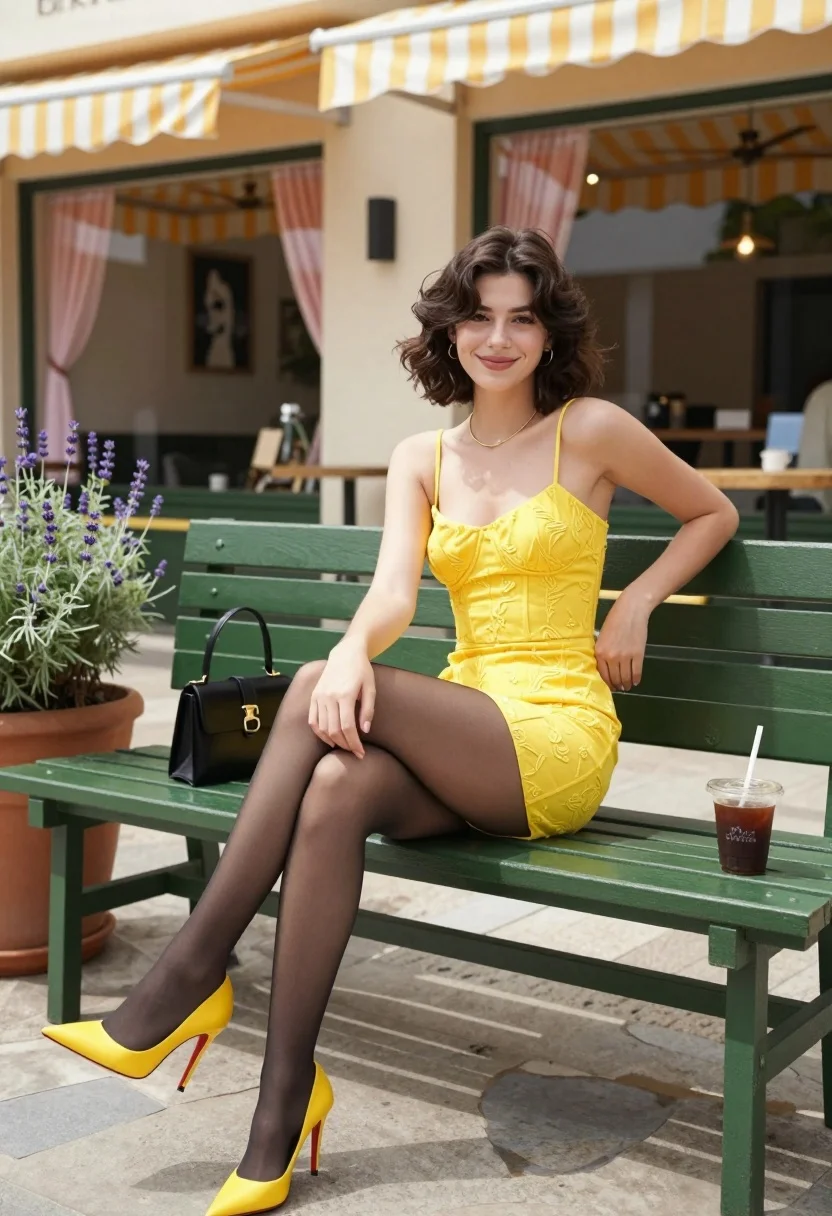
Young woman in yellow dress sitting on park bench outside cafe patio
Prompt
A young woman with short wavy brown hair sits confidently on a green park bench in front of a cafe.

Subject: A young woman with shoulder-length wavy dark brown hair and fair skin, smiling gently at the camera.

Clothing: She wears a bright yellow spaghetti-strap mini dress with an embroidered texture, sheer black tights, and matching yellow pointed-toe stiletto heels with red soles.

Action: She sits with her legs crossed, one hand resting on her thigh and the other near her hip, exuding a relaxed yet poised demeanor.

Environment: The setting is an outdoor cafe patio featuring a green wooden bench, a potted lavender plant, and a storefront with yellow-and-white striped awnings and large glass windows displaying interior decor like pink curtains and framed portraits.

Objects: A black handbag rests beside her on the bench, along with an iced coffee drink in a clear plastic cup with a straw.

Lighting: Natural daylight illuminates the scene from above, casting soft shadows and highlighting the vibrant yellow tones of her outfit against the green surroundings.

Camera: Shot at eye level with a medium-full body framing that captures both the subject and the immediate cafe environment clearly.

Style Details: Photorealistic style with high detail, natural color grading, and a clean composition reminiscent of modern fashion photography.
Description
This prompt is useful for creating lifestyle editorial spreads, seasonal catalog imagery, and aspirational social media content featuring urban settings. The combination of 'natural daylight' casting soft shadows and the specific color palette—vibrant yellow against green wood and lavender—ensures the subject pops while maintaining a cohesive, modern fashion photography aesthetic.
Suggestions
- Change 'bright yellow spaghetti-strap mini dress' to 'mustard yellow midi dress' for a more muted tone.
- Swap 'lavender plant' for 'succulents' to modernize the greenery.
- Adjust 'medium-full body framing' to 'waist up shot' to focus more on the upper body and expression.
Category
Tags
Brown HairCafeCasual WearFair SkinFemaleFull BodyMedium ShotOutdoorsRealistic
Date added
August 5, 2026
Added by
PromptDexter Team
Related Prompts
More prompts with similar categories and tags.

Blonde woman reading at a cafe table with roses
Poised woman in black blazer standing in a lush flower garden

Stylish woman in zebra print suit standing on sun dappled forest path
Young woman seated on stone ledge before terracotta building with green door
Young woman seated cross legged on solid green floor in studio setting
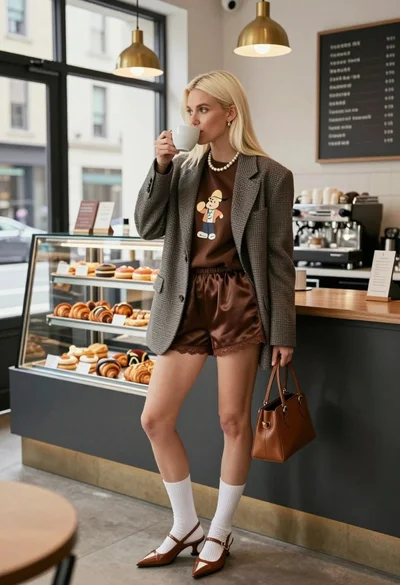
Blonde woman in houndstooth blazer at bright modern coffee shop interior
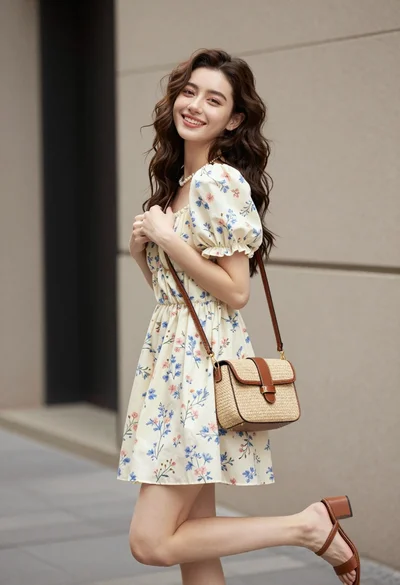
Young woman in floral mini dress standing against beige wall outdoors
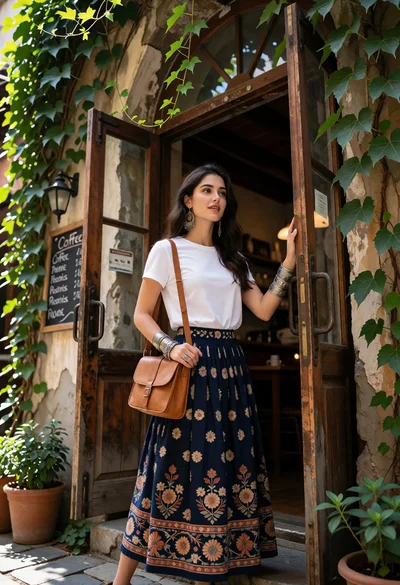
Young woman in doorway of rustic cafe framed by green ivy

Woman in gold sequin slip dress looking over shoulder in forest
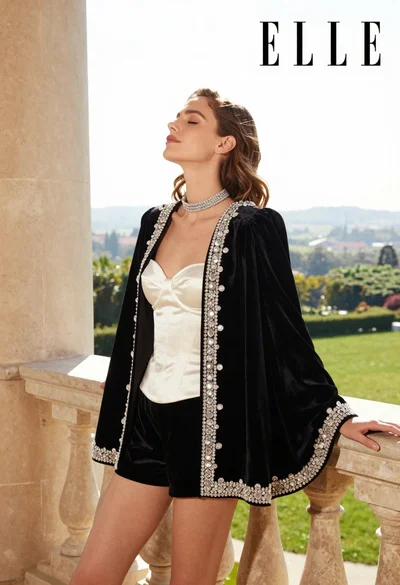
Woman in black velvet jacket on stone balcony against green hills
