
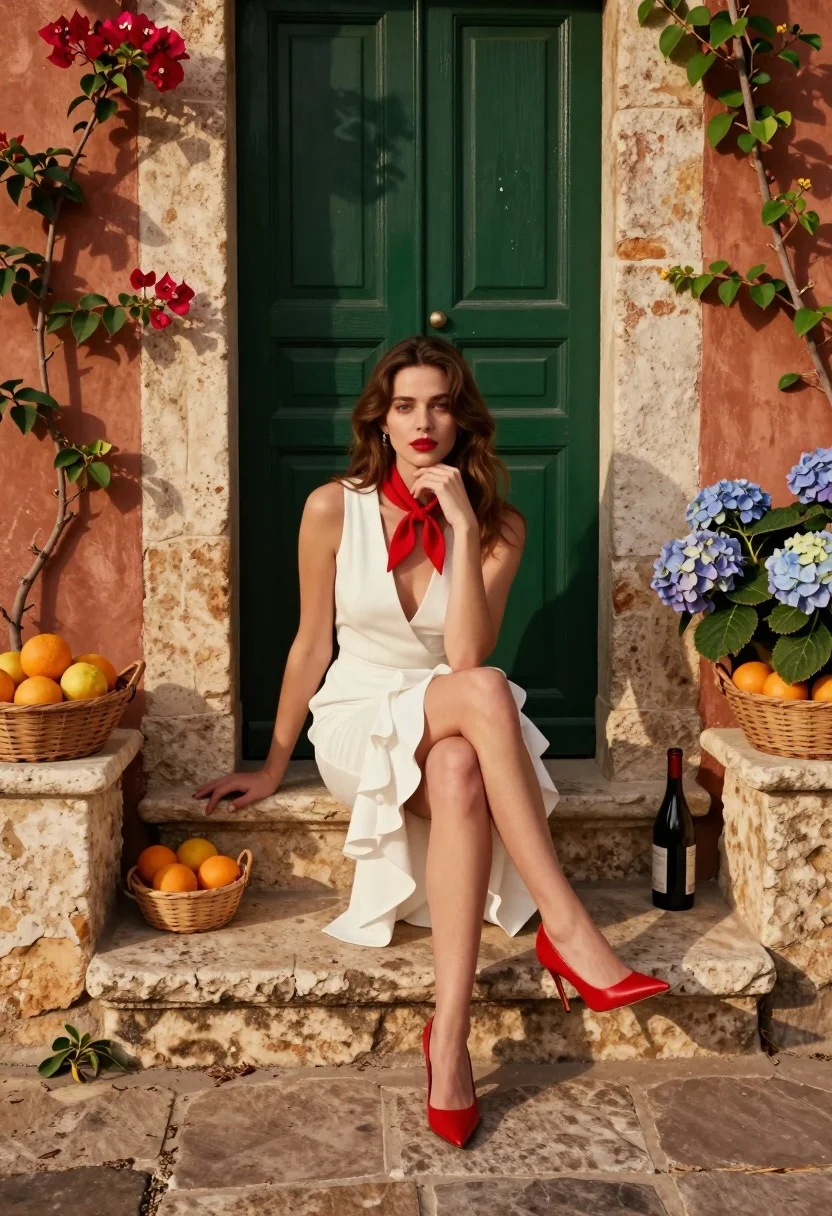
Young woman seated on stone ledge before terracotta building with green door
Prompt
A woman sits gracefully on a stone ledge in front of a rustic building with a dark green door and terracotta walls.

Subject: A young woman with long wavy brown hair, fair skin, and red lipstick, looking directly at the camera with a calm expression.

Clothing: She wears a sleeveless white dress with a deep V-neckline, a ruffled asymmetrical hem, and a red neckerchief tied around her neck. Her footwear consists of bright red high-heeled pumps.

Action: She is seated with one leg crossed over the other, her left hand resting on her chin while her right hand rests on the stone pillar beside her.

Environment: The setting features a weathered green paneled door behind her and terracotta-colored walls flanked by climbing bougainvillea and hydrangeas. Stone pillars support planters filled with baskets of oranges and a bottle of wine.

Lighting: Warm, directional sunlight casts soft shadows on the wall and floor, creating a golden-hour atmosphere that highlights the textures of the stone and fabric.

Camera: The shot is framed at eye level with a medium-full composition that captures the subject from head to toe while including the architectural details in the background.

Style Details: The image has a cinematic, high-fashion editorial quality with rich color saturation, smooth skin tones, and a polished, realistic rendering style.
Description
This prompt is useful for creating Mediterranean lifestyle editorials, fashion lookbooks featuring architectural backdrops, and character portraits needing strong environmental context. The combination of 'warm, directional sunlight' casting soft shadows enhances the visible texture on both the 'terracotta walls' and the 'stone ledge,' which grounds the subject while the 'deep V-neckline' draws focus to the face for a polished editorial impact.
Suggestions
- Change 'bougainvillea and hydrangeas' to 'wisteria vines' for a different floral feel.
- Swap 'red lipstick' for 'nude lip color' if you want a more subdued fashion look.
- Adjust 'medium-full composition' to 'full body shot' to emphasize the high-heeled pumps.
Category
Tags
Brown HairCasual WearFair SkinFemaleFull BodyMedium ShotOutdoorsRealistic
Date added
August 5, 2026
Added by
PromptDexter Team
Related Prompts
More prompts with similar categories and tags.
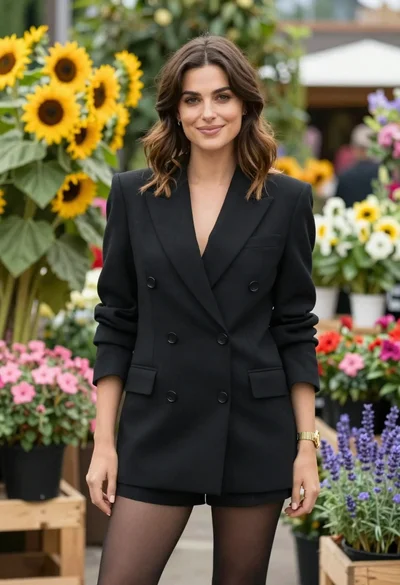
Poised woman in black blazer standing in a lush flower garden

Stylish woman in zebra print suit standing on sun dappled forest path
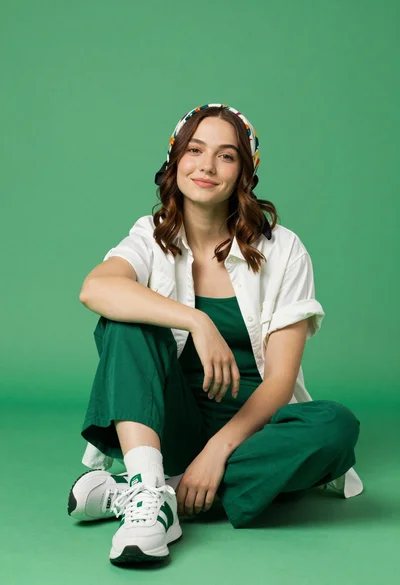
Young woman seated cross legged on solid green floor in studio setting
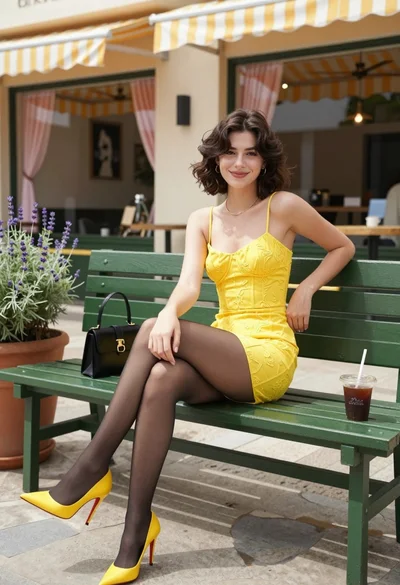
Young woman in yellow dress sitting on park bench outside cafe patio
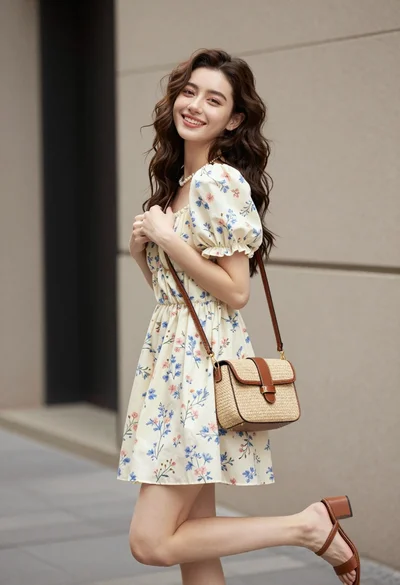
Young woman in floral mini dress standing against beige wall outdoors

Woman in gold sequin slip dress looking over shoulder in forest
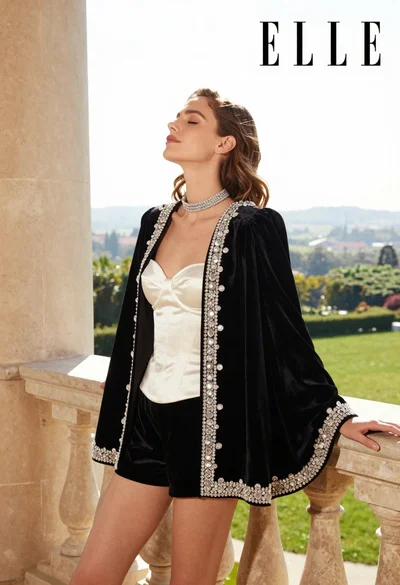
Woman in black velvet jacket on stone balcony against green hills

Woman in black dress by window overlooking ocean at golden hour
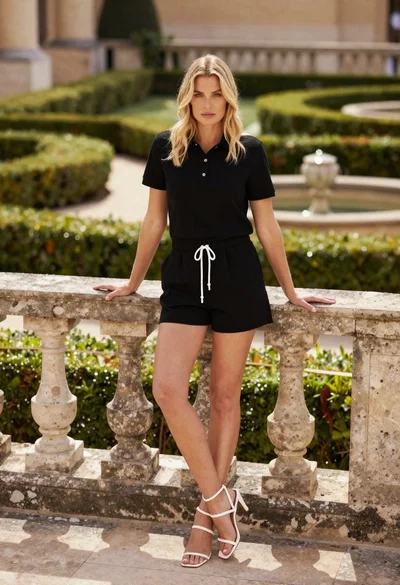
Blonde woman leaning on stone balustrade in manicured garden setting
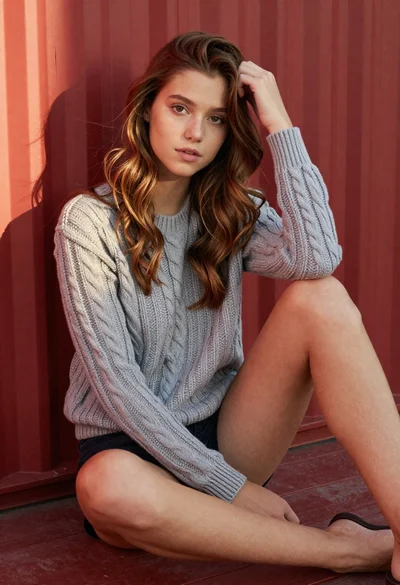
Young woman in grey knit sweater sitting against red corrugated metal wall
