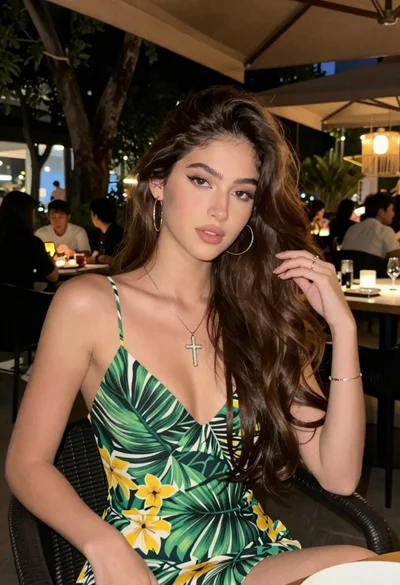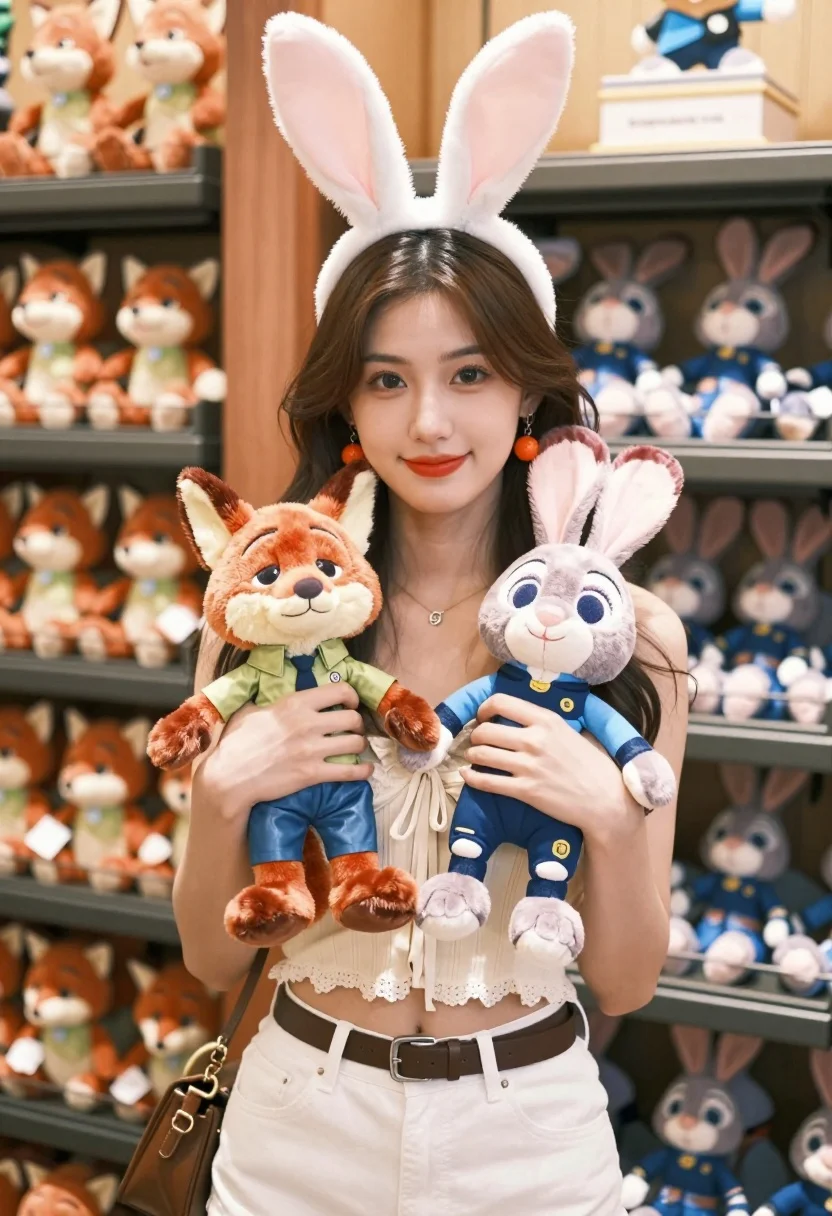
Young woman smiling with plush toys in brightly lit toy store setting
Prompt
A young woman with long wavy brown hair stands smiling gently at the camera while wearing a white bunny ear headband and holding two plush toys.

Subject: A young woman with long wavy dark brown hair parted in the middle, fair skin, and bright red lipstick. She wears large round orange earrings that match the fox plush toy she is holding.

Clothing: She wears a cream-colored lace-trimmed crop top with a tie detail at the center and white high-waisted jeans secured with a brown leather belt. A brown shoulder bag hangs on her left side.

Action: She stands facing forward with a soft smile, looking directly at the viewer. Her hands cradle two plush toys close to her chest in a gentle embrace.

Environment: The background is a brightly lit toy store or gift shop with shelves filled with colorful stuffed animals, including rows of fox and rabbit plushies matching the ones she holds.

Objects: She holds an orange fox plush wearing a green shirt and blue overalls, and a grey rabbit plush wearing a blue outfit. Both are positioned in front of her chest.

Lighting: Soft natural daylight illuminates the scene evenly, creating a warm and inviting atmosphere with gentle shadows that highlight her features and the textures of the plush toys.

Camera: Shot at eye level with a shallow depth of field that keeps the subject sharp while softly blurring the background shelves to emphasize her presence.

Style Details: The image has a clean, modern aesthetic with vibrant colors and high detail in fabric textures and fur, rendered in a realistic yet slightly stylized manner typical of high-end commercial photography.
Description
This prompt is useful for creating lifestyle product advertisements, whimsical portraiture for branding, and cheerful e-commerce catalog images. The combination of 'soft natural daylight' with a 'shallow depth of field' ensures the subject remains crisp while allowing the colorful, detailed background shelves to provide context without becoming distracting clutter.
Suggestions
- Change 'bright red lipstick' to 'nude pink lipstick' for a more subtle look.
- Swap 'cream-colored lace-trimmed crop top' for 'pastel yellow knit sweater' to change the color palette.
- Adjust 'shallow depth of field' to 'medium depth of field' if you want more background detail visible.
Category
Tags
Brown HairCasual WearFair SkinFemaleMedium ShotOutdoorsRealistic
Date added
August 5, 2026
Added by
PromptDexter Team
Related Prompts
More prompts with similar categories and tags.

Young woman in pink camisole standing in sunlit rolling hills

Blonde woman in black top on balcony overlooking beige stone street

Young woman in olive saree leaning on railing outdoors during golden hour

Young woman with dark hair at wooden table in open air setting

Young woman in patterned dress looking back over grassy hills

Blonde woman in purple polo shirt on an urban street setting

Smiling young woman in maroon top standing outdoors with blurred background
Young woman in white top smiling outdoors in a sunny park setting
Young woman adjusting brown hair outdoors near blue tiled building wall
Young woman with brown hair on a sunlit rustic porch