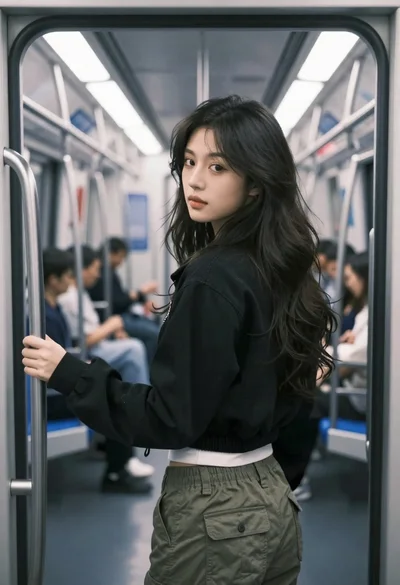
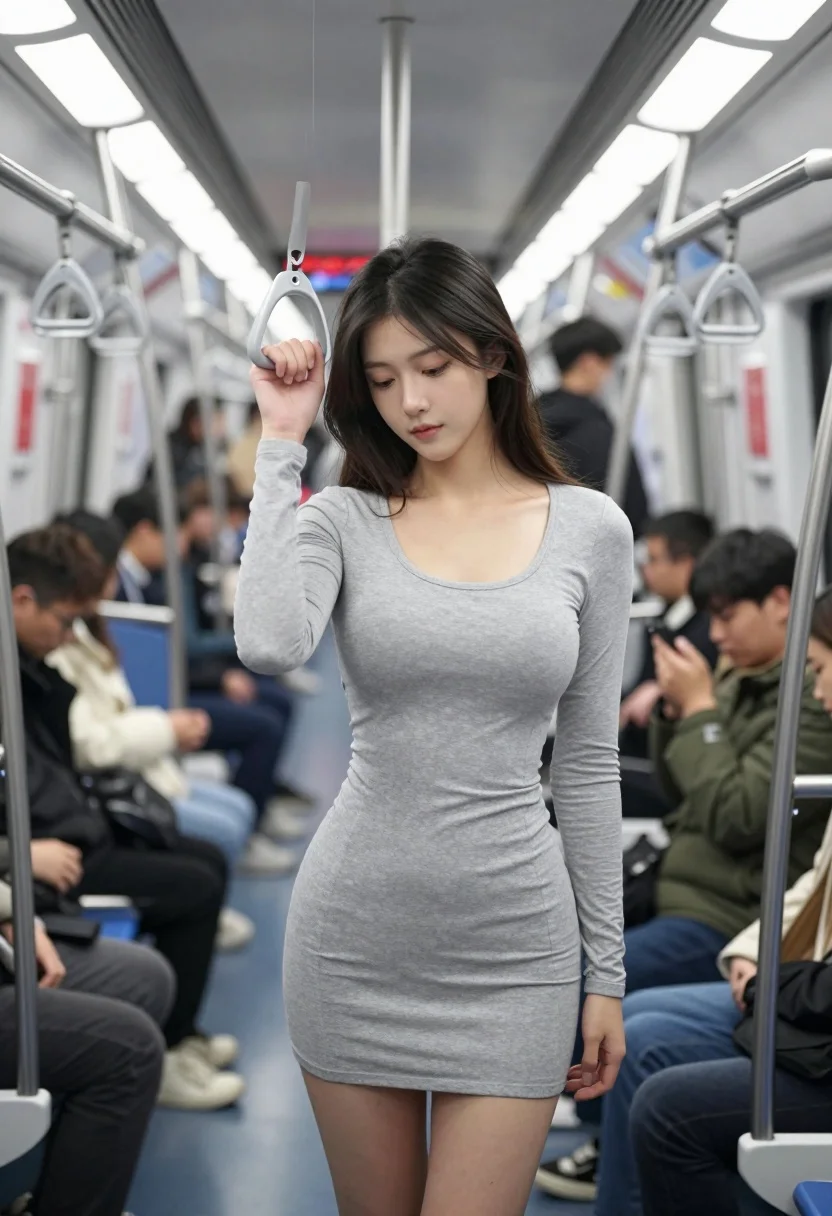
Young woman standing in crowded subway car holding handrail looking down
Prompt
A young woman stands in the center of a crowded subway car, holding onto an overhead handrail with one hand while looking downward with a calm expression.

Subject: A slender young woman with long dark hair and fair skin, wearing a tight-fitting light grey long-sleeved mini dress that reveals her legs.

Clothing: She wears a form-fitting heather grey long-sleeve bodycon dress with a scoop neckline; no other accessories are visible on her person.

Action: She stands upright holding a silver handrail with her right hand, her head tilted slightly down and eyes cast toward the floor in a contemplative pose.

Environment: The interior of a modern subway train with metallic poles, overhead rails, blue plastic seats, and blurred commuters in winter coats surrounding her.

Camera: Eye-level medium shot capturing the subject from the waist up within the narrow aisle, framed by passengers on both sides to emphasize depth and crowding.

Lighting: Bright overhead fluorescent lighting creates soft even illumination with minimal shadows, giving the scene a clean and slightly sterile atmosphere.

Style Details: Photorealistic urban snapshot with natural color grading, slight motion blur in the background suggesting movement, and a focus on the central figure amidst the crowd.
Description
This prompt is useful for creating cinematic street photography, character studies of modern isolation, and editorial pieces depicting daily commutes. The combination of 'bright overhead fluorescent lighting' with 'slight motion blur in the background' effectively isolates the subject by keeping her details sharp while suggesting the chaotic energy of the surrounding crowd without losing focus on her contemplative pose.
Suggestions
- Change 'light grey long-sleeved mini dress' to 'black leather bodycon dress' for a tougher aesthetic.
- Adjust 'blue plastic seats' to 'chrome and wood accents' for a more upscale subway feel.
- Swap 'photorealistic urban snapshot' for 'cinematic film still, 35mm' to enhance the mood.
Category
Tags
Fair SkinFemaleIndoorsMedium ShotRealisticUrban
Date added
July 12, 2026
Added by
PromptDexter Team
Related Prompts
More prompts with similar categories and tags.

Young woman in black outfit sitting inside car looking at camera
Young woman with brown hair and denim jacket inside a subway car

Fair skinned blonde woman in denim dress inside luxury car

Smiling blonde woman in black dress sitting in car back seat at
Young east asian woman winking on red motorcycle arcade game in neon
Young woman on motorcycle at night looking back over shoulder urban scene

Young woman in white top and floral skirt inside car window

Candid medium close up of young woman laughing in luxury car seat
Young woman in leather jacket leaning against black suv in mountains
Woman in pink saree standing beside a vintage car on city street