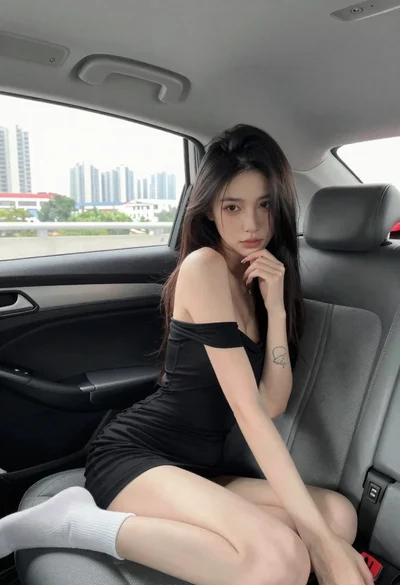
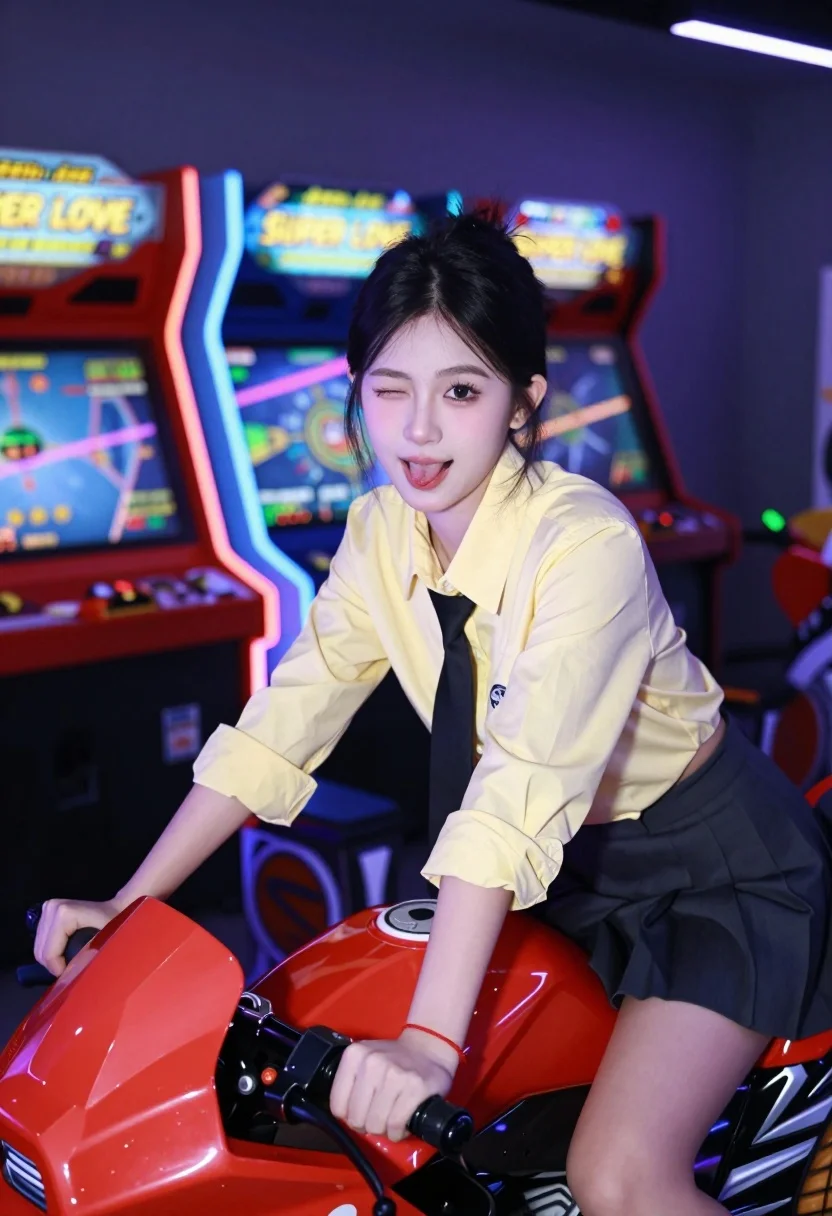
Young east asian woman winking on red motorcycle arcade game in neon
Prompt
A young woman winking playfully while seated on a red motorcycle arcade game in a dimly lit gaming center.

Subject: A young East Asian woman with dark hair pulled back, fair skin, and a playful expression featuring one eye closed in a wink and her tongue slightly sticking out.

Clothing: She wears a pale yellow button-down shirt with the sleeves rolled up to the elbows, a loose black necktie, and a dark pleated skirt. A thin red string bracelet is visible on her left wrist.

Action: The woman is leaning forward over the handlebars of the arcade machine, looking directly at the camera with a confident and flirtatious demeanor.

Environment: The setting is an indoor arcade or gaming center filled with colorful neon lights from various machines in the background.

Camera: A medium close-up shot taken from a slightly low angle to emphasize the subject against the glowing backdrop, utilizing a shallow depth of field that blurs the background arcade cabinets.

Lighting: The scene is illuminated by vibrant ambient light from the arcade screens and neon signs, casting colorful reflections on her face and clothing while maintaining soft shadows in the darker areas.
Second

Subject: None visible.

Objects: A red motorcycle-themed arcade cabinet with a digital display screen and control panel.

Text/Graphics: The words "SUPER LOVE" are clearly visible in yellow lettering on the screens of the arcade machines behind the subject.

Style Details: High-contrast photography with a cool color palette dominated by purples and blues, accented by warm skin tones and red highlights, creating a modern, energetic aesthetic.
Description
This prompt is useful for creating vibrant character portraits, cyberpunk concept art, and themed promotional imagery for gaming or nightlife venues. The combination of 'vibrant ambient light' and the 'cool color palette dominated by purples and blues' ensures that the subject pops against the busy background, while the 'shallow depth of field' isolates her playful expression from the visual clutter of the arcade cabinets.
Suggestions
- Change 'pale yellow button-down shirt' to 'oversized graphic tee' for a more streetwear feel.
- Swap 'red motorcycle arcade game' for 'chrome futuristic vehicle' to enhance the sci-fi aspect.
- Adjust 'cool color palette dominated by purples and blues' to include 'cyan and magenta accents' for stronger neon contrast.
Category
Tags
Casual WearFair SkinFemaleIndoorsLow AngleMedium ShotRealisticStreetwear
Date added
July 12, 2026
Added by
PromptDexter Team
Related Prompts
More prompts with similar categories and tags.
Young woman in black outfit sitting inside car looking at camera

Fair skinned blonde woman in denim dress inside luxury car
Young woman on motorcycle at night looking back over shoulder urban scene
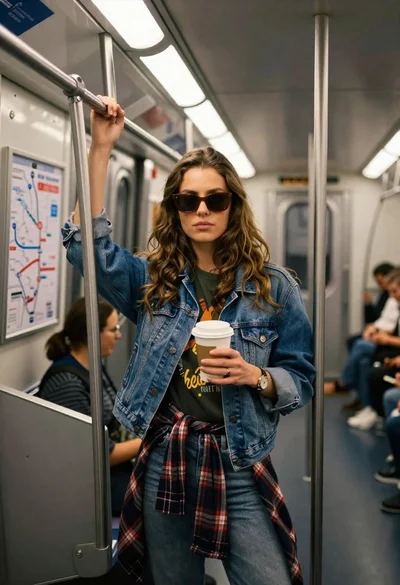
Young woman with brown hair and denim jacket inside a subway car
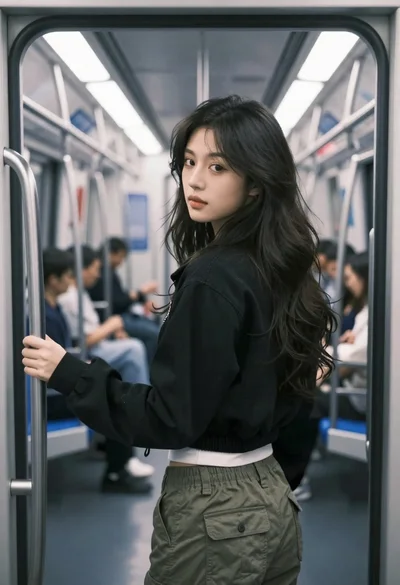
Young woman in black jacket stands inside subway car looking back over
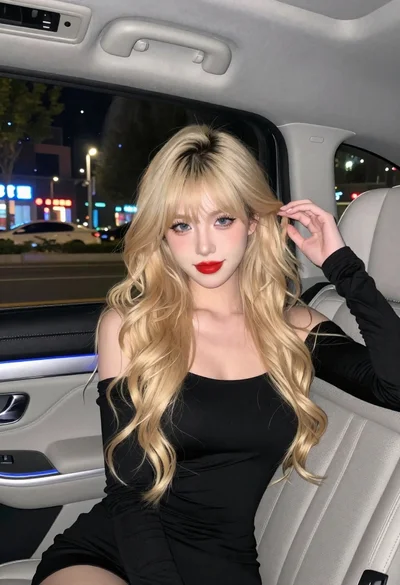
Fair skinned woman with blonde hair in luxury car interior at night

Smiling blonde woman in black dress sitting in car back seat at
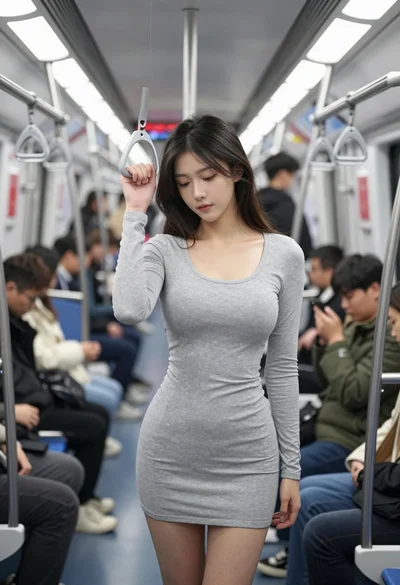
Young woman standing in crowded subway car holding handrail looking down
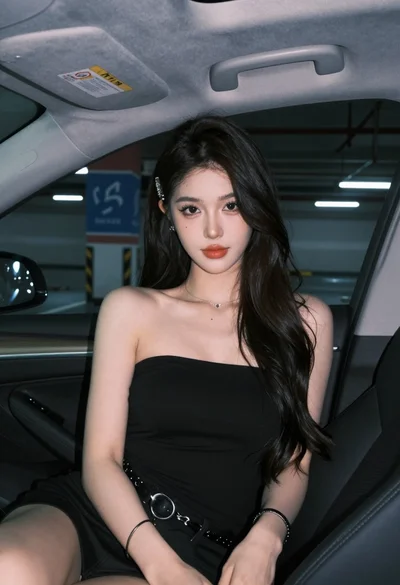
Young woman in black top sitting inside modern car looking at camera

Blonde woman at a bar counter in dimly lit pub